







No more SIM kiosks
Skip the airport queues. Install your eSIM at home, activate when you land.


Land connected. No SIM kiosk hunt, no roaming charges, no setup at the airport. One plan covers your whole trip.
 United States / Los Angeles International Airport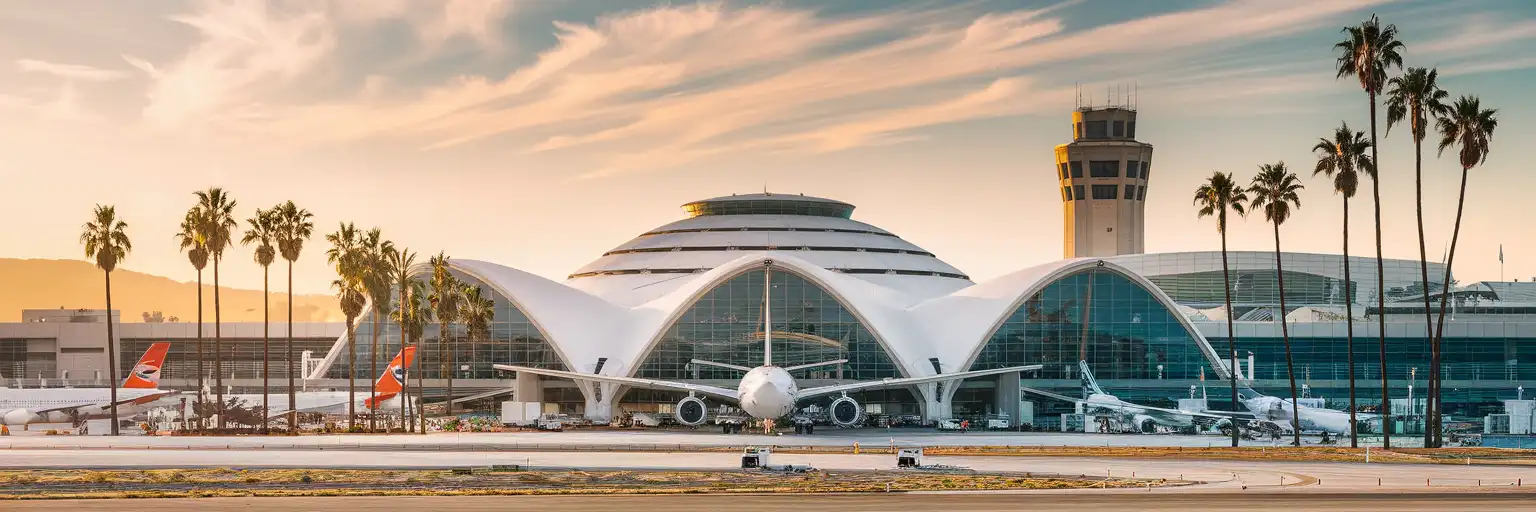
Tell us what you'll do and how long you'll be away — we'll highlight the right plan.
What will you do?

LAX's nine-terminal horseshoe plus the Tom Bradley International Terminal (TBIT) spreads across 3,500 acres—enough space to lose signal, lose patience, and lose time if you're depending on crowded airport WiFi. The free network requires registration that stalls jet-lagged arrivals, and coverage drops inside the immigration hall when you need it most. An eSIMno plan for LAX sidesteps the friction entirely: your phone grabs AT&T or Verizon the moment you switch off airplane mode, and the connection follows you from the gate to customs to the LAX-it rideshare lot.
Data tasks stack quickly after touchdown. You'll pull up the United or Delta app for last-minute gate swaps, load Google Maps to walk the connector between Terminal 4 and TBIT (about 10 minutes via the airside bridge), and message whoever's picking you up with a live ETA. At LAX-it, you'll check Uber and Lyft surge pricing before committing—the lot handles 25,000 daily pickups and wait times swing from 5 to 25 minutes depending on the hour. FlyAway bus schedules, Metro K Line connections at the Airport Metro Connector station, and rental-car shuttle tracking all need consistent data.
The coverage extends far past the airport. Same eSIM works on the 405 to Santa Monica, at Dodger Stadium on game night, through the subway tunnels downtown, and across 50 states if your trip continues to San Francisco, Vegas, or New York. One plan, one QR code, zero roaming toggles.
International arrivals clear CBP in TBIT—budget 45-90 minutes during peak banks. Domestic connections through separated terminals (e.g., Terminal 1 to Terminal 7) require exiting security, taking the LAX Shuttle A or walking the upper-level sidewalks (15-20 minutes), and re-screening via TSA. Minimum recommended connection time: 90 minutes domestic-to-domestic, 2.5-3 hours international-to-domestic.
Ground transport options fan out from the lower level. Taxis depart from marked islands outside each terminal; flat fare to Downtown LA runs around $50 plus a $4 LAX surcharge. Metro K Line access opens via a shuttle to the Airport Metro Connector station (phase-in ongoing), with single rides around $2 on a TAP card and travel time to 7th Street/Metro Center around 60-75 minutes including transfers. Rental-car shuttles loop to off-site lots until the Consolidated Rent-A-Car facility opens.
 Recommended Recommended | Local SIM / Operator | Roaming | |
|---|---|---|---|
| FEATURES | |||
| Setup time | Few minutes | Store kit, needs activation | Auto |
| No local ID needed | Online checkout | No SSN; passport at carrier stores | Use home account |
| Speed | 4G/LTE on AT&T, T-Mobile and Verizon; 5G in some areas | One carrier only | Partner-dependent |
| Travel support | English support 24/7 | English-language service | Home carrier hours |
| Keep home number | Dual SIM | Replaces it | Same number |
| Cost predictability | Fixed price | Advertised price needs Auto Pay | Bill-shock risk |
| PRICING | |||
5GB / 30 daysLight traveler | 15GB / 30 days ₺2170.69 First month without Auto Pay; 35 USD after enrolling. Taxes and fees are extra. | $12-18 / day ₺723.56 Typical daily roaming rate; varies by home carrier | |
10GB / 30 daysStandard travelerMost popular | |||
20GB / 30 daysHeavy traveler | |||
No more SIM kiosks
Skip the airport queues. Install your eSIM at home, activate when you land.

No roaming surprises
Forget the $200 phone bill three weeks after your trip. Plain pricing, no hidden fees.

Keep your home number
Dual-SIM means your physical SIM stays active for calls and texts. eSIM handles only data.

Setup in 2 minutes
Scan QR code, follow on-screen steps, you're connected. Works on any eSIM-compatible phone.


Experience seamless global connectivity with our personal eSIM service. Enjoy faster speeds, wider coverage, and the convenience of online purchasing.

Buy a Data Plan
Search for your destination and pick any data plan
Step 1
Install your eSIM
Easy installation via qr code
Step 2
Activate Your eSIM
Only active when you are ready to use data
Step 3
24/7 Customer Support
Reach our team via WhatsApp and email during business hours. Quick answers to common questions available anytime through our automated assistant.
Immediate delivery
Your eSIM arrives by email within minutes. Install it before you board your flight.
Worldwide Coverage
One eSIM, 160+ countries. Land anywhere and connect instantly — no SIM swapping, no roaming charges.
Check Compatibility
Before buying and installing an eSim, check if your phone supports one
As you feel the need to use eSIM on your phone, the first question that arises is: does your mobile support eSIMs? And do eSIM-compatible devices work in all regions worldwide?
Find helpful information to answer your questions

Refer
A FRIEND
Step into the world of E-SIM, bring your friends and benefit together!