


Review Your Cart

Your cart is empty.

You haven't added any eSIM packages yet. Start exploring our plans to get connected!

Browse our eSIM Packages
🎉 Welcome offer: 20% off with promo code FIRSTWELCOME20

Mexico Mexico   / Pyramid of the Sun

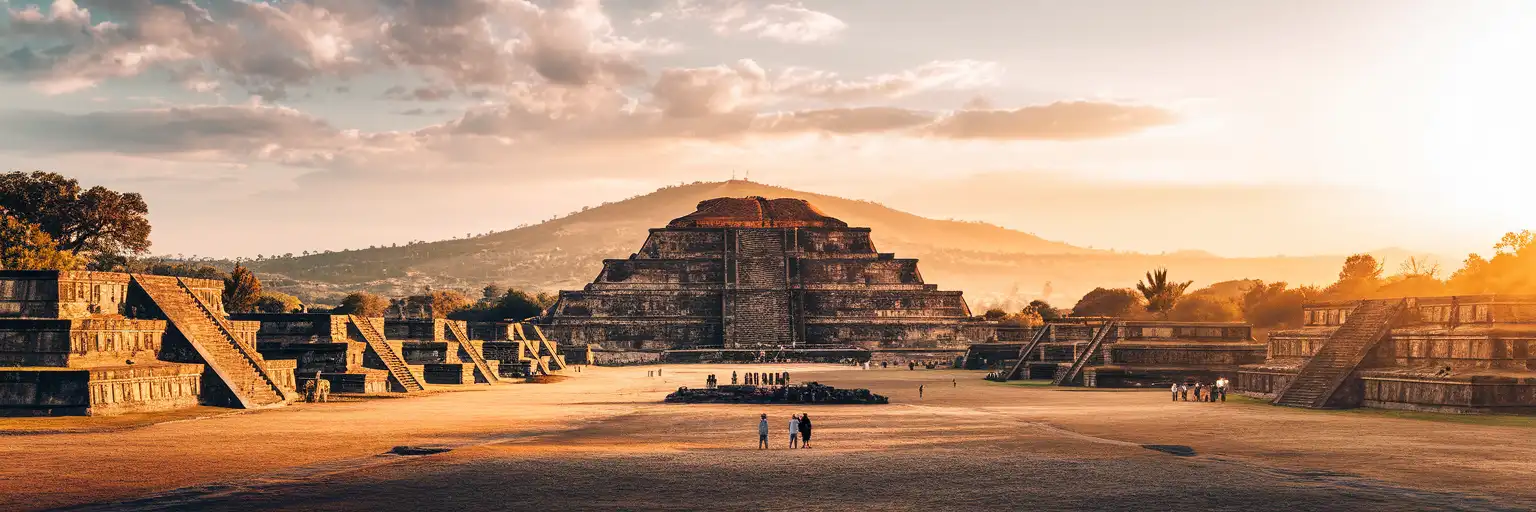
Wide exterior view of the Pyramid of the Sun at Teotihuacan near Mexico City in warm golden-hour light

Pyramid of the Sun eSIM: Mexico Data That Works Nationwide

You are out on the Teotihuacan side of Pyramid of the Sun with the sun already high, your bus back to the city still to sort, and a rideshare or navigation check waiting on your phone before you leave the archaeological zone. With eSIMno, you can install your Mexico data plan in advance, switch it on after landing in Mexico, and skip relying on patchy venue WiFi or hunting for a physical SIM before your day trip.
View Plans
GET A FULL20%OFFon your first order
Use code: FIRSTWELCOME20

Stay connected,
wherever you go

Seamless global eSIM coverage

Explore our plans below

Plan Your Trip

Tell us what you'll do and how long you'll be away — we'll highlight the right plan.

7 days
1102030

What will you do?

Tap an activity above to see which plan fits your trip

Already a customer?

EARN UP TOON EVERY FRIEND'S PURCHASE
NETWORK: AT&T & Telcel Depending on the plan you choose, you'll connect to one or more of these networks.

Quick Facts

Language
Spanish (Español)
Currency
Mexican Peso (MXN, $)
Time Zone
Central Standard Time (UTC-6)
Dialing Code
+52
Power Plug
Type A, B (flat 2-pin, common across North America)
Emergency
911 (general)
eSIMno Networks
Movistar

How to Get Your eSIM

  1. Choose Your Mexico Plan Before The Trip
    Buy your eSIM before you fly so installation is done at home, not on the bus ride to Teotihuacan or outside the Pyramid of the Sun entrance under midday sun.
  2. Install Over Stable WiFi
    Add the eSIM profile while you still have reliable WiFi and save the QR email where you can reach it quickly. That way your phone is ready for maps, ticket emails, and return transport planning the moment your Mexico data starts.
  3. Activate After You Land In Mexico
    Turn the eSIM on after landing at Mexico City International Airport or once you are settled in the city. Starting service there is cleaner than trying to do first-time setup on the road to Teotihuacan.
  4. Use Data For The Teotihuacan Transit Flow
    From Pyramid of the Sun, you will want Google Maps for the return route, bus timing from the pyramids area back toward Terminal Central del Norte, and rideshare coordination if you are returning by car instead of bus.
  5. Keep Your Home SIM For Voice, Use Data Apps For Everything Else
    Your home SIM can stay active for incoming calls with no extra setup. For outgoing calls and messages during your Teotihuacan day, use WhatsApp, FaceTime, Telegram, or another internet-based app over your eSIM data.

Traveler Tips

  • Arrive close to opening time, around 8:00-9:00, so you can cross the exposed plaza before the strongest midday heat and still have time to sort transport back to Mexico City on your phone.
  • The site is broad and sunny, so download any ticket email and meeting-point details before you leave the city; then use live data on-site for return buses, rideshare pickup, and weather checks.
  • If your group splits between the Pyramid of the Sun and the walk north toward the Pyramid of the Moon, agree on one WhatsApp chat and one pinned meeting point before you separate.
  • Bring a power bank for a 4-6 hour Teotihuacan visit. Navigation, translation, photos, and messaging across the archaeological zone drain battery faster than a short city museum stop.
  • Terminal Central del Norte is the key bus anchor for independent visitors heading back from Teotihuacan, so keep maps and bus info working until you are already on board.

Why Data Matters at Pyramid of the Sun

Pyramid of the Sun is a day-trip venue with city-scale data needs. You are not just scanning one ticket at one gate and going offline. You are moving between Mexico City, Terminal Central del Norte, the Teotihuacan archaeological zone, and then back into the capital with multiple decisions still open. That means live Google Maps, WhatsApp, translation, and browser access matter from the start of the morning until you are back in town. A paper screenshot helps for one direction; live data helps when traffic changes, your group shifts plans, or you decide to continue your day at National Museum of Anthropology or Palacio de Bellas Artes after returning.

Inside the Teotihuacan visit itself, data keeps the day flexible. You may need your booking email, a digital payment screen, cloud-stored ID copy, a weather check before crossing the exposed central avenue, or a rideshare pickup message once you leave the site perimeter. If you are meeting friends who arrived separately from Roma, Polanco, or Centro, a live chat thread saves time across a venue that stretches over long walking distances. This is exactly where eSIMno plans for Pyramid of the Sun, Mexico City, Mexico make sense: setup is done before departure, activation starts after landing, and your Mexico data keeps working beyond this single stop.

The other conversion point is national coverage. Travelers rarely visit Teotihuacan as a one-stop trip. The same data plan you buy for Pyramid of the Sun keeps working when you head back to Mexico City International Airport, move hotels near Reforma, call a car in Coyoacán, or continue onward to another Mexico destination. Buy once, use it for the venue day, and keep the rest of the country covered without swapping plastic SIMs or depending on a café connection to fix travel plans.

Visiting Pyramid of the Sun

The Pyramid of the Sun visit runs on archaeological-zone rules, not city-attraction rhythm, so a little prep prevents friction. Teotihuacan follows a daytime schedule and is closed on Mondays, which makes a same-morning check of opening status worth doing before you leave your hotel. Admission is for the archaeological zone rather than the pyramid alone, and official policies can change, so having current information on your phone matters more than relying on an old screenshot from a blog or social post.

Independent visitors from Mexico City usually reach the site by intercity bus, while tours depart from central areas such as Centro Histórico, Reforma, and Polanco. Once you are inside, the venue is fully walkable but spread out, with long open paths and little shade. Bring water, sun protection, and enough battery to last through navigation, photo uploads, and the trip back. Personal photography outdoors is part of the normal visitor flow, but drones, tripods, and commercial-style gear can trigger extra rules, so check the latest guidance before arrival.

On-Site Arrival View

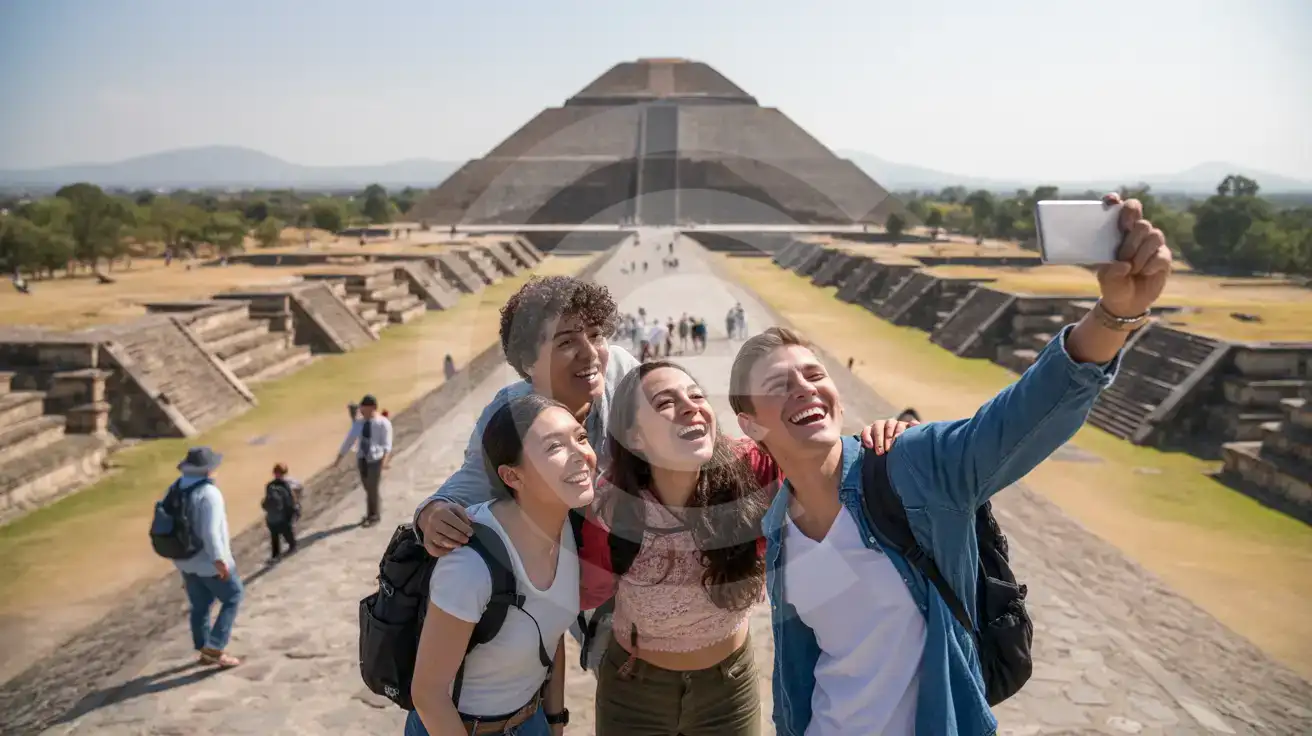
Three friends taking a selfie on the Avenue of the Dead with the Pyramid of the Sun at Teotihuacan in the background
At Pyramid of the Sun, Mexico City, Mexico, set up your eSIM before the trip so maps and return transport work all day.

Compare eSIM Options at Pyramid of the Sun

Recommended
Local SIM / Operator
Roaming
Setup timeDoes not work until registration is completeAuto
No local ID neededPassport plus a live face checkUse home account
SpeedOne network onlyPartner-dependent
Travel supportSpanish-language serviceHome carrier hours
Keep home numberReplaces itSame number
Cost predictabilityPrepaid, no bill shockBill-shock risk
Typical pricing
Telcel requires the SIM to be registered with an official ID, and the online route allows only three attempts before you have to visit a store in person.
Prepaid package on the Telcel network only.
$12-18 / day
Typical daily roaming rate; varies by home carrier

PRICING — PICK YOUR ESIMNO PLAN

Light traveler
5GB / 30d
₺1399.00
20% off with code FIRSTWELCOME20on your first order
≈ ₺1,119.20 TRY with code
Buy now
Heavy traveler
20GB / 30d
₺3099.00
20% off with code FIRSTWELCOME20on your first order
≈ ₺2,479.20 TRY with code
Buy now

Frequently Asked Questions (FAQs)

Install it before you fly, then turn it on after landing in Mexico. By the time you are heading from Mexico City toward Teotihuacan or checking the return trip from Terminal Central del Norte, your data is already working without any last-minute setup.
Yes, because the data-heavy part of this outing happens away from your hotel: bus timing, navigation across Teotihuacan, group messages from the archaeological zone, and the trip back into the city. Hotel WiFi does nothing for you once you are out by the Pyramid of the Sun for 4-6 hours.
The standard independent route is by bus from Terminal Central del Norte to Teotihuacan, with the ride taking around 60-90 minutes depending on traffic. That is why travelers want data early in the day: maps to the terminal, bus updates, and return coordination after leaving the site.
Yes. Your home SIM can remain active for incoming calls while the eSIM handles data during your Teotihuacan day trip. For outgoing calls from the Pyramid of the Sun area, use WhatsApp, FaceTime, Telegram, or another data-based calling app instead of placing native roaming calls.
That is exactly where an eSIM helps. If you leave Teotihuacan and decide to continue to Reforma, the Zócalo, or back toward the airport, you can rebook transport, open maps, and message your hotel right away. If you still need a plan, eSIMno is the simple fix before the trip starts.
GET A FULL20%OFFon your first order
Use code: FIRSTWELCOME20

Stay connected,
wherever you go

Seamless global eSIM coverage

Get Started
A visit to Pyramid of the Sun is not a "buy later" data moment. By the time you leave your hotel in Mexico City, you are already using your phone for live navigation to Terminal Central del Norte, bus departure details for Teotihuacan, ticket confirmations, translation, and group messages. Once you reach the archaeological zone, you still need data for return-trip decisions, rideshare coordination outside the site, restaurant searches, and sharing photos from one of Mexico's most recognizable landmarks. Installing your eSIM before departure means the setup work is done while you still have stable home WiFi, and activation starts after you land in Mexico. This matters even more at Teotihuacan because the visit is spread across a large open site rather than one compact indoor venue. You may move between the Pyramid of the Sun, the Avenue of the Dead, and onward toward the Pyramid of the Moon, all while checking maps, weather, meet-up messages, and transport timing back to the capital. Data keeps the day flexible. If buses fill up, if your group splits, or if you decide to continue toward or later, your phone is ready without another setup step. The bigger reason travelers buy on this page is simple: this is not a venue-only product. Your eSIM works for Pyramid of the Sun, then keeps working across the rest of Mexico. Land at Mexico City International Airport, spend two days in the capital, take the Teotihuacan day trip, and continue onward to Cancún or Tulum without swapping SIM cards. Buy once, install once, and keep your trip moving on one Mexico plan.
Back to Mexico
No more SIM kiosks

No more SIM kiosks

Skip the airport queues. Install your eSIM at home, activate when you land.

no roaming charges

No roaming surprises

Forget the $200 phone bill three weeks after your trip. Plain pricing, no hidden fees.

keep your physical sim

Keep your home number

Dual-SIM means your physical SIM stays active for calls and texts. eSIM handles only data.

easy installation

Setup in 2 minutes

Scan QR code, follow on-screen steps, you're connected. Works on any eSIM-compatible phone.

Pay SafelyVisa CardMaster CardGoogle PayPayPalApple Pay

How does eSIMNo Works?

Experience seamless global connectivity with our personal eSIM service. Enjoy faster speeds, wider coverage, and the convenience of online purchasing.

Buy a Data Plan

Buy a Data Plan

Search for your destination and pick any data plan

Step 1

Install your eSIM

Install your eSIM

Easy installation via qr code

Step 2

Activate Your eSIM

Activate Your eSIM

Only active when you are ready to use data

Step 3

Advantages

24/7 Customer Support

Reach our team via WhatsApp and email during business hours. Quick answers to common questions available anytime through our automated assistant.

Immediate delivery

Your eSIM arrives by email within minutes. Install it before you board your flight.

Worldwide Coverage

One eSIM, 160+ countries. Land anywhere and connect instantly — no SIM swapping, no roaming charges.

Check Compatibility

Check Compatibility

Before buying and installing an eSim, check if your phone supports one

Check if your phone is eSIM compatible

As you feel the need to use eSIM on your phone, the first question that arises is: does your mobile support eSIMs? And do eSIM-compatible devices work in all regions worldwide?

Some phones that support eSIM technology

  • IPhone XS and Later
  • Samsung Galaxy S20 and Later
  • Pixel 4 and Later
  • Xiaomi 12T Pro and Later
All eSIM-Compatible Phones

Frequently Asked Questions (FAQs)

Find helpful information to answer your questions

Can I install my eSIM before traveling?
Yes - setting it up before your trip is the easiest approach. Your confirmation email contains the QR code, a one-tap install link and the manual SM-DP+ / activation codes (the same options are also available via sign in > Profile > My eSIMs > Install). While on Wi-Fi at home, install it with the one-tap link on your phone, or - to use the QR - show it on another screen or a printout and scan it with the phone you are setting up (not another phone). Installing does not start your plan: the validity countdown only begins when the eSIM connects to a mobile network inside your plan's coverage area. Keep the eSIM line and its Data Roaming off until you are ready to start - if your plan covers the country you are in right now, turning the line on connects and starts the countdown immediately, even if you do not browse anything. Please note: once installed, an eSIM is considered used and is no longer eligible for a refund.
Can I use the eSIM for my smartwatch?
Some smartwatches (Apple Watch Cellular, Samsung Galaxy Watch LTE) support eSIM, but they typically require a plan from your home carrier rather than a travel eSIM. eSIMno plans are designed for phones and tablets - check device compatibility before purchase if you intend to use a wearable.
How long is the validity of the Mexico eSIM plans?
The validity of eSIM plans varies from 7 days to 90 days depending on the plan you choose. Lifetime options are also available for travelers who don't want their data to expire after a fixed period.
Can I use the eSIM right after purchase or do I need to wait?
Yes - you can install it immediately after purchase. Your order email arrives within minutes and contains the QR code, a one-tap install link and the manual codes, plus an "Install eSIM" button; you can also sign in > My eSIMs > Install any time. Installing right away does not start your plan - the validity countdown only begins when the eSIM connects to a mobile network inside your plan's coverage area. Keep the eSIM line and Data Roaming off until you are ready to start; if your plan covers the country you are in right now, turning the line on starts the countdown immediately.
Are there any hidden fees or extra charges?
No. The price you see at checkout is the total price - no activation fees, no hidden taxes, no roaming surcharges. Your data plan is fixed-price, and you'll never receive a surprise bill from your home carrier as long as you keep cellular data off on your home SIM.
When should I set up my eSIM?
A Wi-Fi connection is required to install your eSIM, so we recommend setting it up before you leave home. Activation can happen later, either right before departure or after you land at your destination - but the initial QR scan needs Wi-Fi.
Will the eSIM work on my iPad?
Yes, if your iPad model supports eSIM. iPad Pro (3rd generation and later), iPad Air (3rd generation and later), iPad mini (5th generation and later), and standard iPad (7th generation and later with cellular) all support eSIM. Installation works the same way as on iPhone.
How do I delete an eSIM I no longer need?
On iPhone: Settings > Cellular > tap the eSIM line > Remove eSIM. On Android: Settings > Network & Internet > SIMs > tap the eSIM > Erase. Deleting the eSIM frees up a profile slot. Make sure you don't need it anymore - once deleted, you can't reinstall the same profile.
Will I get notifications when my data is running low?
Yes. eSIMno sends email and push notifications when you've used 50%, 80%, and 100% of your data allowance. You can also check usage anytime in the eSIMno Center or in your phone's cellular settings to track consumption in real time.
Can I use the eSIM on more than one device?
Each eSIM profile is tied to a single device once activated. If you need data on multiple devices (e.g., phone and tablet), you can either purchase separate eSIMs for each device or use the Personal Hotspot feature on your phone to share data with other devices.
What happens if I pause my trip and return home?
Your eSIM keeps its validity period running whether you're using it or not - pausing your trip doesn't pause the timer. If you return home, the eSIM stays dormant on your device until you travel again or it expires. You can disable it in cellular settings to avoid accidental usage.
Does the eSIM work on cruise ships or airplanes?
eSIMs use ground-based cellular networks, so they don't work in flight or at sea outside coastal coverage. They activate as soon as you connect to a partner network on land. For in-flight or maritime data, you'll need the airline or ship's onboard Wi-Fi.

Use Your Free Credit

You can earn up to 15% commission from your friends' purchases with your Reference code. Plus, your friends will get $2 off their first purchase when they use your code!

FIND OUT HOW
Refer a friend

Refer

A FRIEND

Step into the world of E-SIM, bring your friends and benefit together!