

Quick Facts
- Language
- English
- Currency
- US Dollar (USD, $)
- Time Zone
- Pacific Time (UTC-8 / UTC-7)
- Dialing Code
- +1
- Power Plug
- Type A, B (flat 2-pin, common across North America)
- Emergency
- 911 (police, fire, ambulance)
- eSIMno Networks
- AT&T, Verizon Wireless
How to Get Your eSIM
- Choose Your USA Plan Before You Fly
Pick your eSIM before departure so you’re not solving connectivity on Hollywood sidewalks or after a 30 to 60 minute transfer from LAX into central Los Angeles. - Install It On Reliable WiFi
Set up the eSIM at home or at your hotel WiFi the night before your Capitol Records Building visit. That keeps the activation steps out of the middle of a busy Hollywood day. - Leave It Off Until After Landing
Keep the plan installed but inactive during the flight. Turn it on after landing, once you’re out of airplane mode, so the plan starts when you actually need US data. - Use It On The Way To Hollywood
As you ride from LAX, Union Station, or your hotel toward Vine Street, use your data for Google Maps, Uber or Lyft pickup, parking searches, and any Capitol Records Building confirmation email or QR message you need to reopen. - Keep Your Home SIM For Voice
eSIMno is data-only. Your home SIM can stay active for incoming calls with no extra setup, while WhatsApp, FaceTime, Telegram, and other internet apps use your eSIMno data for messages and outgoing internet calls.
Traveler Tips
- If you’re visiting the Capitol Records Building after 4 PM, check Uber or Lyft before you leave the sidewalk on Vine Street; Hollywood traffic can change pickup times by 10 to 15 minutes within one block.
- The Hollywood / Vine area is easy to walk in short bursts, but crossings around Hollywood Boulevard and Argyle Avenue are slower than they look on a static map. Keep Google Maps live so the next leg to the Walk of Fame or a Metro stop stays clear.
- Take a screenshot of your booking email before you head out, then keep your eSIM active for live changes like timing updates, rideshare matching, and restaurant reservations near Cahuenga Boulevard.
- If you want to pair this stop with Griffith Observatory the same day, load your route before leaving Hollywood; evening traffic on Franklin Avenue and the hill approach can add 20 minutes fast.
- For incoming calls, your home number still reaches you through your home SIM if dual-SIM is active. Use WhatsApp or FaceTime Audio over data for outgoing calls instead of placing native roaming calls.
- Bring a power bank for a half-day Hollywood plan. Between maps, camera uploads, and ride apps from Capitol Records Building to nearby stops, battery drain adds up faster than a short indoor museum visit.
Why Data Matters at Capitol Records Building
The Capitol Records Building is one of those Los Angeles stops where your visit is short, but the digital tasks around it stack up quickly. You’re rarely standing there with nothing to manage. You’re checking the exact entrance on Vine Street, opening a confirmation email, messaging the person you’re meeting, and deciding whether to walk south toward Hollywood Walk of Fame or call a car. That decision changes block by block in Hollywood. Google Maps, Uber, and Lyft all matter in real time here, especially when traffic on Hollywood Boulevard or Sunset Boulevard shifts the fastest option from a 12-minute walk to a 7-minute ride.
This is also a stop that blends into a bigger LA day rather than sitting on its own. You might come from Los Angeles International Airport, continue to Griffith Observatory, or head west for dinner after photos outside the tower. Each leg needs live data for navigation, opening-hours checks, parking payment, reservation lookups, and group messages. Public connections can exist nearby, but relying on them for a moving day plan is slow compared with opening your own connection instantly. eSIMno plans for Capitol Records Building, Los Angeles, California, United States give you that control before the day starts, not after something stops loading on the curb.
The practical advantage gets bigger if your trip keeps moving after Hollywood. A USA eSIM bought for this stop still works for a train from Union Station, a beach day in Santa Monica, or a later flight to another US city. You install once, activate after landing, and keep the same data setup through the rest of the country. For a place like Capitol Records Building, that means less time solving connectivity and more time moving through Los Angeles without interruption.
Visiting Capitol Records Building
Capitol Records Building is a quick-stop landmark for a lot of travelers, so timing matters more than duration. The area around Hollywood and Vine gets busier from late afternoon into the evening, and curb space tightens fast once dinner traffic builds. If you want cleaner exterior photos and easier pickup logistics, aim for the first part of the day or the hour just before sunset, then use live traffic and walking directions on your phone to decide whether to stay in the block or move on.
This is also a practical Hollywood location rather than a self-contained attraction campus. You’ll be managing street navigation, parking garages, café stops, and your next reservation within a few blocks. Mobile wallet payments, parking apps, and live messaging help more here than printed plans. If your itinerary changes, you can pivot fast toward Hollywood Boulevard, the Metro B Line at Hollywood/Vine station, or a rideshare pickup without backtracking. That flexibility is why travelers heading here like having data already ready on arrival instead of sorting connectivity after they reach the building.
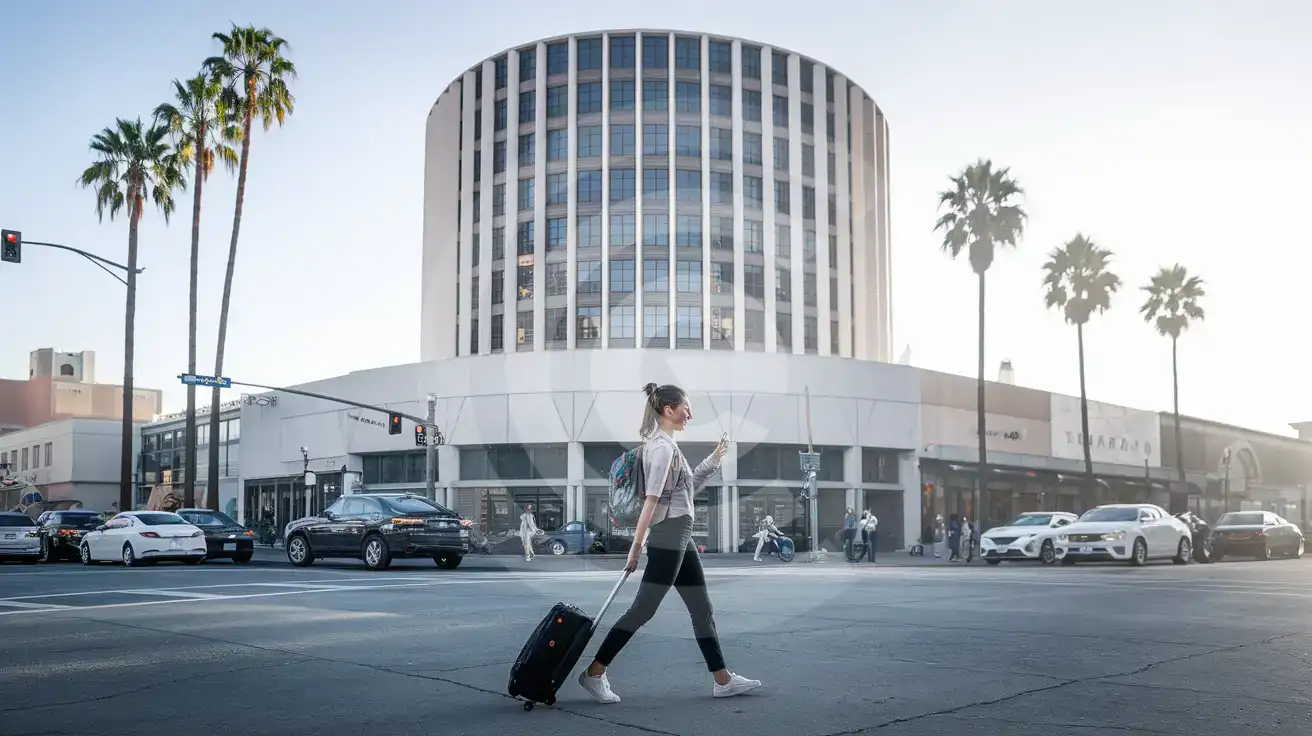
Hollywood Arrival View
Compare eSIM Options at Capitol Records Building
eSIMno | Local SIM / Operator | Roaming | |
|---|---|---|---|
| FEATURES | |||
| Setup time | Few minutes | Store kit, needs activation | Auto |
| No local ID needed | Online checkout | No SSN; passport at carrier stores | Use home account |
| Speed | 4G/LTE on AT&T, T-Mobile and Verizon; 5G in some areas | One carrier only | Partner-dependent |
| Travel support | English support 24/7 | English-language service | Home carrier hours |
| Keep home number | Dual SIM | Replaces it | Same number |
| Cost predictability | Fixed price | Advertised price needs Auto Pay | Bill-shock risk |