

Quick Facts
- Time Zone
- Eastern Time (UTC-5 / UTC-4 DST)
- Dialing Code
- +1
- Currency
- US Dollar (USD, $)
- Power Plug
- Type A, B (flat 2-pin, common across North America)
- Language
- English
- Emergency
- 911 (police, fire, ambulance)
- eSIMno Networks
- AT&T, Verizon Wireless
How to Get Your eSIM
- Pick Your USA Data Plan
Choose a plan that matches your trip length — a week in D.C. or a month-long cross-country drive. eSIMno plans work nationwide on AT&T and Verizon towers. - Install Before Your Flight
Download the eSIM profile at home over WiFi. The install takes under 2 minutes and doesn't activate data yet — you're just loading the profile onto your phone. - Board With Data Ready
Your home SIM stays active for calls and texts. The eSIMno profile sits dormant until you're ready to switch it on after landing at IAD. - Activate After Touchdown
Once the aircraft reaches the gate and the captain clears phone use, switch off airplane mode. Your eSIMno profile connects to AT&T or Verizon within seconds. - Navigate IAD Arrivals Instantly
By the time you're walking the AeroTrain platform toward the Main Terminal, your phone is pulling up Metro Silver Line schedules, rideshare pickup zones, and hotel confirmation messages.
Traveler Tips
- The AeroTrain runs every 2-4 minutes between Concourse C/D and the Main Terminal — use that ride time to confirm your rideshare pickup zone (Door 2 on Arrivals level).
- Metro Silver Line trains depart every 10-15 minutes and take 60-75 minutes to Metro Center downtown; have Google Maps loaded before you leave the terminal.
- Immigration queues at IAD run 20-45 minutes depending on arrival bank — use that time to pull up your hotel address and customs declaration form on your phone.
- Keep your home SIM active for incoming calls; use WhatsApp or FaceTime over eSIMno data for outgoing calls to avoid roaming charges.
- Concourse C/D has the strongest WiFi, but eSIM data bypasses the captive-portal registration entirely — faster and more reliable.
Why You Need an eSIM at Dulles
Washington Dulles International Airport spreads across four midfield concourses connected by underground AeroTrain tunnels, and the moment you land you need data working for three immediate tasks: checking which AeroTrain station serves your gate, confirming your rideshare or Metro pickup logistics, and messaging whoever's meeting you curbside.
The airport's free WiFi exists but requires a registration flow that frustrates jet-lagged arrivals, and coverage drops in the underground AeroTrain corridors. An eSIMno plan for Washington Dulles International Airport, Washington D.C, United States bypasses that friction — install before departure, activate after touchdown, and your phone connects to AT&T or Verizon towers before you reach baggage claim.
From the Main Terminal, the Metro Silver Line runs directly to Foggy Bottom-GWU, L'Enfant Plaza, and Metro Center in 60-75 minutes. Real-time arrival boards on Google Maps or the WMATA app beat the static monitors at the platform. Rideshare pickup sits at Door 2 on the Arrivals level, and surge pricing alerts on Uber or Lyft help you decide between waiting 10 minutes or walking to the taxi queue. Data makes every decision faster — gate changes, connection updates, group-chat logistics with whoever's picking you up at the curb.
Visiting Dulles Airport
Terminal Layout & Transit
All check-in, TSA screening, and U.S. Customs processing happen in the Main Terminal. Gates are located on four midfield concourses — A, B, C, and D — connected by the AeroTrain, which runs underground every 2-4 minutes. Walking time from the Main Terminal AeroTrain station to Concourse C/D is around 6-8 minutes including the train ride. Allow 20-30 minutes between far concourse gates.
Getting Downtown
The Metro Silver Line station sits a short covered walkway from the Main Terminal arrivals level. Trains run every 10-15 minutes, reaching Metro Center in 60-75 minutes. Rideshare pickup is at Door 2 on Arrivals; taxi queues sit curbside near Door 4. Rental car shuttles loop continuously to the consolidated facility.
Customs & Connections
International arrivals clear CBP in the Main Terminal lower level. Build at least 2 hours for international-to-domestic connections — you must collect bags, clear customs, re-check, and re-screen through TSA. Global Entry kiosks speed the CBP step significantly.
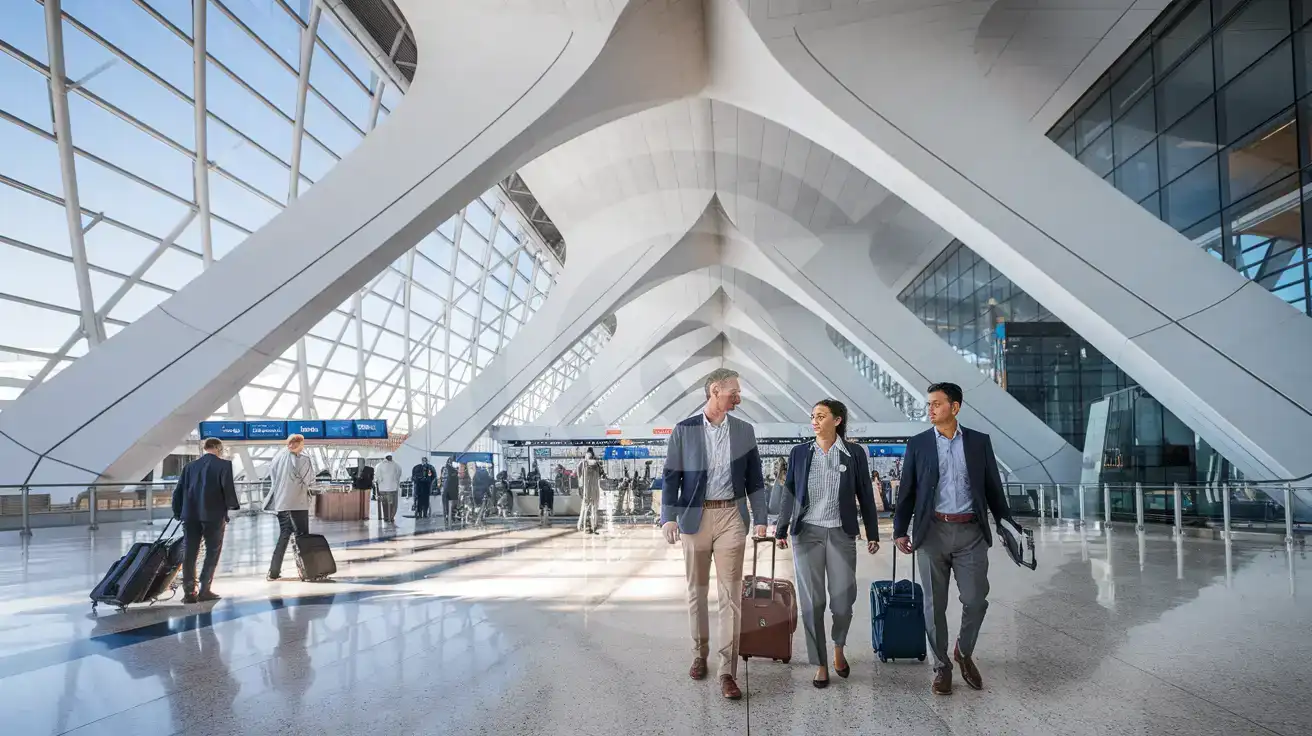
Inside the Saarinen Terminal
Compare eSIM Options at Washington Dulles International Airport
eSIMno | Local SIM / Operator | Roaming | |
|---|---|---|---|
| FEATURES | |||
| Setup time | Few minutes | Store kit, needs activation | Auto |
| No local ID needed | Online checkout | No SSN; passport at carrier stores | Use home account |
| Speed | 4G/LTE on AT&T, T-Mobile and Verizon; 5G in some areas | One carrier only | Partner-dependent |
| Travel support | English support 24/7 | English-language service | Home carrier hours |
| Keep home number | Dual SIM | Replaces it | Same number |
| Cost predictability | Fixed price | Advertised price needs Auto Pay | Bill-shock risk |