

Quick Facts
- Language
- Spanish (Español)
- Currency
- Mexican Peso (MXN, $)
- Time Zone
- Eastern Standard Time (UTC-5)
- Dialing Code
- +52
- Power Plug
- Type A, B (flat 2-pin, common across North America)
- Emergency
- 911 (general)
- eSIMno Networks
- Movistar
How to Get Your eSIM
- Choose Your Mexico Plan Before The Trip
Pick your eSIM while you still have stable home WiFi. If Tulum National Park is one stop on a Riviera Maya itinerary, buy enough data for Maps, WhatsApp, ride-booking, and photo uploads across several days, not just the park visit itself. - Install It Before You Fly To Quintana Roo
Install the eSIM QR profile before departure so there is nothing to troubleshoot after arrival. That matters if you land at Cancun International Airport and head south the same day, where your first connected task may be opening navigation for the 2-hour drive toward Tulum. - Activate After Landing
Turn the eSIM on after landing, once phone use is allowed and you are ready to connect to local data. This timing keeps activation tied to Mexico rather than your departure airport and gets your apps ready for the road to Tulum National Park. - Use Data For The Approach To The Park
From the park side of Tulum, you will use live data for Google Maps, WhatsApp messages with drivers, and saved confirmations for nearby stops such as Playa Paraíso or the adjacent archaeological area. Having data already working is faster than relying on a crowded hotspot outdoors. - Keep Your Home SIM On For Voice
eSIMno is data-only. Your home SIM can stay active for incoming calls with no extra setup, while WhatsApp, FaceTime, Telegram, and other internet-based apps run over your eSIM data for messaging and internet calls during your time in Tulum National Park.
Traveler Tips
- Arrive early in the day if you want smoother access around Tulum National Park; the heat climbs hard after 11:00, and live data helps you adjust your route, ride pickup, or lunch plans before midday.
- Bring a power bank for a 4-6 hour visit. Between Google Maps, camera use, WhatsApp location sharing, and ride-booking back toward Tulum town, battery drain is real in the sun.
- If you are visiting both Tulum National Park and Tulum Archaeological Zone on the same outing, save your confirmation emails before you set out, then use mobile data on site for navigation, messaging, and any last-minute timing changes.
- Use data-based calling apps for outgoing calls. Your home SIM stays active for incoming voice, while WhatsApp or FaceTime over your eSIM data is the cheaper option for contacting hotels, guides, or family.
- Wear reef-safe sun protection and carry water from the start of the visit. The coastal paths and open sections of Tulum National Park offer little shade, so you'll rely on your phone for route checks rather than stopping to search for WiFi.
- If your trip continues after the park, keep the same eSIM running for Playa del Carmen, beach clubs, cenote stops, and the highway back toward Cancún instead of swapping SIMs mid-journey.
Why Data Matters at Tulum National Park
Tulum National Park is not a place where you want to arrive with a half-working connection. The visit starts with logistics: opening Google Maps for the correct entrance area, checking your WhatsApp chat with a driver, confirming where to meet after the visit, and pulling up any booking tied to the park or nearby beach access. The route between the park, the beach road, and central Tulum is short in distance but fragmented in practice, and that is where live mobile data makes the day easier. A local eSIM keeps those moving parts on one screen instead of forcing you to hunt for a hotspot outdoors.
The transport side matters just as much as the visit itself. If you arrived through Cancún International Airport, the transfer south can take close to 2 hours by car depending on traffic on Highway 307, and plans shift fast once you are on the road. You'll use data to share ETA updates, compare taxi and private-transfer options, message your hotel in Aldea Zama, and open directions toward places like Playa Paraíso or the Tulum Archaeological Zone area after the park. Even a simple return to your accommodation can require live location sharing and app-based coordination, especially if your pickup point changes by a few hundred meters.
This is also why a countrywide plan matters more than a venue-only fix. eSIMno plans for Tulum National Park, Tulum, Mexico let you solve the immediate park-day tasks while keeping the same data available for the rest of Mexico. After Tulum National Park, you can keep using the plan for bus bookings, maps, restaurant reservations, translation, and internet calls in Cancún, Playa del Carmen, or anywhere else on your route. Buy it before departure, install it once, and use it from the moment your Mexico trip starts.
Visiting Tulum National Park
Tulum National Park works best when the practical details are sorted before you arrive. The site is coastal, open-air, and exposed, so visitors move between entrance points, walking paths, shaded breaks, and onward transport with their phones in hand. That means your key digital tasks are simple but important: checking current access rules, keeping your booking email easy to reach, and coordinating the next stop before you leave the park area. If your schedule includes the beach, the ruins, or lunch back in town, mobile data keeps the day flexible instead of locking you into one fixed route.
It is also worth planning for conditions on the ground. Bright sun, heat, and outdoor walking make battery management important, especially if you are using your phone for photos and navigation at the same time. Carrying a power bank and installing your eSIM before departure is the cleanest setup. Then, after landing in Mexico, you only need to switch on the eSIM and go. That removes the need to queue for a SIM counter, swap tiny plastic cards, or depend on inconsistent public internet while moving between the park and the rest of Tulum.
Connected Exploration
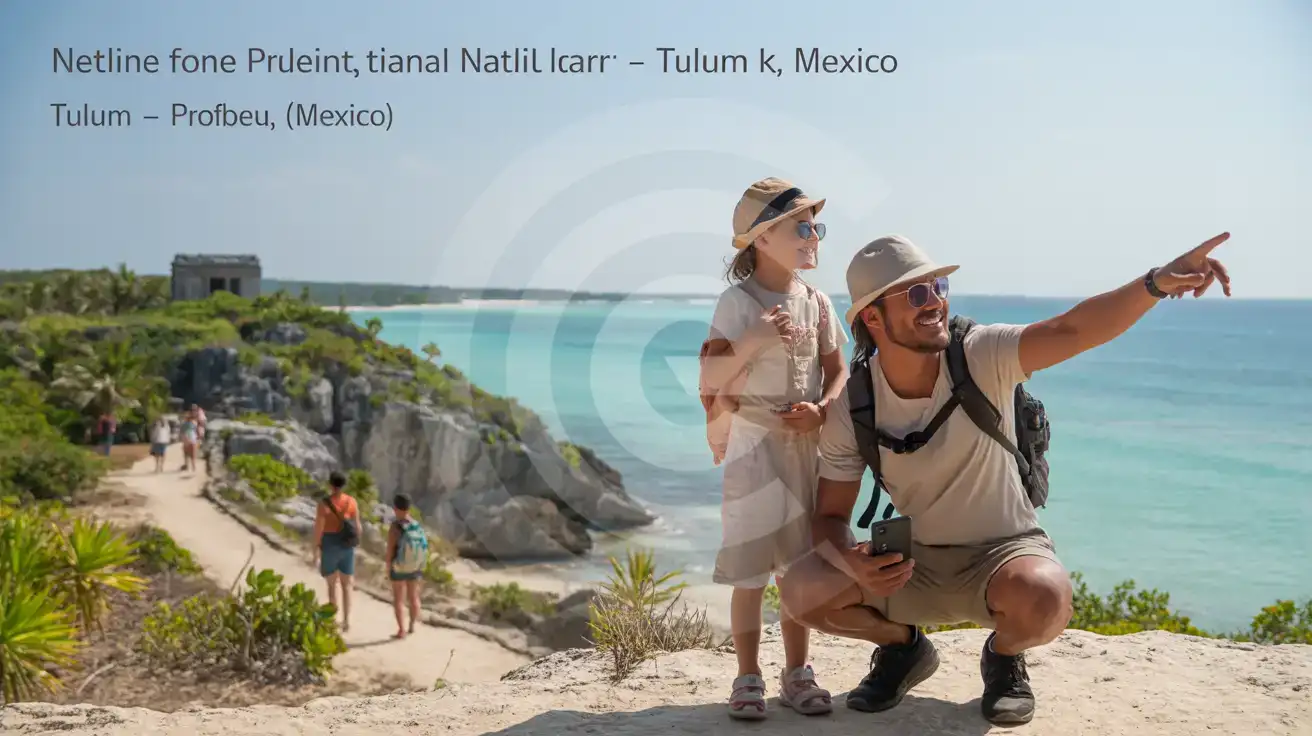
Compare eSIM Options at Tulum National Park
eSIMno | Local SIM / Operator | Roaming | |
|---|---|---|---|
| FEATURES | |||
| Setup time | Few minutes | Does not work until registration is complete | Auto |
| No local ID needed | Online checkout | Passport plus a live face check | Use home account |
| Speed | 4G/LTE on Telcel and AT&T | One network only | Partner-dependent |
| Travel support | English support 24/7 | Spanish-language service | Home carrier hours |
| Keep home number | Dual SIM | Replaces it | Same number |
| Cost predictability | Fixed price | Prepaid, no bill shock | Bill-shock risk |