

Quick Facts
- Time Zone
- Eastern Time (ET) — UTC−5 (EST) / UTC−4 (EDT)
- Dialing Code
- +1
- Currency
- Canadian Dollar (CAD, $)
- Power Plug
- Type A, B (flat 2-pin, common across North America)
- Language
- English
- Emergency
- 911 (police, fire, ambulance)
- eSIMno Networks
- Bell, Cable & Wireless, Freedom Mobile, Rogers, SaskTel, Telus
How to Get Your eSIM
- Pick Your Canada Plan
Choose a data package that matches your trip length — a long weekend in Toronto, a cross-country road trip, or a quick YYZ layover before heading to the Rockies. - Install Over Home WiFi
Scan the QR code or tap the install link while you're still at home. The eSIM profile downloads in under a minute and sits dormant until you activate it. - Board Your Flight to YYZ
Your phone travels with the eSIM already installed. No last-minute airport kiosk stop, no hunting for a SIM vendor in Terminal 1 or Terminal 3. - Activate After Landing
Once the aircraft reaches the gate and the captain clears phone use, switch off airplane mode. Your eSIM connects to Bell, Rogers, or Telus towers within seconds. - Navigate Arrivals Instantly
By the time you clear customs and reach baggage claim, your phone is pulling live directions to the UP Express platform, the LINK Train, or the rideshare pickup zone — no WiFi hunt required.
Traveler Tips
- The LINK Train connects Terminal 1 and Terminal 3 in 4-6 minutes and runs 24/7 — live departure boards load faster on cellular than on congested airport WiFi.
- UP Express trains depart Terminal 1 every 15 minutes and reach Union Station in 25 minutes; PRESTO card tap-in saves fumbling for cash at the platform kiosk.
- Rideshare pickup at Terminal 1 is Posts M and N on Arrivals Level 1 — confirm your driver's plate via the app before stepping outside.
- Keep your home SIM active for incoming calls; use WhatsApp, FaceTime, or Google Meet over your eSIMno data for outbound calls to avoid roaming charges.
- Download offline maps for Toronto before departure — subway dead-zones on the TTC Line 1 tunnel sections won't interrupt your route if the map is cached.
Why You Need an eSIM at YYZ
Toronto Pearson International Airport funnels over 45 million passengers a year through two terminals, and the arrival flow moves fast once you clear the Primary Inspection Line. Your phone becomes essential immediately: confirming which baggage carousel matches your flight, messaging the group picking you up, checking whether your connecting gate in Terminal 3 has moved. Airport WiFi exists but the captive-portal registration adds friction right when you need speed — an eSIM bypasses all of that.
The transit path out of YYZ splits several ways. UP Express from Terminal 1 reaches Union Station in 25 minutes; TTC Route 900 connects Kipling Subway Station to the airport in 20-30 minutes. Both require real-time schedule checks that load instantly on cellular. If you're grabbing a taxi or Uber, the pickup posts are spread across Arrivals Level 1 — Posts M and N for rideshare at Terminal 1, Posts 27-29 at Terminal 3. Live driver updates and plate confirmations depend on data, not on hoping the airport WiFi reaches the curb.
Beyond the airport, eSIMno plans for Toronto Pearson International Airport keep working across the entire country. Day-trip to Niagara Falls and your data stays live. Fly onward to Vancouver or Montreal and the same plan covers you. One install before departure, one activation after landing, nationwide reach from that point forward.
Visiting Toronto Pearson
Pearson operates two passenger terminals. Terminal 1 handles Air Canada, Star Alliance partners, Emirates, Qatar Airways, and most Gulf carriers — gates use D (domestic), E (U.S. preclearance), and F (international) prefixes. Terminal 3 serves WestJet, Porter, Delta, American, British Airways, and most oneworld / SkyTeam carriers across gates A, B, and C. Transferring between terminals requires the LINK Train (free, 4-6 minutes) plus re-clearing security — allow 60-90 minutes for international-to-international connections.
U.S.-bound passengers benefit from CBP preclearance in Terminal 1 Pier E or Terminal 3 Pier B: clear U.S. immigration before boarding and arrive at U.S. airports as domestic travelers. Plan at least 2-3 hours for international-to-U.S. connections during peak periods. Late-night arrivals after 1:00 AM will find the UP Express paused until 5:30 AM — the TTC 300 blue-night bus or rideshare are the alternatives until trains resume.
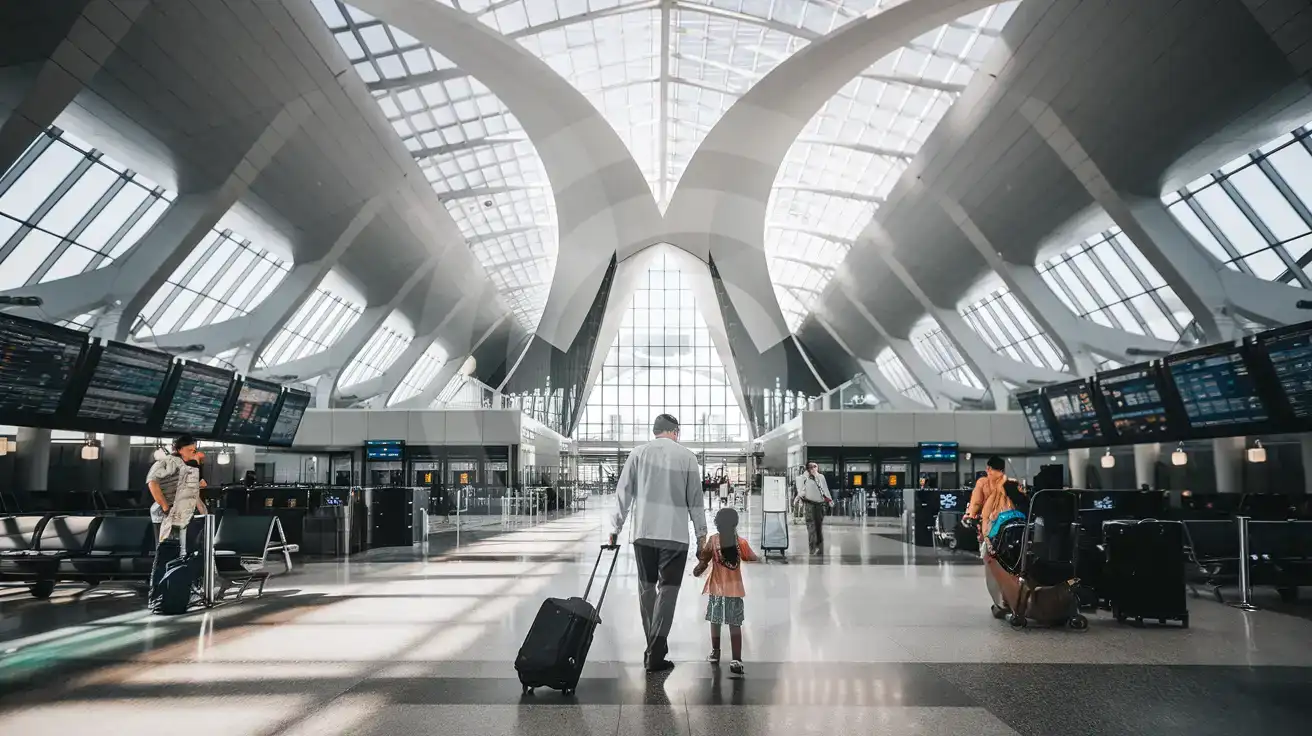
Inside Terminal 1
Compare eSIM Options at Toronto Pearson International Airport
eSIMno | Local SIM / Operator | Roaming | |
|---|---|---|---|
| FEATURES | |||
| Setup time | Few minutes | Store visit + paperwork | Auto |
| No local ID needed | Online checkout | Local ID required | Use home account |
| Speed | 4G/LTE; 5G in some areas | Carrier-grade | Partner-dependent |
| Travel support | English support 24/7 | Operator shops and call centre | Home carrier hours |
| Keep home number | Dual SIM | Replaces it | Same number |
| Cost predictability | Fixed price | Bills can spike | Bill-shock risk |