

Quick Facts
- Time Zone
- Eastern Time (ET / UTC-5, UTC-4 DST)
- Dialing Code
- +1
- Currency
- US Dollar (USD, $)
- Power Plug
- Type A, B (flat 2-pin, common across North America)
- Language
- English
- Emergency
- 911 (police, fire, ambulance)
- eSIMno Networks
- AT&T, Verizon Wireless
How to Get Your eSIM
- Pick Your USA Data Plan
Choose from 1GB to unlimited options based on your trip length. A week exploring Midtown, catching shows, and day-tripping typically needs 3-5GB. - Install at Home Before Your Flight
Download the eSIM profile over your home WiFi. The whole process takes 2-3 minutes and works on iPhone XS or newer and most recent Android devices. - Board Your Flight With Data Ready
Your eSIM sits dormant during the flight. No action needed until you land — just keep airplane mode on as usual. - Activate After Touchdown
Once your plane reaches the gate at JFK, Newark, or LaGuardia, switch off airplane mode. Your phone connects to AT&T or Verizon within seconds. - Walk Into Times Square Connected
By the time you're on the E train from JFK or the AirTrain from Newark, your maps, rideshare apps, and Broadway confirmation emails all work seamlessly.
Traveler Tips
- The TKTS booth at Duffy Square (47th & Broadway) sells same-day Broadway tickets at 20-50% off — check the TodayTix app for real-time line estimates before walking over.
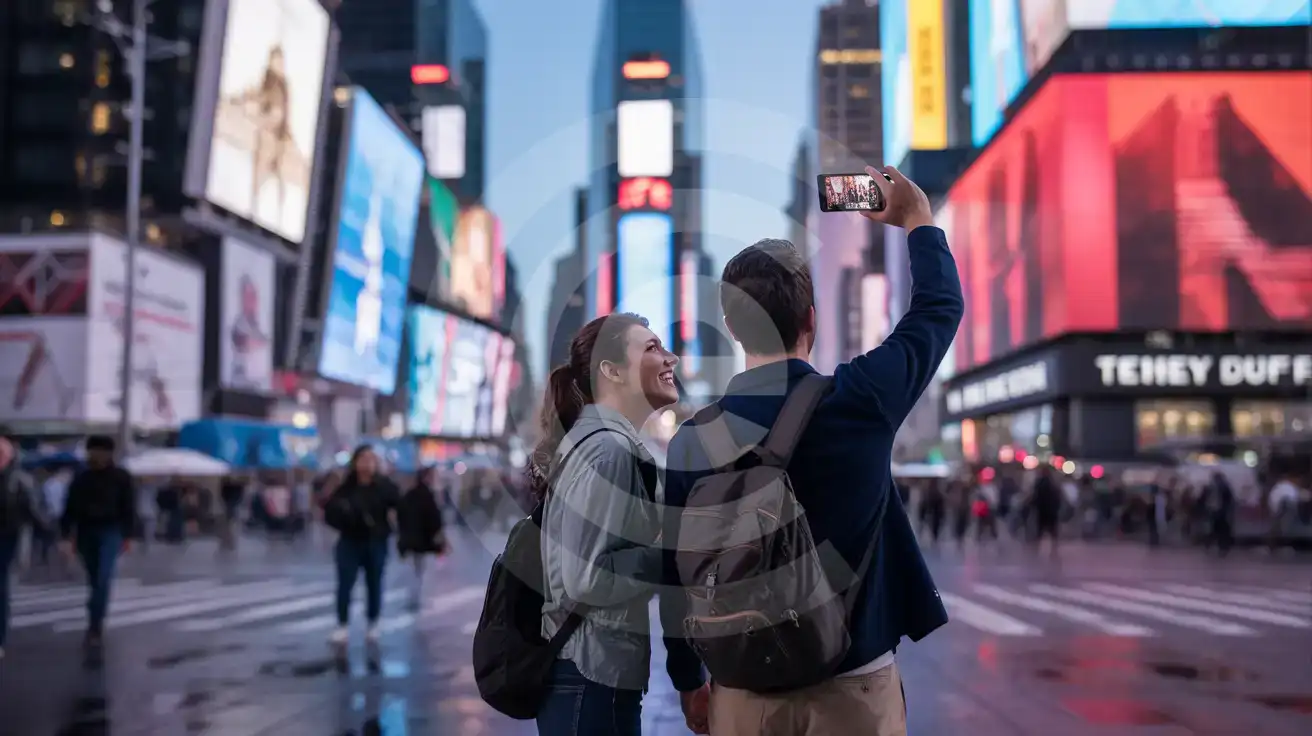
- Times Square pedestrian plazas stay open 24/7, but the visual spectacle peaks after sunset when the billboards hit full brightness against the darkened sky.
- Keep your home SIM active for incoming calls — it stays dormant for voice while your eSIMno handles all data. Outgoing calls work best over WhatsApp or FaceTime using your data plan.
- December draws the heaviest crowds for holiday displays and the New Year's Eve ball drop. NYPD barricades the area by early afternoon on December 31 — plan accordingly.
- Subway lines 1, 2, 3, 7, N, Q, R, W, and S all stop at Times Square-42nd Street. Real-time arrival boards inside the station sync with the MTA app on your phone.
Why Data Matters at Times Square
Times Square concentrates more simultaneous smartphone users per square meter than almost anywhere else in New York City. The public WiFi networks scattered across the pedestrian plazas throttle under load, especially during the 5-8 PM theater rush when tourists check TKTS wait times, pull up TodayTix reservations, and coordinate rideshare pickups along 42nd Street. An eSIMno plan for Times Square bypasses the congestion entirely — your phone talks directly to AT&T or Verizon macro towers instead of fighting for bandwidth on a shared hotspot.
Broadway logistics run through your phone. The Telecharge and Ticketmaster apps hold your QR tickets for shows at the Majestic, New Amsterdam, and Lyceum theaters. Intermission texts to friends waiting at Joe Allen on 46th Street or dinner reservations on Resy for Sardi's all need live data. The alternative — hunting for a restaurant's WiFi password while the second act begins — isn't worth the stress.
Transit From Times Square
The Times Square-42nd Street complex connects eight subway lines across multiple platforms. The 1/2/3 runs north toward Central Park and south to Penn Station in 3 minutes. The 7 train heads east to Grand Central in 4 minutes, connecting onward to Metro-North for day trips to the Hudson Valley. The N/Q/R/W lines serve Midtown East and Brooklyn. Real-time arrival data through the MTA app or Citymapper beats staring at a static schedule, especially when you're racing to catch a curtain.
After the Show
Post-theater Uber and Lyft surge pricing spikes hard between 10:30 and 11:15 PM along 44th and 45th Streets. Checking the app's heat map before you exit the theater lets you walk two blocks toward Eighth Avenue where pickup zones clear faster. Without data, you're guessing — or paying the peak rate.
Visiting Times Square
Times Square occupies the blocks between West 42nd and West 47th Streets where Broadway crosses Seventh Avenue. The pedestrian plazas created during the 2009 redesign stay open around the clock — there's no gate, no ticket, no closing time. Individual attractions inside the square (Madame Tussauds, Ripley's Believe It or Not, Gulliver's Gate) charge separate admission and keep their own hours, generally 10 AM to 10 PM.
Peak Crowds and Quieter Windows
The lightest foot traffic hits before 9 AM when only commuters cut through. After 6 PM the plazas fill with theater-goers and the full billboard display comes alive. Saturday evenings from 7-11 PM draw the densest crowds of the week. December holiday weeks and New Year's Eve require patience — or a willingness to view from a distance along Eighth Avenue.
Dress and Security
No dress code applies to the public plazas. Costumed performers (Elmo, Spider-Man, the Naked Cowboy) expect tips for photos — $2-5 is standard. NYPD maintains a visible presence, and vehicle barriers protect the pedestrian zones. Tripods and professional camera rigs may require permits for commercial shoots but casual photography is unrestricted.
Broadway Lights and Broadway Data
Compare eSIM Options at Times Square
eSIMno | Local SIM / Operator | Roaming | |
|---|---|---|---|
| FEATURES | |||
| Setup time | Few minutes | Store kit, needs activation | Auto |
| No local ID needed | Online checkout | No SSN; passport at carrier stores | Use home account |
| Speed | 4G/LTE on AT&T, T-Mobile and Verizon; 5G in some areas | One carrier only | Partner-dependent |
| Travel support | English support 24/7 | English-language service | Home carrier hours |
| Keep home number | Dual SIM | Replaces it | Same number |
| Cost predictability | Fixed price | Advertised price needs Auto Pay | Bill-shock risk |