

Quick Facts
- Language
- English
- Currency
- US Dollar (USD, $)
- Time Zone
- Pacific Time (UTC-8 / UTC-7)
- Dialing Code
- +1
- Power Plug
- Type A, B (flat 2-pin, common across North America)
- Emergency
- 911 (police, fire, ambulance)
- eSIMno Networks
- AT&T, Verizon Wireless
How to Get Your eSIM
- Choose Your US Plan Before The Trip
Pick your eSIM while planning your Seattle stop so you are not solving data at Sea-Tac, in the taxi line, or halfway to the waterfront with ferry times already counting down. - Install It Over Home Wi-Fi
Add the eSIM profile before you fly, save the QR details, and keep it ready on your phone. That way your setup is done before you need directions to Alaskan Way, Pier 55, or the ferry side of the waterfront. - Activate After Landing
Turn the eSIM on after landing in Seattle, once phone use is allowed and you are back on the ground. Your plan connects as you head into the city, so maps and messages are ready before you reach the waterfront crowds. - Use Data For The First Decisions
From the waterfront, travelers immediately need Google Maps, Uber or Lyft, Washington State Ferries updates, and ticket emails for nearby stops like the aquarium or harbor cruises. An active eSIM means those tools load without delay. - Keep Your Home SIM For Voice
Your home SIM can stay active for incoming calls with no extra setup. Use your eSIM data for WhatsApp, FaceTime, Telegram, and other internet-based calling while you explore the Seattle Waterfront and beyond.
Traveler Tips
- If you are connecting from Sea-Tac to the waterfront by Link Light Rail, aim for Westlake Station first, then finish the last 1 mile by rideshare, taxi, or downhill walk with live navigation on your phone.
- The Seattle Waterfront gets busiest from about 11 AM to 4 PM around the Seattle Great Wheel, the aquarium zone, and ferry departures, so load ticket emails and meeting messages before you step onto the promenade.
- Keep screenshots of booking confirmations, but do not rely on screenshots alone; rideshare pickup changes along Alaskan Way and ferry status updates need live data, not static images.
- If rain rolls in off Elliott Bay, indoor stops like the aquarium, cafés, and hotel lobbies fill fast. Having your own data lets you keep booking, messaging, and routing without waiting for shared Wi-Fi.
- For incoming calls, leave your home SIM active for voice and use data apps for outbound calls. That setup works well when your group splits between Pier 57, Pike Place Market, and the ferry terminal area.
Why Data Matters at Seattle Waterfront
The Seattle Waterfront looks simple on a map, but in practice it is a chain of moving parts: ferry departures, ride pickups, timed tickets, changing meet-up points, and a lot of vertical navigation between the piers and the downtown grid. If you are walking between the Washington State Ferries ferry side, the Seattle Aquarium, and the Seattle Great Wheel, your phone is doing real work the whole time. Google Maps helps with elevators and stairs between Alaskan Way and Pike Place, Uber and Lyft matter when weather turns or legs give out, and ticket emails or QR confirmations need to load on the spot instead of three blocks later.
That is where eSIMno plans for Seattle Waterfront, Seattle, Washington, United States make the visit smoother. You can land, activate, and move straight into the city with data ready for transit, reservations, and group coordination. If your day starts at the waterfront and continues to Pike Place Market, Pioneer Square, or a hotel uptown, you are still on the same US plan without swapping cards or hunting for a store. This page is built for travelers with purchase intent: you already know you need data, and the practical win is having it ready before the waterfront asks for it.
Visiting Seattle Waterfront
The Seattle Waterfront is not a single gate-and-go attraction; it is a long public zone with separate venues, piers, and boarding points. That matters because your phone becomes the control panel for the day. Harbor cruise operators use mobile confirmations, restaurants along the promenade rely on live reservation systems, and walking routes change with construction staging and event setups on the waterfront corridor.
For a cleaner visit, arrive with your main bookings already organized in one email folder and your battery above 50 percent. If you are meeting a tour or boarding a boat, give yourself a 15 to 20 minute buffer because groups gather at different points along the piers rather than one central entrance. The same goes for rideshare pickups: traffic patterns along Alaskan Way can shift, so drivers may pin a nearby side street instead of the exact waterfront address. Having working data lets you adjust in real time instead of backtracking. If your waterfront stop is just one part of a larger Seattle day, buy the plan before travel and let it keep working after the piers, whether you head to Capitol Hill, the stadium district, or out toward another city in the United States.
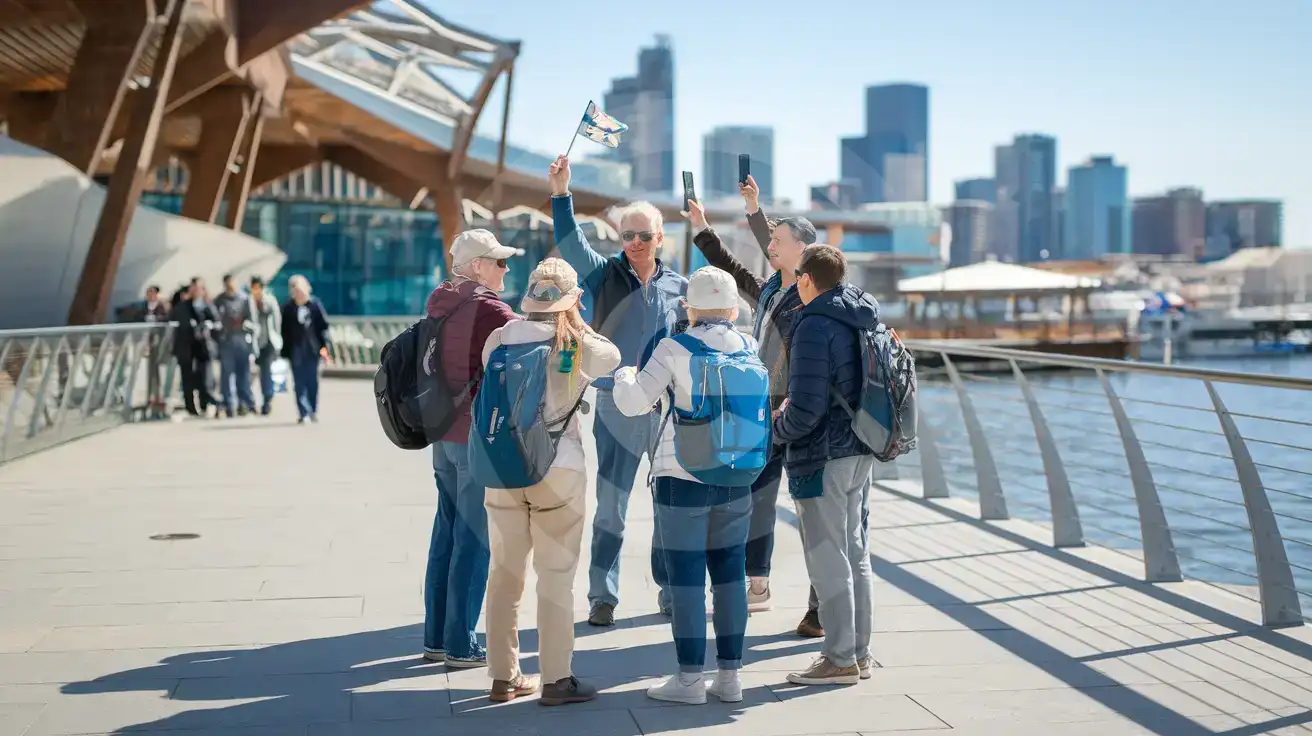
Waterfront Tour Moment
Compare eSIM Options at Seattle Waterfront
eSIMno | Local SIM / Operator | Roaming | |
|---|---|---|---|
| FEATURES | |||
| Setup time | Few minutes | Store kit, needs activation | Auto |
| No local ID needed | Online checkout | No SSN; passport at carrier stores | Use home account |
| Speed | 4G/LTE on AT&T, T-Mobile and Verizon; 5G in some areas | One carrier only | Partner-dependent |
| Travel support | English support 24/7 | English-language service | Home carrier hours |
| Keep home number | Dual SIM | Replaces it | Same number |
| Cost predictability | Fixed price | Advertised price needs Auto Pay | Bill-shock risk |