

Quick Facts
- Time Zone
- Pacific Time (UTC-8 / UTC-7 DST)
- Dialing Code
- +1
- Currency
- US Dollar (USD, $)
- Power Plug
- Type A, B (flat 2-pin, common across North America)
- Language
- English
- Emergency
- 911 (police, fire, ambulance)
- eSIMno Networks
- AT&T, Verizon Wireless
How to Get Your eSIM
- Choose Your USA Data Plan
Pick the data allowance that matches your trip length — 3GB for a quick Bay Area conference, 10GB+ for multi-city travel with video calls and navigation running daily. - Install at Home Over WiFi
Scan the QR code from your confirmation email while still on your home network. The profile downloads in under 2 minutes and sits dormant until you activate it. - Board Your Flight to SFO
Your eSIM travels with you as a software profile — no physical card to lose, no tray tool to dig out of your carry-on mid-flight. - Activate After Landing
Once the aircraft reaches the gate at SFO, switch off airplane mode and enable the eSIM line. AT&T or Verizon signal locks within 30 seconds. - Skip the Kiosk, Head to BART
Walk past the SIM vendors near International Arrivals. Your phone already has data — pull up BART schedules, message your hotel, and request your rideshare from Level 5 of the garage.
Traveler Tips
- BART runs from the SFO station inside the International Terminal to Powell Street (Union Square) in about 30 minutes — trains depart every 15-20 minutes during peak hours, and real-time delays load instantly with working data.
- Rideshare pickup is on Level 5 of the Domestic Garage (Terminals 1-3) or International Garages A and G — the walking path takes 5-8 minutes from baggage claim, and surge pricing visibility on your app saves money during morning rush.
- Keep your home SIM active for incoming calls — it stays on voice automatically in dual-SIM mode while your eSIMno line handles all data tasks.
- The AirTrain people mover connects all four terminals and the Rental Car Center free of charge, running 24 hours — Google Maps transit directions update in real time once your eSIM is active.
- SFO's marine-layer fog from May through August can cause arrival delays — live flight-status apps and gate-change alerts require data the moment you land, not after a 20-minute kiosk queue.
Why You Need an eSIM at SFO
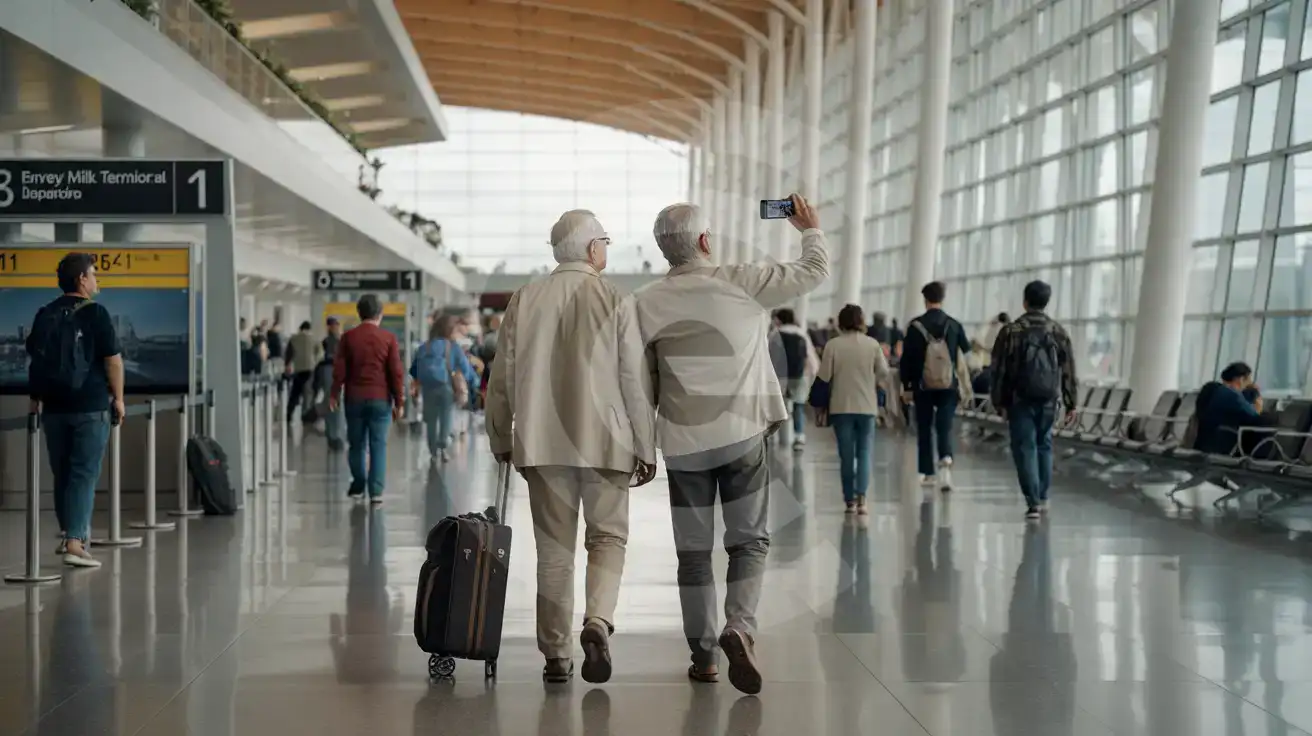
San Francisco International Airport sprawls across four terminals and seven boarding areas, and the moment you clear customs at the International Terminal, your phone becomes your entire travel command center. BART schedules to Embarcadero, Uber surge alerts for the Level 5 pickup zone, hotel confirmation emails, and group chats with the team meeting you downtown — all fire simultaneously the second airplane mode switches off. Terminal WiFi exists but slows under peak-hour congestion, and the SIM kiosk queue near Boarding Area G can stretch 20-30 minutes when multiple international flights land together.
The data tasks start before you even reach baggage claim. Gate changes push to your phone if your connecting United flight shuffles from Terminal 3 to the International Terminal. The AirTrain schedule to the Rental Car Center updates live. Currency converter apps calculate tip percentages at Napa Farms Market while you grab coffee. Google Translate helps if you're coordinating with a non-English-speaking driver. None of this waits for you to find a working WiFi node and accept a captive-portal signup.
eSIMno plans for San Francisco International Airport connect through AT&T and Verizon — the same networks blanketing the terminal concourses, the BART tunnel to Millbrae, and the entire Bay Area beyond. Install the profile at home, activate after touchdown, and your SFO arrival starts with data already flowing instead of a queue.
Getting From SFO to San Francisco
The SFO BART station sits inside the International Terminal, reachable directly from Boarding Area G or via the free AirTrain Red Line from Terminals 1, 2, and 3. Trains run approximately 5:00 a.m. to midnight on weekdays with reduced weekend hours, reaching downtown stations like Powell Street and Montgomery in about 30 minutes. The AirTrain Blue Line connects to the Rental Car Center and the Millbrae Transit Center for Caltrain connections southbound toward San Jose.
Rideshare and Taxi
Uber and Lyft pickups are at designated zones on Level 5 of the Domestic Garage and Level 5 of the International Garages. Walking time from baggage claim runs 5-8 minutes depending on terminal. Taxis queue on the Departures level for Terminals 1-3 and the Arrivals level at the International Terminal. Both options require a working phone to request the ride, track the driver, and share your ETA with whoever's meeting you.
Recommended Connection Times
Domestic-to-domestic connections within SFO need 60-90 minutes. International-to-domestic connections involving customs clearance need 2-3 hours. Real-time gate updates on your phone matter more than posted boards when you're speed-walking between Boarding Area A and Terminal 3.
Arriving at SFO
Compare eSIM Options at San Francisco International Airport
eSIMno | Local SIM / Operator | Roaming | |
|---|---|---|---|
| FEATURES | |||
| Setup time | Few minutes | Store kit, needs activation | Auto |
| No local ID needed | Online checkout | No SSN; passport at carrier stores | Use home account |
| Speed | 4G/LTE on AT&T, T-Mobile and Verizon; 5G in some areas | One carrier only | Partner-dependent |
| Travel support | English support 24/7 | English-language service | Home carrier hours |
| Keep home number | Dual SIM | Replaces it | Same number |
| Cost predictability | Fixed price | Advertised price needs Auto Pay | Bill-shock risk |