

Quick Facts
- Language
- Greek (Ελληνικά)
- Currency
- Euro (EUR, €)
- Time Zone
- E. Europe Standard Time (UTC+2)
- Dialing Code
- +30
- Power Plug
- Type C, E, F (round 2-pin, common across most of Europe)
- Emergency
- 112
- eSIMno Networks
- Cosmote, Vodafone, Wind
How to Get Your eSIM
- Choose Your Greece Plan Before You Fly
Buy your eSIM before departure so you are not comparing options inside the single terminal at Mykonos International Airport after a summer arrival bank. Pick enough data for airport pickup, maps, hotel check-in, beach transfers, and the rest of your Greece trip. - Install It Over Stable WiFi
Set up the eSIM at home or at your departure airport while you have calm, reliable WiFi and battery. That means you reach JMK with the plan already loaded on your phone instead of trying to scan QR details while standing in arrivals with luggage. - Keep It Off Until After Landing
Leave the eSIM installed and activate it after landing at JMK, once the captain clears phone use and you switch off airplane mode. That timing works well for a data-only travel line and avoids starting your plan before you need it. - Use It During The Airport-To-Town Transfer
From Mykonos International Airport to Mykonos Town, the drive is about 4 km and can run from around 10 to 25 minutes depending on traffic. Turn on data before you leave the airport so Google Maps, WhatsApp, booking emails, and hotel pickup messages work the whole way. - Keep Your Home SIM For Voice
eSIMno is data-only. Your home SIM can stay active for incoming calls with no extra setup, while your eSIM handles maps, messaging, browsing, and internet calls through apps like WhatsApp or FaceTime. For outgoing calls, use data-based apps instead of placing native roaming calls through your home line.
Traveler Tips
- At JMK, walking distances are short but congestion is the real delay. If two or three flights empty into the same arrival window, have your driver message thread and hotel booking open before you leave the baggage area.
- Mykonos International Airport sits about 4 km from Mykonos Town. Download your accommodation pin before arrival so you can send the exact location to a transfer driver on the 10-25 minute ride into Chora.
- If you are continuing to the Old Port for a ferry, keep data live from the airport onward. Port check-in cutoffs and road traffic can change fast in summer, and live navigation matters more than a screenshot.
- JMK is a data-only moment as much as a flight moment: boarding passes for the return flight, hotel chats, and restaurant confirmations for the first night all tend to hit your phone within the first 30 minutes after landing.
- If you use dual SIM, leave your home SIM on for incoming calls and let the eSIM handle internet tasks. Use WhatsApp, Telegram, FaceTime, or Google Meet for outgoing calls over data instead of triggering voice roaming charges.
- Late-evening arrivals at Mykonos International Airport can mean thinner transport availability outside the terminal. A working connection helps you confirm whether your hotel transfer is waiting curbside or still en route.
Why You Need an eSIM at JMK
Mykonos International Airport is compact, and that is exactly why data matters fast. At a larger airport, you can disappear into a long terminal flow and sort things out later. At JMK, you are outside quickly, and decisions start immediately: message your hotel, locate the pickup point, confirm whether you are heading to Mykonos Town, Ornos, Elia, or the Old Port, and check whether the road is moving or backed up. That first 15 minutes at Mykonos International Airport is when a live connection saves the most time.
There is also no rail backup from JMK. You are relying on road transport, hotel drivers, taxis, rental pickup, or bus connections through town nodes, so your phone becomes your real-time travel tool the moment you leave arrivals. You may need Google Maps for the route into Chora, WhatsApp for a transfer driver, Gmail for a booking confirmation, and a browser tab for a ferry reservation if you are connecting onward. If you are meeting friends, group chat matters too, especially when one person reaches baggage reclaim and another is already outside. That is a better use case for instant mobile data than standing in a kiosk line for a physical SIM.
Mykonos International Airport eSIM demand is strongest in summer because the airport runs as a high-pressure island gateway. Several flights can feed one terminal, curbside pickups fill fast, and airport WiFi is not the place to gamble on speed when your driver is texting in Greek or your villa host is sending a live pin. With eSIMno plans for Mykonos International Airport, Mykonos, Greece, you install in advance, activate after landing, and go straight from JMK to the rest of the island with data already working. And because the coverage is for Greece, the same plan still works if you continue beyond Mykonos after your airport arrival.
Visiting Mykonos International Airport
Mykonos International Airport operates from a single passenger terminal, so the practical issue is crowding rather than wayfinding. Entrance to check-in can be just a couple of minutes on foot, and security to gate is also short in pure distance terms, but summer departure waves compress everyone into the same small footprint. For arrivals, that means you will reach the landside exit quickly and need your next step ready: taxi, hotel transfer, car rental handoff, or bus toward town.
If you are landing late, it is worth having your accommodation address saved in both Latin characters and Greek script, plus an offline screenshot of your booking. If you are departing from JMK, keep your boarding pass downloaded before you reach the terminal because crowded seating, limited waiting space, and shifting desk assignments make it easier to handle check-in details from your phone while moving than while standing still. The airport is functional, compact, and fast in distance, but it rewards travelers who arrive digitally prepared.
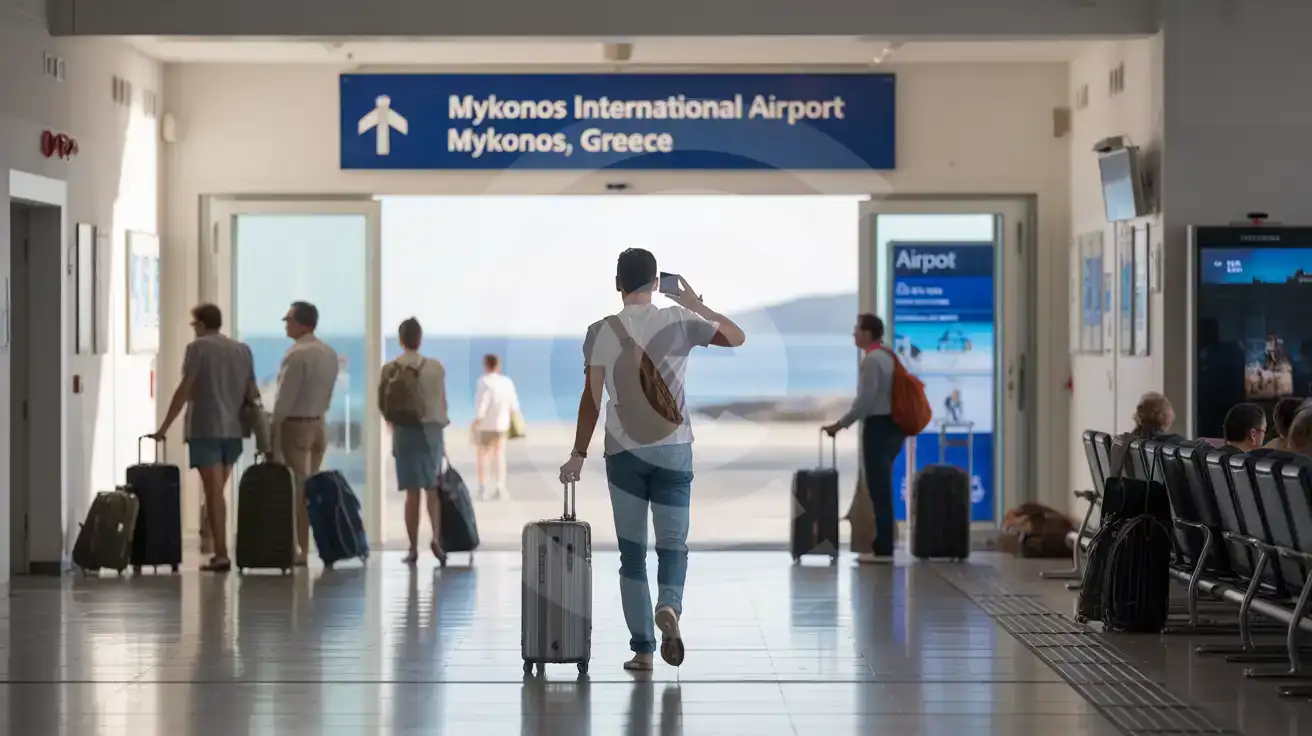
Inside JMK Arrivals
Compare eSIM Options at Mykonos International Airport
eSIMno | Local SIM / Operator | Roaming | |
|---|---|---|---|
| FEATURES | |||
| Setup time | Few minutes | Does not work until it is registered at purchase | Auto |
| No local ID needed | Online checkout | Passport or ID required by law | Use home account |
| Speed | 4G/LTE on all three Greek networks; 5G in some areas | One network only | Partner-dependent |
| Travel support | English support 24/7 | Greek-language service | Home carrier hours |
| Keep home number | Dual SIM | Replaces it | Same number |
| Cost predictability | Fixed price | Prepaid, no bill shock | Bill-shock risk |