

Quick Facts
- Language
- German (Deutsch)
- Currency
- Euro (EUR, €)
- Time Zone
- Central European Standard Time (UTC+1)
- Dialing Code
- +49
- Power Plug
- Type C, E, F (round 2-pin, common across most of Europe)
- Emergency
- 112 (European emergency line)
- eSIMno Networks
- O2, T-Mobile, Vodafone
How to Get Your eSIM
- Choose Your Germany Plan
Pick a data package that matches your trip length. A 5-day plan covers a Munich city break; 10-14 days handles Bavaria plus Berlin or Hamburg extensions. - Install at Home Before Your Flight
Scan your eSIM QR code over WiFi before you leave for the airport. The profile downloads in under 2 minutes and sits dormant until you activate it. - Board Your Flight With Data Ready
Your eSIM profile is already installed. Keep your phone in airplane mode during the flight as usual — no action needed mid-air. - Activate After Landing at MUC
When the captain clears phone use after touchdown, switch off airplane mode. Your eSIM connects to O2, T-Mobile, or Vodafone before you reach the gate. - Navigate Arrivals Instantly
By the time you're walking through the Munich Airport Center toward the S-Bahn station, your phone is already pulling Google Maps directions, FreeNow ride requests, and your hotel confirmation email.
Traveler Tips
- The S8 to Marienplatz takes 40-45 minutes and departs every 10 minutes from the underground station between T1 and T2 — have your DB Navigator or MVV app ready to check live departures.
- Terminal 2 Satellite gates require the underground Personenbahn people mover (60-second ride) — allow 8 minutes door-to-door and use live gate updates on your phone to confirm your boarding area.
- Airbräu in the Munich Airport Center is the only working brewery inside any airport globally — data helps you find it between T1 and T2 and check current hours before your flight.
- FreeNow and Uber operate at MUC with pickup zones outside Terminal 1 Module A and Terminal 2 arrivals level — have the app open and location services enabled before you exit.
- Your home SIM stays active for incoming calls automatically in dual-SIM mode. Use WhatsApp, FaceTime, or Google Meet over eSIMno data for outgoing calls to avoid roaming charges.
- The Lufthansa Express Bus to Hauptbahnhof takes 45 minutes and departs every 15-30 minutes — real-time schedules load on the Ettenhuber app or Google Maps.
Why You Need an eSIM at MUC
Munich Airport handles over 35 million passengers annually across two terminals and a satellite pier, and every one of them competes for the same free WiFi at peak hours. The captive-portal registration slows you down when you're standing in the customs queue trying to message the friend picking you up from Ostbahnhof. An eSIMno plan for Munich Airport bypasses that friction entirely — you're online before you reach passport control.
The moment you clear arrivals, you need data for the S-Bahn decision: S1 via Laim or S8 via Ostbahnhof? DB Navigator shows live delays and platform changes that the static departure boards don't update fast enough to catch. The MVV app calculates your zone fare (around €13-15 for the airport-city single) and lets you buy a mobile ticket before you reach the turnstile. FreeNow and Uber need GPS location and network connection to dispatch a driver to the Terminal 2 forecourt — standing there with no signal means watching cars loop past.
If you're connecting through MUC rather than ending here, live gate updates matter even more. Terminal 2's Satellite pier sits across an underground people mover from the main building. Your boarding pass QR code needs to load, the Lufthansa app needs to push gate-change alerts, and the Personenbahn departure schedule runs every 60 seconds with no room for confusion. Inside the satellite, the Tenne Airbräu outpost and Surf & Turf Bar by Block House serve passengers waiting for long-haul departures — data helps you find opening hours, menu options, and whether the lounge queue is worth the wait.
Visiting Munich Airport
Flughafen München Franz Josef Strauß operates two passenger terminals plus a midfield satellite. Terminal 1 handles non-Star Alliance carriers across modules A through E, with Schengen gates clustered in Module A and non-Schengen departures (Emirates, British Airways, Qatar Airways) in Module C. Terminal 2 is the exclusive home of Lufthansa and Star Alliance partners — United, Singapore Airlines, Turkish Airlines, ANA — with the Satellite pier accessible only airside via the underground Personenbahn.
The Munich Airport Center plaza connects both terminals landside, and the S-Bahn station sits directly below it. Trains run from around 04:00 to 01:00 with 10-minute frequency during peak hours. After midnight, the Lufthansa Express Bus stops running and taxis become the only option (€75-95 to the city center, 35-50 minutes depending on traffic on the A9). The Hilton Munich Airport and Kempinski Hotel Airport München are both within walking distance of terminals for overnight layovers.
Inside Munich Airport
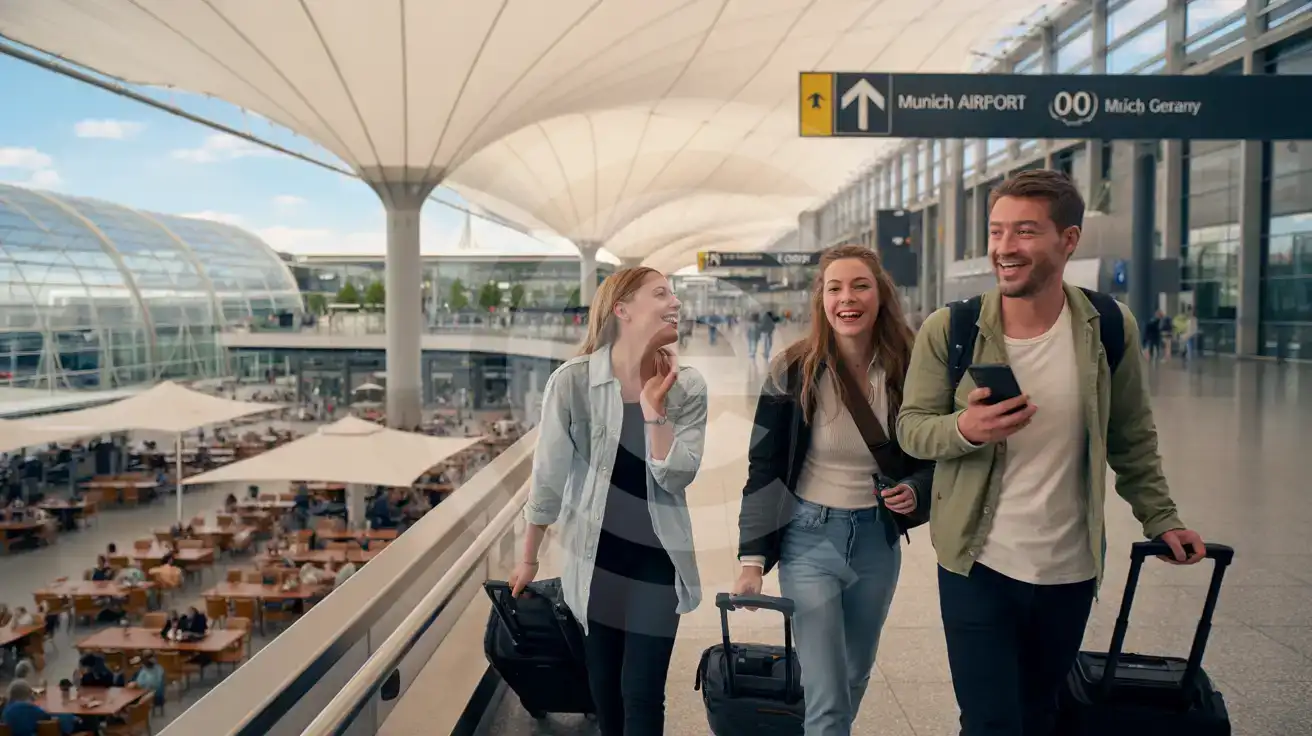
Compare eSIM Options at Munich Airport
eSIMno | Local SIM / Operator | Roaming | |
|---|---|---|---|
| FEATURES | |||
| Setup time | Few minutes | Verification by video call or post office | Auto |
| No local ID needed | Online checkout | Photo ID check required by law | Use home account |
| Speed | 4G/LTE on Telekom, Vodafone and O2; 5G in some areas | One network only | Partner-dependent |
| Travel support | English support 24/7 | German-language service | Home carrier hours |
| Keep home number | Dual SIM | Replaces it | Same number |
| Cost predictability | Fixed price | Prepaid, fixed monthly | Bill-shock risk |