

Quick Facts
- Language
- Italian (Italiano)
- Currency
- Euro (EUR, €)
- Time Zone
- Central European Standard Time (UTC+1)
- Dialing Code
- +39
- Power Plug
- Type C, E, F (round 2-pin, common across most of Europe)
- Emergency
- 112
- eSIMno Networks
- Vodafone, Wind Tre
How to Get Your eSIM
- Buy your Italy plan before departure
Choose your data allowance from the eSIMno Italy plans while you're still at home. Purchase takes under 3 minutes and delivers your QR code to email instantly. - Install over WiFi before takeoff
Scan the QR code and add the eSIM profile to your phone while connected to home WiFi. The profile sits dormant until you activate — no data charges yet. - Activate after landing at MXP
Once your aircraft reaches the Terminal 1 or Terminal 2 gate, switch off airplane mode. Your eSIM connects to Vodafone or Wind Tre within seconds. - Navigate arrivals with live data
Pull up the Malpensa Express schedule to Milano Centrale or Cadorna, check rideshare pickup zones, and message your hotel — all before you clear customs. - Keep using data across Italy
Your plan covers the entire country. Board the train to Lake Como, drive to Verona, or fly onward to Rome — your eSIM keeps working nationwide.
Traveler Tips
- Terminal 1 and Terminal 2 are 5 km apart — the free shuttle bus takes 7-10 minutes, so check your terminal before booking ground transport.
- The Malpensa Express runs every 30 minutes to Milano Cadorna (37 min) and Milano Centrale (50 min) — trains stop directly under both terminals.
- Keep your home SIM active for incoming calls; use WhatsApp, FaceTime, or Google Meet over your eSIM data for outgoing calls to avoid roaming charges.
- Download offline maps of Milan before landing — cellular signal can dip in the underground train station platforms during peak hours.
- The Satellite Pier in Terminal 1 requires an automated people mover ride — allow 15-20 minutes from distant gates to reach the main terminal.
Why You Need an eSIM at MXP
Milan Malpensa Airport spreads across two terminals and a remote Satellite Pier, and your phone becomes essential the moment wheels touch the runway. Immigration queues at Terminal 1's non-Schengen arrivals can stretch 20-40 minutes during peak morning arrivals — time you'll spend refreshing gate change alerts, confirming your Malpensa Express platform, and messaging whoever's meeting you in central Milan. The airport free-WiFi requires registration that frustrates jet-lagged arrivals; your eSIM bypasses the captive-portal friction entirely.
Ground transport from MXP demands live data. The Malpensa Express train runs from stations directly beneath Terminal 1 and Terminal 2, but schedules shift after 22:00 when frequency drops. Rideshare pickup zones sit at designated curb areas outside arrivals — Uber Black and FreeNow both operate here, and surge pricing spikes during Salone del Mobile and Milan Fashion Week. Real-time fare checks on your phone beat accepting whatever rate the first driver quotes.
Inter-terminal connections add another layer. If you land at Terminal 1 and need to reach Terminal 2 for an easyJet connection, the shuttle bus runs every 10-20 minutes — but tracking the next departure on Google Maps beats standing at the wrong curb. The eSIMno plans for Milan Malpensa Airport, Milan, Italy connect through Vodafone and Wind Tre, the same networks Italians use daily, so your signal stays strong from the Satellite Pier people mover through to the taxi rank at Piazza Luigi di Savoia once you reach Milano Centrale.
Visiting Milan Malpensa Airport
Terminal Layout
Terminal 1 handles intercontinental and most Schengen flights across three piers: Pier A (Schengen), Pier B (non-Schengen), and the Satellite Pier reached via underground people mover. Terminal 2 serves easyJet and seasonal charters almost exclusively. Both terminals operate 24 hours, though retail closes between 22:00 and 23:00.
Transit Options
Malpensa Express trains depart every 30 minutes from stations beneath both terminals — the Cadorna route takes 37 minutes, the Centrale route via Porta Garibaldi takes 50 minutes. Night buses run hourly after the last train around 00:30. Licensed white taxis charge a flat €104 to central Milan; the ride takes 45-60 minutes outside rush hour.
Facilities
Currency exchange via Forexchange and Travelex sits at arrivals. Left luggage costs around €5-8 per bag per day. The Sheraton Malpensa connects to Terminal 1 via enclosed bridge for overnight layovers.
Inside Malpensa Terminal 1
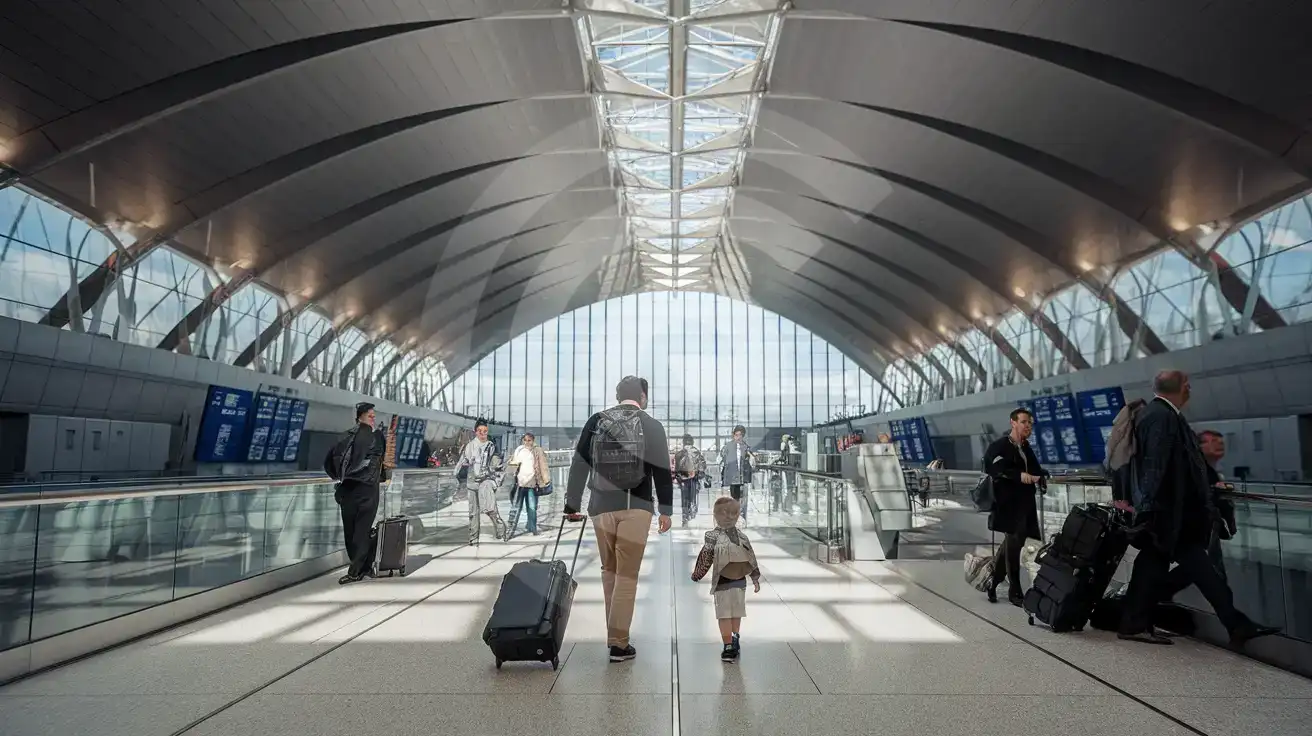
Compare eSIM Options at Milan Malpensa Airport
eSIMno | Local SIM / Operator | Roaming | |
|---|---|---|---|
| FEATURES | |||
| Setup time | Few minutes | Store registration, about ten minutes | Auto |
| No local ID needed | Online checkout | Passport is required by law; some also ask for a tax code | Use home account |
| Speed | 4G/LTE on Vodafone and WindTre; 5G in some areas | One network only | Partner-dependent |
| Travel support | English support 24/7 | Italian-language service | Home carrier hours |
| Keep home number | Dual SIM | Replaces it | Same number |
| Cost predictability | Fixed price | Prepaid, no bill shock | Bill-shock risk |