

Quick Facts
- Time Zone
- Eastern Time (UTC-5 / UTC-4 DST)
- Dialing Code
- +1
- Currency
- US Dollar (USD, $)
- Power Plug
- Type A, B (flat 2-pin, common across North America)
- Language
- English
- Emergency
- 911 (police, fire, ambulance)
- eSIMno Networks
- AT&T, Verizon Wireless
How to Get Your eSIM
- Pick Your USA Data Plan
Choose the data allowance that fits your Miami trip — 3GB handles a weekend of gallery hopping and rideshare coordination, 10GB covers a week-long stay with heavy photo uploads and video calls. - Buy Before Your Flight
Complete checkout from home over stable WiFi. Your eSIM profile arrives via email within minutes, ready to install while you're still packing. - Install on Your Phone
Scan the QR code or tap the direct-install link. The profile loads in under 60 seconds. Keep it dormant until you land at Miami International. - Activate After Landing
Once the aircraft reaches the gate, switch off airplane mode. Your phone picks up AT&T or Verizon signal immediately — Maps directions and ride confirmations work before you reach baggage claim. - Walk Into the Design District Connected
Your data is live by the time your Uber turns onto NE 2nd Avenue. Resy alerts, gallery hours, and group chats stay synced from the first boutique to the last rooftop bar.
Traveler Tips
- Gallery openings cluster Thursday through Saturday evenings between 6 PM and 9 PM — Resy and OpenTable waitlists fill fast, so monitor app alerts while you browse.
- Rideshare surge pricing spikes after 10 PM along NE 40th Street; request your pickup from the quieter NE 41st Street side to save $5-10 on the fare.
- The district is fully walkable within its 18-block footprint, but Google Maps live traffic helps plan the 15-minute rideshare to South Beach or Wynwood after dark.
- Keep your home SIM active for incoming calls — your eSIMno plan handles all data, so voice reaches you normally without extra setup.
- Most boutiques and galleries accept contactless payment; cash is rarely needed except for street vendors near Midtown.
- Download offline maps for Greater Miami before arrival — useful if you venture into areas with spotty indoor coverage.
Why Data Matters in Miami Design District
Miami Design District runs on real-time coordination. The neighborhood's 130+ luxury storefronts and dozen-plus galleries sprawl across NE 38th to NE 42nd Streets, and navigating between them without live directions means wrong turns down service alleys and missed reservations. Google Maps and Apple Maps pull live walking routes that adjust as you wander — critical when a pop-up event shifts your dinner plans from NE 40th Street to the rooftop at Paradise Plaza two blocks north.
Dining here demands app access. Resy, OpenTable, and Yelp waitlist features dominate the restaurant scene, with prime patio tables at spots like Michael's Genuine Food & Drink or MC Kitchen filling up hours in advance. A last-minute cancellation alert on your phone beats hoping for walk-in luck. After dinner, the rooftop bars along NE 39th Street draw crowds that spill onto the sidewalks — Uber and Lyft surge pricing fluctuates block by block, and checking the app before you leave a venue saves $8-15 on the ride to Brickell or Coconut Grove.
Group coordination is the district's hidden data demand. Art Basel satellite events, fashion week activations, and gallery openings scatter attendees across multiple venues simultaneously. WhatsApp and iMessage keep your party synced when half the group ducks into the Institute of Contemporary Art Miami while the rest grab cocktails at The Moore Building. eSIMno plans for Miami Design District, Miami, Florida, United States keep every message instant — no hunting for café WiFi between stops, no dropped connections when the rooftop crowd maxes out the venue hotspot.
Visiting Miami Design District
Getting There
From Miami International Airport, the district sits 8 miles northeast — a 20-35 minute rideshare depending on I-195 traffic. Uber and Lyft pickups are at the ground-level arrivals curb outside each terminal. Miami-Dade Transit Route 3 runs from Government Center to NE 36th Street, an 8-minute walk south into the district core.
Hours and Peak Times
Boutiques open around 11 AM and close by 8 PM weekdays, extending to 9 PM weekends. Galleries keep similar hours but shift later for Thursday evening openings. Restaurants serve until 11 PM on weekends, with rooftop bars staying open past midnight. Foot traffic peaks Saturday afternoons and Thursday evenings during gallery previews.
Accessibility
The district is flat and fully ADA-accessible, with wide sidewalks and ramp access at every building. Street parking fills fast; the district's garages on NE 40th Street accept contactless payment and cost around $5-15 depending on duration.
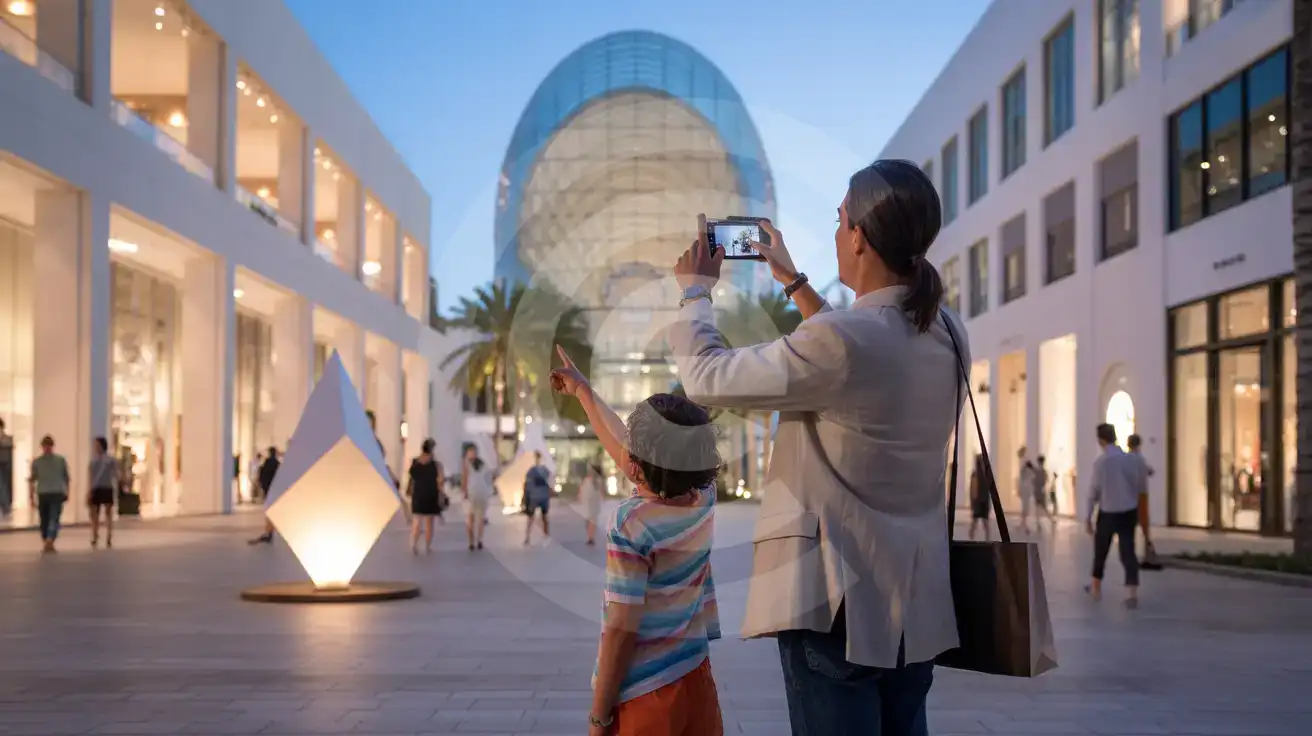
Miami Design District Evening Scene
Compare eSIM Options at Miami Design District
eSIMno | Local SIM / Operator | Roaming | |
|---|---|---|---|
| FEATURES | |||
| Setup time | Few minutes | Store kit, needs activation | Auto |
| No local ID needed | Online checkout | No SSN; passport at carrier stores | Use home account |
| Speed | 4G/LTE on AT&T, T-Mobile and Verizon; 5G in some areas | One carrier only | Partner-dependent |
| Travel support | English support 24/7 | English-language service | Home carrier hours |
| Keep home number | Dual SIM | Replaces it | Same number |
| Cost predictability | Fixed price | Advertised price needs Auto Pay | Bill-shock risk |