

Quick Facts
- Language
- Arabic (عربي)
- Currency
- Egyptian Pound (EGP, E£)
- Time Zone
- E. Europe Standard Time (UTC+2)
- Dialing Code
- +20
- Power Plug
- Type C, E, F (round 2-pin, common across most of Europe)
- Emergency
- 122 (police), 123 (ambulance), 180 (fire)
- eSIMno Networks
- Etisalat
How to Get Your Egypt eSIM
- Pick Your Egypt Data Plan
Choose a plan that fits your Red Sea trip length — 7 days covers a resort week, 14 days handles Hurghada plus a Luxor extension. - Install Before Your Flight
Download the eSIM profile over home WiFi while packing. The process takes 2-3 minutes on iPhone or Android — no physical card, no tools. - Activate After Landing at HRG
Once your aircraft reaches the gate and the captain clears phone use, switch off airplane mode. Your phone connects to Etisalat coverage before you join the passport queue. - Keep Your Home SIM Active
Dual-SIM phones let you receive calls and texts on your home number while routing all data through the eSIM. No need to swap cards mid-trip. - Walk Past the SIM Kiosk
The arrivals hall at Hurghada International Airport has kiosks, but the queue stalls when charter flights land together. You're already connected — head straight to your hotel transfer.
Traveler Tips for HRG
- Confirm your terminal before leaving for the airport — Hurghada has older facilities and a newer main terminal, and charter carriers shift between them seasonally.
- Hotel and dive-operator transfers coordinate via WhatsApp groups; having data active when you exit customs means you see the pickup message immediately.
- Taxi fares from HRG to central Hurghada run around EGP 200-400 depending on destination and negotiation — Google Translate helps with Arabic if the driver doesn't speak English.
- Remote stands are common at Hurghada, so expect a bus transfer from aircraft to terminal; keep your phone charged for the wait.
- Allow 2.5-3 hours before departure for international check-in — security re-screening near the gates adds time during peak evening departures.
- Your eSIM works across Egypt, so day trips to Luxor or connections through Cairo stay covered on the same plan.
Why You Need an eSIM at HRG
Hurghada International Airport funnels Red Sea resort traffic through a compact terminal that strains under charter-flight surges. When three European carriers land within the same hour, the free WiFi slows to a crawl and the SIM kiosk queue stretches past the currency exchange. Your hotel shuttle is already circling the forecourt, your dive operator is pinging WhatsApp for tomorrow's pickup time, and you're stuck watching a spinning captive-portal page.
An eSIMno plan for Hurghada International Airport sidesteps every bottleneck. Activate after the aircraft parks, and your phone pulls Etisalat signal before you reach passport control. The immigration queue at HRG moves in waves — use the wait to confirm your transfer, check live traffic on Google Maps for the 20-30 minute ride into Sekalla or El Gouna, and message your resort with an ETA. By the time you clear customs, your driver knows exactly where to meet you.
Data stays critical beyond the arrivals hall. Resort shuttles and private taxis coordinate through instant messaging, not terminal loudspeakers. Ride-hailing apps like Uber and Careem operate in Hurghada with variable coverage — having data ready lets you compare surge pricing against a negotiated taxi fare in real time. Translation apps bridge Arabic-only conversations with drivers, and currency converters keep EGP-to-home-currency math honest. The 8-12 km transfer into central Hurghada or the longer run to Makadi Bay and Sahl Hasheesh all benefit from live navigation, especially if the route detours through the hotel-zone strip.
Visiting Hurghada International Airport
HRG operates as a leisure gateway rather than a hub, so the terminal rhythm follows European charter schedules and Red Sea resort seasons. The newer main terminal handles most international traffic, but some charter operators use older facilities — confirm your terminal before leaving the hotel. Check-in counters open around 3 hours before departure for international flights, and security re-screening near the gates adds 15-30 minutes during evening peaks.
Dining options inside the terminal lean toward quick-service cafés and grab-and-go counters; a full meal is easier to find at your resort. Duty-free carries the usual perfumes, tobacco, and travel retail basics. Lounge access depends on airline and card provider — there's no large branded lounge network like major Gulf hubs. ATMs and currency exchange desks sit in the arrivals hall, and assistance desks can help with resort transfer questions when queues are short.
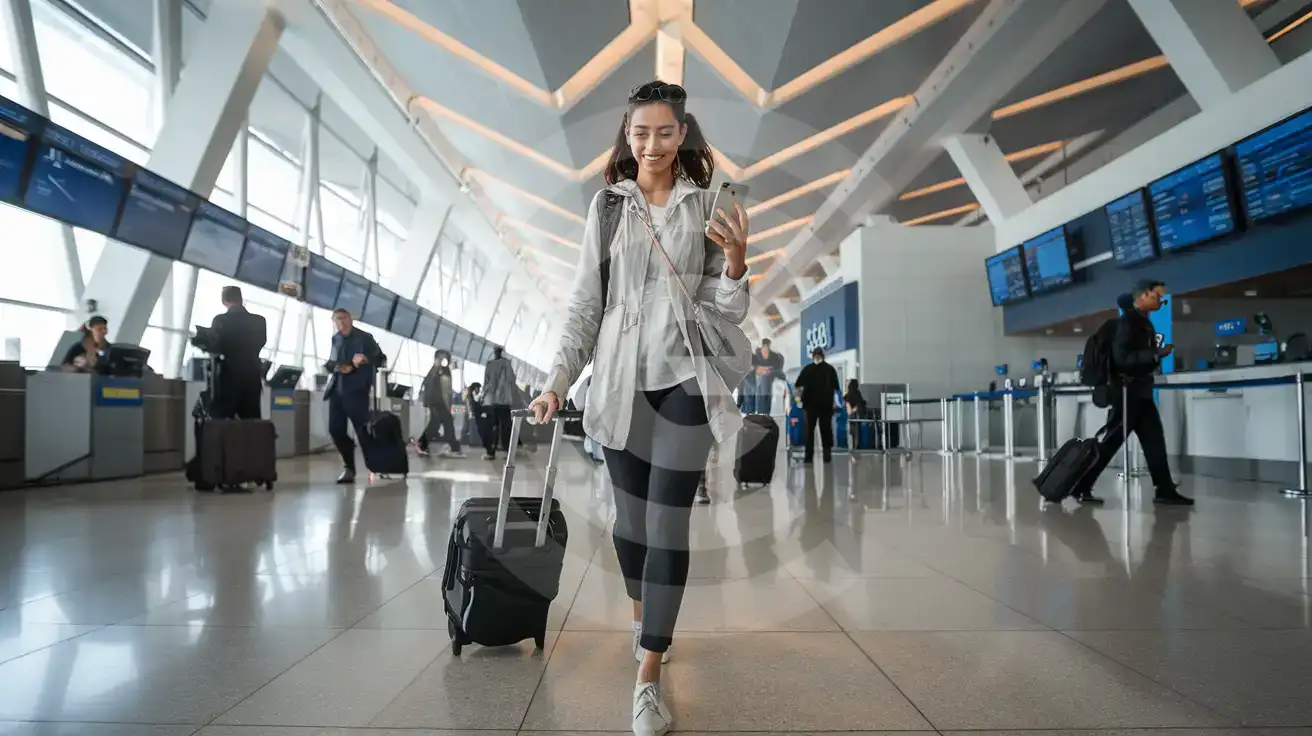
Inside Hurghada Airport
Compare Connectivity Options at Hurghada International Airport
eSIMno | Local SIM / Operator | Roaming | |
|---|---|---|---|
| FEATURES | |||
| IMEI registration | No Egyptian SIM to register | Your phone is logged for customs; a 90-day clock starts | Never required |
| Setup time | Few minutes | Bought in person, with your passport | Auto |
| No local ID needed | Online checkout | Your passport is copied and tied to the SIM | Use home account |
| Speed | 4G/LTE; 5G in some areas | Carrier-grade | Partner-dependent |
| Travel support | English support 24/7 | Arabic-language service | Home carrier hours |
| Keep home number | Dual SIM | Replaces it | Same number |
| Cost predictability | Fixed price | Prepaid, no bill shock | Bill-shock risk |