

Quick Facts
- Language
- Arabic (عربي)
- Currency
- Egyptian Pound (EGP, E£)
- Time Zone
- E. Europe Standard Time (UTC+2)
- Dialing Code
- +20
- Power Plug
- Type C, E, F (round 2-pin, common across most of Europe)
- Emergency
- 122 (police), 123 (ambulance), 180 (fire)
- eSIMno Networks
- Etisalat
How to Get Your eSIM
- Pick Your Egypt Plan Before The Trip
Buy your data plan before you fly so you are not sorting mobile setup on the road from Cairo International Airport to Giza Zoo. This venue visit is short, but the same plan keeps working for the rest of your Egypt itinerary too. - Install On Hotel Or Home WiFi
Set up the eSIM QR at home or on reliable WiFi before departure. That leaves only one action for arrival day: switch the line on after landing and let your phone connect when you leave the airport. - Activate After Landing In Cairo
Turn the eSIM on after touchdown, once the captain clears phone use. By the time you are booking a ride toward Giza, checking Google Maps, or messaging your driver near the zoo entrance, your data is already live. - Use Data For The Zoo And The Journey Back
At Giza Zoo, your connection helps with route finding, translation, ride-hailing, and sharing a live location with the rest of your group. When you leave, it is just as useful for traffic-aware routing toward Dokki, Downtown, or the pyramids area. - Keep Your Home SIM For Voice
eSIMno is data-only. Your home SIM can stay active for incoming calls with no extra setup, while WhatsApp, FaceTime, Telegram, and other internet-based apps run over your Egypt data for messages and internet calls.
Traveler Tips
- Aim for the morning window, around 9:00 to 11:00, if Giza Zoo is part of a packed Cairo day. That gives you cleaner time for Maps, ride pickup, and the next booking before midday traffic builds on the roads around Giza Square.
- If you are leaving from central Cairo or Dokki, confirm the exact gate pin in Google Maps before the car arrives. A live data connection matters here because a driver can stop on a different side of the perimeter road than you expect.
- Keep your home SIM active for incoming calls and use data apps for everything else. After a zoo visit, that is the easiest way to coordinate with a guide or family group without placing native roaming calls from your primary line.
- Download one offline Cairo map before the flight, then still use live data after landing for traffic and rerouting. The route from Giza Zoo to the Great Pyramid area or Downtown changes fast enough that static directions are not enough.
- Carry a power bank if Giza Zoo is only one stop in a full sightseeing day. Between photos, navigation, translation, and ride apps across Cairo, a phone battery can drop hard over 6 to 8 hours.
Why Data Matters at Giza Zoo
Giza Zoo is the kind of stop where mobile data saves time in short bursts all day. You are not sitting in one place for three hours with stable hotel WiFi in the background. You are moving between the entrance, internal paths, shaded rest points, and the curb outside, then straight into the next Cairo transfer. That is why travelers arriving from Cairo International Airport are better off with data already active. The job starts with navigation to the correct gate, then continues with Uber pickup coordination, Google Maps rerouting, and WhatsApp messages to the rest of the group if anyone gets separated near the entrance or exit.
The bigger win comes after the visit, because Giza Zoo sits in a dense part of the city where plans branch quickly. One group heads north toward The Egyptian Museum, another crosses toward Cairo University and Dokki, and plenty of travelers continue west for the pyramid area later in the day. In that stretch, live traffic data, translation for Arabic signs, cloud photo backup, and restaurant booking checks all happen on the move. eSIMno plans for Giza Zoo, Cairo, Egypt make that handoff simple: buy once, install before departure, activate after landing, and keep the same Egypt data plan running through every venue on the trip.
Visiting Giza Zoo
Giza Zoo works best as a half-day stop, not a full-day anchor, so the practical question is how smoothly you can get in, move around, and get back out into Cairo. Opening times and entry procedures can change, so it is worth checking the latest official notice on the day of your visit before you leave the hotel. That quick confirmation matters when you are building the day around another timed visit or a lunch booking across town.
The venue sits near the Giza and Dokki side of the city, making it easy to pair with nearby neighborhoods rather than treating it as an isolated excursion. For a traveler, that means your phone is doing several jobs in sequence: confirming the visit window, translating quick Arabic text when needed, finding the correct curb for pickup, and sharing your live ETA with anyone meeting you later. If you are visiting with children or as part of a guided group, keep one meeting point pinned on the map before you enter so it is easy to regroup at the exit without long phone-call exchanges.
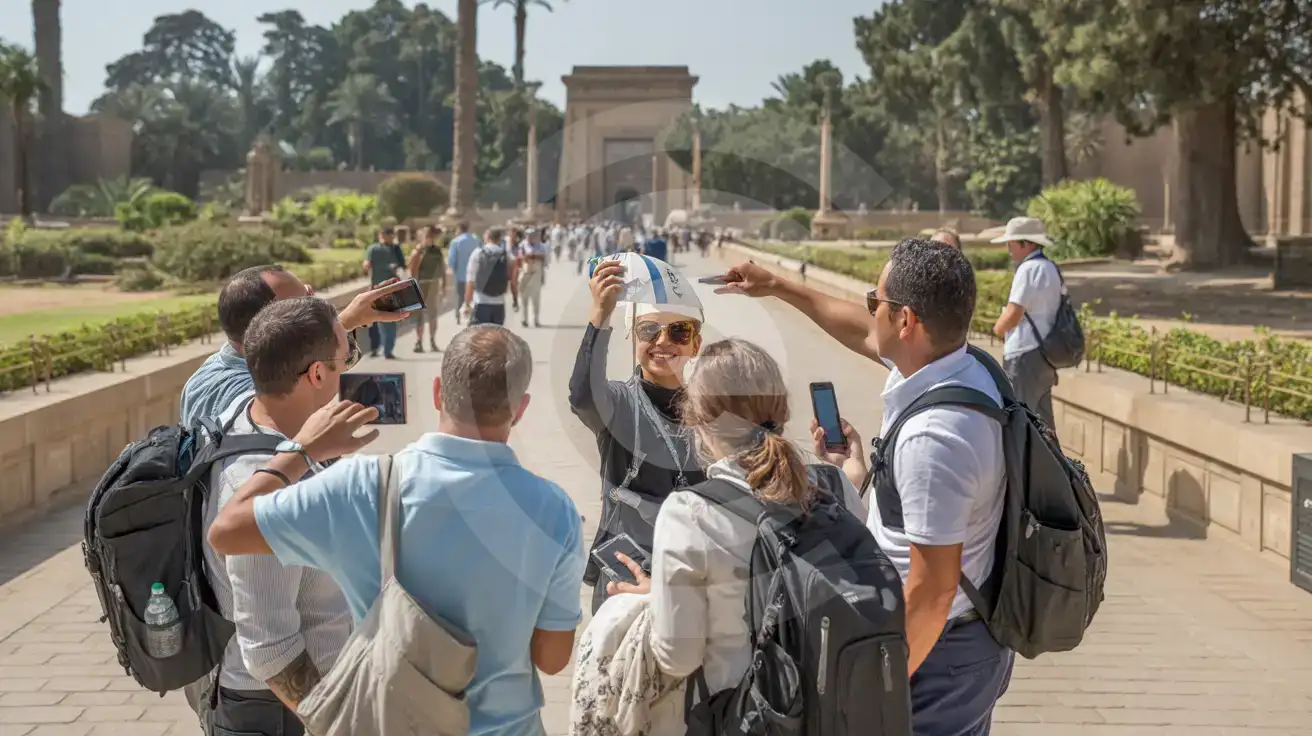
Tour Group At The Zoo Grounds
Compare Connectivity Options at Giza Zoo
eSIMno | Local SIM / Operator | Roaming | |
|---|---|---|---|
| FEATURES | |||
| IMEI registration | No Egyptian SIM to register | Your phone is logged for customs; a 90-day clock starts | Never required |
| Setup time | Few minutes | Bought in person, with your passport | Auto |
| No local ID needed | Online checkout | Your passport is copied and tied to the SIM | Use home account |
| Speed | 4G/LTE; 5G in some areas | Carrier-grade | Partner-dependent |
| Travel support | English support 24/7 | Arabic-language service | Home carrier hours |
| Keep home number | Dual SIM | Replaces it | Same number |
| Cost predictability | Fixed price | Prepaid, no bill shock | Bill-shock risk |