

Quick Facts
- Language
- Arabic (عربي)
- Currency
- Egyptian Pound (EGP, E£)
- Time Zone
- E. Europe Standard Time (UTC+2)
- Dialing Code
- +20
- Power Plug
- Type C, E, F (round 2-pin, common across most of Europe)
- Emergency
- 122 (police), 123 (ambulance), 180 (fire)
- eSIMno Networks
- Etisalat
How to Get Your eSIM
- Choose Your Egypt Plan Before The Trip
Buy your eSIM while you still have stable home WiFi, so you are not comparing options after arrival in Cairo traffic or outside the Giza plateau entrances. - Install It Before You Fly
Scan the QR code and finish setup at home or at your departure airport lounge. That leaves only activation for later, which is easier when your bag, passport, and transfer are already sorted. - Keep It Off Until After Landing
Once your flight has arrived and phone use is allowed, switch on the eSIM after landing. That timing is the safest way to start service only when you are ready to use data in Egypt. - Use It On The Drive Toward Giza
The route from Cairo airport to Giza can take well over an hour depending on traffic. Live Google Maps, WhatsApp messages with your driver, hotel confirmation emails, and translation tools are all easier with mobile data already active. - Stay Covered Beyond The Pyramids
Your eSIM is not just for one stop. After Giza Governorate, the same plan keeps working as you move through Cairo, connect to Grand Egyptian Museum, or continue elsewhere in Egypt.
Traveler Tips
- Start your Giza day early. Morning entry lines at the pyramid plateau move faster than late midday, and working data helps if your driver asks you to meet at a different gate or parking point.
- Bring downloaded screenshots of bookings, but keep live data ready for the return journey. Traffic around Al Haram Road and the plateau approach can change your pickup timing by 20 to 40 minutes, and live navigation matters more than a static map.
- If you keep your home SIM active for voice, your home number still receives incoming calls with no extra setup. For outgoing calls in Giza Governorate, use WhatsApp or another internet-calling app over your data-only eSIM instead of native roaming calls.
- Carry small cash for local purchases, but keep your phone connected for currency conversion in Egyptian Pound (EGP, E£) when comparing camel rides, snacks, or driver quotes near the plateau.
- Plan your second stop before you leave the site. Whether you are heading to central Cairo or the Grand Egyptian Museum, having data ready means you can book a ride, message your guide, and reroute immediately instead of waiting outside in the heat.
Why Data Matters at Giza Governorate
Giza is not a place where you want to arrive with a dead connection and hope things sort themselves out. The trip from Cairo International Airport to the pyramid side of the city can stretch well past an hour, and the moment plans shift, your phone becomes the tool that keeps the day moving. Drivers and guides in Cairo regularly confirm pickup points over WhatsApp, while Google Maps is what keeps you from being dropped at the wrong entrance on the Giza Plateau. Add a hotel message, a browser search for the nearest ATM, and a quick translation into Arabic, and you are already relying on data before the visit has really started.
Once you are in Giza Governorate, there are several real-world moments where mobile data saves time. If you are comparing ride options from the pyramid area to Grand Egyptian Museum, checking traffic back toward Cairo, or coordinating sunset plans near Marriott Mena House, Cairo, you need live updates, not cached screens. A working connection also helps with ticket emails, guide confirmations, Google Translate, and cloud backups for the photos you shoot around the plateau. That is why eSIMno plans for Giza Governorate, Cairo, Egypt make sense before the trip rather than after arrival: install once, activate after landing, and keep the same data plan working through Giza and the rest of Egypt.
Visiting Giza Governorate
A Giza visit works best when the logistics are settled before you leave your hotel. The pyramid area is an outdoor site with long walking stretches, limited shade, and security checks at entry points, so having your booking confirmation, guide contact, and return transport details ready on your phone saves standing around in the heat. Footwear matters because the ground is sandy and uneven in parts, and a water stop before entering is smart if you are staying for several hours.
If your day also includes the Sphinx side, a lunch stop, or a museum visit afterward, build in time for traffic rather than planning tight back-to-back reservations. Late afternoon light is popular for photos, which means the ride-hailing rush also builds toward sunset. Keeping your phone charged is as important as carrying cash, because the practical side of a Giza day is coordination: confirming where to exit, where to meet your driver, and which route back into Cairo is moving fastest at that moment.
Connected Around The Giza Plateau
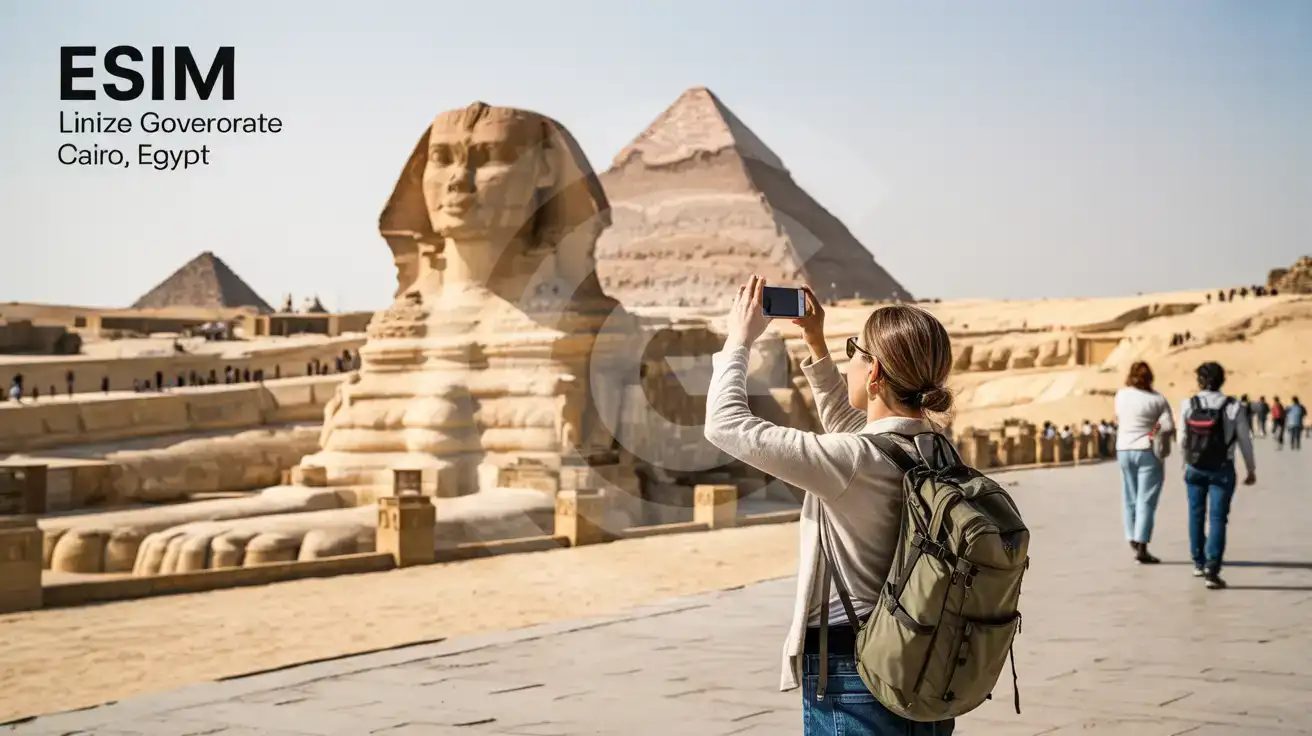
Compare Connectivity Options at Giza Governorate
eSIMno | Local SIM / Operator | Roaming | |
|---|---|---|---|
| FEATURES | |||
| IMEI registration | No Egyptian SIM to register | Your phone is logged for customs; a 90-day clock starts | Never required |
| Setup time | Few minutes | Bought in person, with your passport | Auto |
| No local ID needed | Online checkout | Your passport is copied and tied to the SIM | Use home account |
| Speed | 4G/LTE; 5G in some areas | Carrier-grade | Partner-dependent |
| Travel support | English support 24/7 | Arabic-language service | Home carrier hours |
| Keep home number | Dual SIM | Replaces it | Same number |
| Cost predictability | Fixed price | Prepaid, no bill shock | Bill-shock risk |