

Quick Facts
- Language
- French (Français)
- Currency
- Euro (EUR, €)
- Time Zone
- Central European Standard Time (UTC+1)
- Dialing Code
- +33
- Power Plug
- Type C, E, F (round 2-pin, common across most of Europe)
- Emergency
- 112
- eSIMno Networks
- Bouygues, Orange, SFR
How to Get Your eSIM
- Choose Your France Data Plan
Pick the package that matches your Paris trip length — 3-day visits to the Eiffel Tower and nearby landmarks need less data than a two-week France itinerary with TGV extensions to Lyon or Nice. - Install Over WiFi Before Your Flight
Download the eSIM profile at home or your hotel the night before departure. The Eiffel Tower's timed-entry confirmation email and lift reservation will already be accessible on your device. - Activate After Landing at CDG or Orly
Once your aircraft taxis to the gate, switch off airplane mode. Your phone connects to Bouygues, Orange, or SFR within seconds — data is live before you reach passport control. - Navigate to the Tower With Live Transit
Open Citymapper or Google Maps for the RER B to Châtelet-Les Halles, then Métro Line 6 to Bir-Hakeim — 45-55 minutes door to door. Real-time updates show platform changes and delays. - Scan Your QR and Ascend
At the south pillar security checkpoint, pull up your timed-entry QR code instantly. No fumbling for paper printouts, no reliance on the tower's guest WiFi — your eSIM handles the scan and every moment beyond.
Traveler Tips
- Book summit tickets 60 days ahead through the official toureiffel.paris site — same-day availability is rare during peak season (June-August) and school holidays.
- The 09:30-10:30 and after-21:00 slots draw smaller crowds. Sunset slots sell out fastest — book those first if golden-hour photos matter.
- Bir-Hakeim station (Métro Line 6) is a 6-minute walk; Trocadéro (Lines 6 and 9) offers the classic head-on photo approach across Pont d'Iéna.
- Keep your home SIM active for incoming calls — it stays on for voice automatically while your eSIM handles all data tasks.
- The hourly five-minute golden sparkle runs from dusk until 23:00 (01:00 in summer). View it from Trocadéro or the Champ de Mars lawn, not from the tower itself.
- Large bags are not allowed through the security perimeter — leave luggage at your hotel or use the Gare du Nord lockers before visiting.
Why Data Matters at the Eiffel Tower
The Eiffel Tower runs on mobile-first logistics. Your timed-entry confirmation arrives as a QR code via email — pull it up at the south pillar security checkpoint within seconds, no paper printout required. The Le Jules Verne restaurant reservation (second floor, Michelin-starred) confirms via SMS or app notification, and the Champagne Bar at the summit takes walk-ups but you'll want to check wait times before committing to the final lift.
Transit to and from the tower depends on live data. The RER B from Charles de Gaulle to Châtelet-Les Halles runs every 10-15 minutes, then Métro Line 6 to Bir-Hakeim adds another 20 minutes — Citymapper and Google Maps show real-time delays and platform changes. After your visit, coordinating a Batobus river shuttle from the Tour Eiffel pier to Notre-Dame or booking a Bolt or Uber back to your arrondissement requires data that the tower's guest WiFi can't guarantee under visitor load.
Photography uploads matter here more than almost anywhere. The golden-hour view from the second-floor deck toward Sacré-Cœur, the glass floor on Level 1 looking down at the Champ de Mars, the nighttime sparkle from Trocadéro — these are the shots travelers share immediately. With eSIMno plans for Eiffel Tower, Paris, France, your France data keeps working from the summit observation platform to the Seine riverbank and every Métro transfer in between.
Visiting the Eiffel Tower
Hours and Access
The tower opens daily year-round, including most holidays. Standard hours run 09:30-23:45, with last lift ascents around 22:30 and last stair access around 18:00. Summer extends hours to 09:00-00:45. The summit (third level, 276 meters) closes earlier than the second floor during maintenance periods — check the official site the morning of your visit.
Ticket Tiers
Lift tickets to the second floor run roughly €20-25 for adults; summit access adds another €10-15. Stair tickets to the second floor cost €11-15. Youth (12-24) receive reduced pricing, and children under 4 enter free. All tickets are time-slotted — arrival windows are strict during high season.
What to Expect
Security screening at the base perimeter takes 10-20 minutes depending on crowd density. The glass floor on Level 1 and the 72 engraved scientist names on the first balcony are easy to miss if you rush — budget 90 minutes minimum for a summit visit, longer if you're photographing each level.
Connected at Every Level
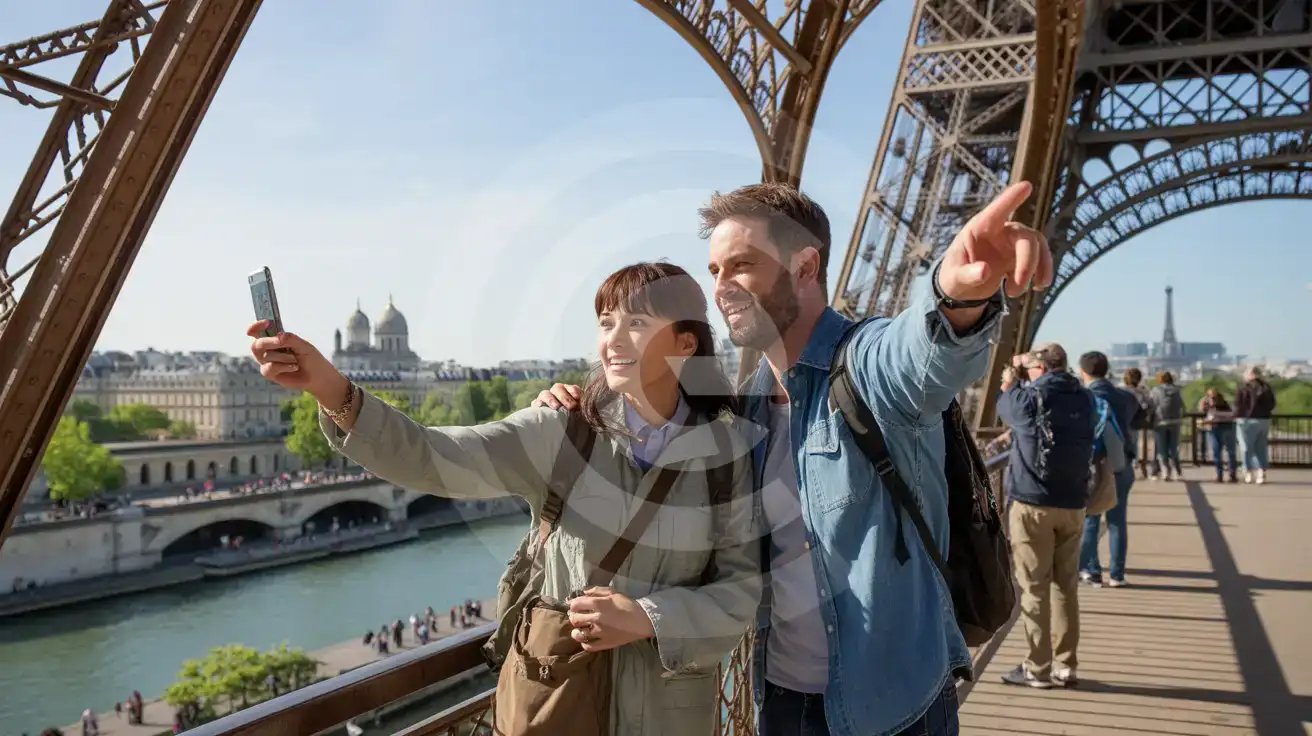
Compare eSIM Options at Eiffel Tower
eSIMno | Local SIM / Operator | Roaming | |
|---|---|---|---|
| FEATURES | |||
| Setup time | Few minutes | Boutique or tabac, ID shown at the counter | Auto |
| No local ID needed | Online checkout | Passport or ID needed at purchase | Use home account |
| Speed | 4G/LTE on Orange, SFR and Bouygues; 5G in some areas | One network only | Partner-dependent |
| Travel support | English support 24/7 | French-language service | Home carrier hours |
| Keep home number | Dual SIM | Replaces it | Same number |
| Cost predictability | Fixed price | Prepaid, no bill shock | Bill-shock risk |