

Quick Facts
- Language
- Italian (Italiano)
- Currency
- Euro (EUR, €)
- Time Zone
- Central European Standard Time (UTC+1)
- Dialing Code
- +39
- Power Plug
- Type C, E, F (round 2-pin, common across most of Europe)
- Emergency
- 112
- eSIMno Networks
- Vodafone, Wind Tre
How to Get Your eSIM
- Choose Your Italy Plan Before You Fly
Pick the eSIM that fits your Rome stay and the rest of your Italy route. If Domus Aurea is one stop on a trip that also includes Florence or Venice, buy enough data once instead of topping up city by city. - Install It Over Home WiFi
Set up the eSIM on your phone before departure while you have stable internet and time to check the installation email. That keeps your arrival day focused on trains, taxis, and ticket times instead of tech setup. - Activate After Landing In Rome
Turn the eSIM on after landing, once phone use is allowed and you’re ready to connect on the ground. This timing works well whether you arrive through Fiumicino, Ciampino, or come into the center by rail via Roma Termini. - Use It On The Way To Domus Aurea
You’ll want data for Google Maps, metro directions to Colosseo on Line B, rideshare pickup, and the Domus Aurea confirmation email or QR ticket if your slot is already close. This is the part of the day where instant connectivity pays off. - Keep It Running For The Rest Of Italy
Your plan doesn’t stop at Domus Aurea. The same eSIM keeps working as you move across Rome and onward to other Italian stops, so there’s no second setup later in the trip.
Traveler Tips
- Book an entry time that gives you a 15-20 minute buffer before arrival, because the walk from Colosseo station through Parco del Colle Oppio is easier when Maps stays live on your phone.
- If you’re arriving from Roma Termini, save the Metro B route to Colosseo before you leave the station, then use mobile data above ground where the park paths split around the Oppian Hill.
- Domus Aurea visits run on scheduled entry windows, so keep your confirmation email starred or downloaded locally in case you need to pull it up fast at the meeting point.
- Leave your home SIM active for voice if you use dual-SIM. Your home number can still receive calls, while WhatsApp, FaceTime, and other internet apps run on your eSIMno data.
- After your visit, data is handy for booking a taxi, checking bus times, or walking on to Piazza Venezia or Basilica di Santa Maria Maggiore without stopping to find WiFi.
Why Data Matters At Domus Aurea
Domus Aurea is not a place where you arrive, put your phone away, and forget about it. You’re dealing with a timed cultural site on the Oppian Hill, in a dense part of Rome where plans shift block by block. If you come up from Colosseo on Metro Line B, you may need Google Maps for the last walking segment through the park paths, your booking email for the entry slot, and WhatsApp or iMessage if you’re coordinating with another traveler. Add in restaurant reservations near Monti or a taxi request after the tour, and mobile data stops being optional very quickly.
The venue context matters too. Domus Aurea visits are tied to scheduled access, not casual drop-in browsing, so your phone is part of the visit flow: checking the confirmation message, reloading the ticket page, confirming the meeting point, and watching the time if your train from Fiumicino or your connection at Roma Termini ran late. Around this part of Rome, you may also jump between Google Maps, Trenitalia, and Uber or Free Now in the same 10-minute stretch. That’s exactly why eSIMno plans for Domus Aurea, Rome, Italy make sense — you set them up once and your data is ready when the real-world logistics start piling up.
There’s also the rest of the day. Domus Aurea sits close to the Colosseum, Monti, and the wider historic core, so one visit easily turns into several moving parts: sharing photos, translating menus, pulling up walking routes, checking opening times at the next stop, or sending live location to friends. A local SIM kiosk adds delay, and venue-area WiFi is not something to build your schedule around. With your eSIM active after landing, your phone works the moment you need directions, tickets, and transport — not after another queue.
Visiting Domus Aurea
Domus Aurea is visited by reservation, and that matters because late arrival can cost you part of a fixed slot. Before heading over, confirm the day’s admission details on the official ticket channel and keep the booking reference easy to reach on your phone. Policies can change by season and exhibition schedule, so it’s smart to verify the latest entry instructions the same morning rather than relying on an old screenshot.
The site sits above the ruins zone east of the Colosseum, inside the green area of Parco del Colle Oppio. The final approach includes outdoor walking, so comfortable shoes help more than trying to dress for a museum-only visit. If rain is in the forecast, having live weather and route info on your phone saves time deciding whether to walk or call a car.
Photography rules, access routes, and visitor handling can vary with ongoing archaeological work or special programming, so check the current guidance before you go. If your plans shift after the tour, this area connects easily on foot toward Monti and central Rome, which makes a working data plan useful well beyond the venue gate.
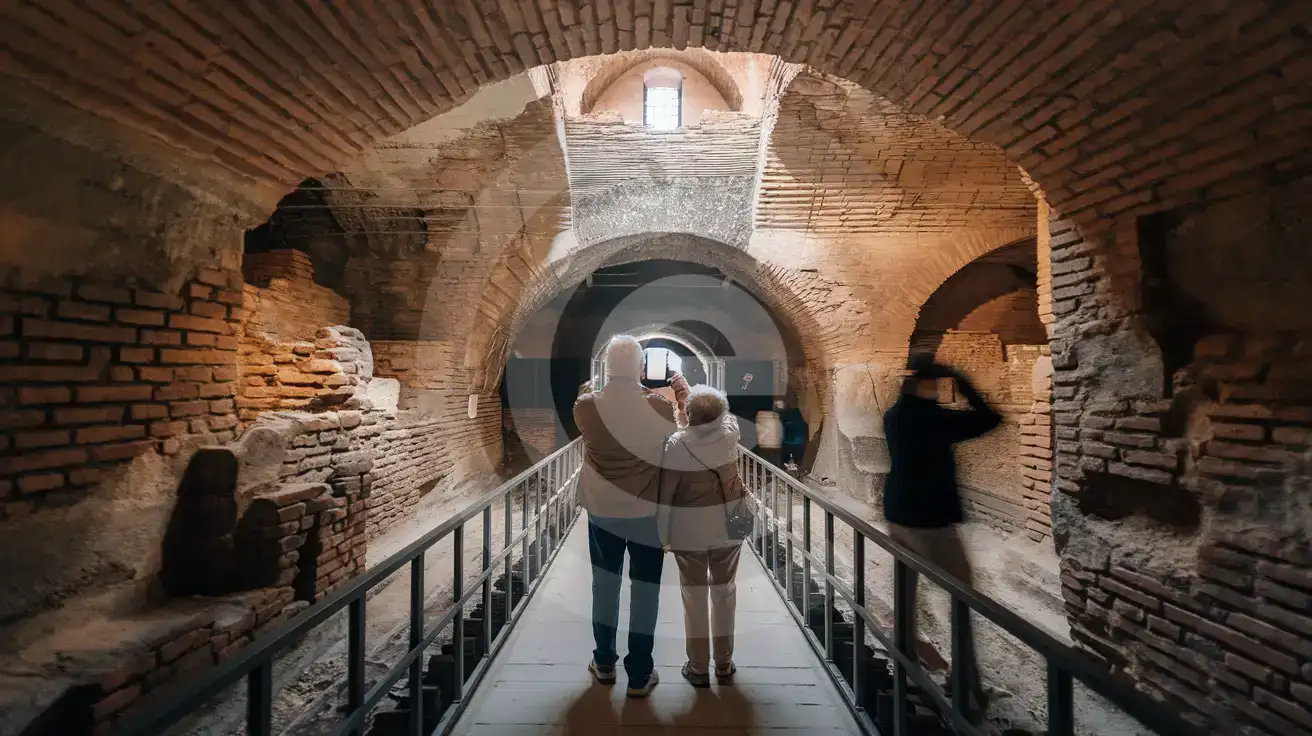
Domus Aurea Interior Approach
Compare eSIM Options at Domus Aurea
eSIMno | Local SIM / Operator | Roaming | |
|---|---|---|---|
| FEATURES | |||
| Setup time | Few minutes | Store registration, about ten minutes | Auto |
| No local ID needed | Online checkout | Passport is required by law; some also ask for a tax code | Use home account |
| Speed | 4G/LTE on Vodafone and WindTre; 5G in some areas | One network only | Partner-dependent |
| Travel support | English support 24/7 | Italian-language service | Home carrier hours |
| Keep home number | Dual SIM | Replaces it | Same number |
| Cost predictability | Fixed price | Prepaid, no bill shock | Bill-shock risk |