

Quick Facts
- Language
- Spanish (Español)
- Currency
- Mexican Peso (MXN, $)
- Time Zone
- Southeast Time (UTC-5)
- Dialing Code
- +52
- Power Plug
- Type A, B (flat 2-pin, common across North America)
- Emergency
- 911 (general)
- eSIMno Networks
- Movistar
How to Get Your eSIM
- Choose Your Mexico Plan Before The Trip
Buy your data plan before you fly so you are not sorting connectivity on the morning of a 2 to 3 hour road trip from Playa del Carmen to Chichén Itzá. - Install It On Hotel Or Home WiFi
Set up the eSIM while you still have dependable WiFi and save the QR email somewhere easy to find. That keeps departure day focused on transport, tickets, and pickup timing instead of SIM setup. - Activate After Landing In Mexico
Turn the eSIM on after landing, once phone use is allowed again. Your data then starts when you actually need it for the airport exit, the transfer toward Playa del Carmen, and the inland route planning for Chichén Itzá. - Use Data On The Drive Inland
The route to the ruins depends on live navigation, driver messages, and changing meetup points. Keep Maps, WhatsApp, and your booking email ready during the transfer instead of depending on patchy stop-by-stop WiFi. - Keep The Same Plan For The Rest Of Mexico
After Chichén Itzá, your plan still works for the return to the Riviera Maya, onward travel to Cancún or Tulum, and any airport, ferry, or hotel check-in that follows.
Traveler Tips
- Leave Playa del Carmen early and aim for the 8:00 am opening window at Chichén Itzá. Data helps you track road time on Highway 180D and update your driver if traffic stretches the trip past 3 hours.
- Keep a screenshot of your Chichén Itzá booking email and transport confirmation before you leave the coast. If your inbox refresh is slow at the entrance, you still have the QR or reservation details ready on your phone.
- Bring a power bank for the full-day outing. Navigation, translation, messaging, and photo backups over a 10 to 12 hour excursion drain battery faster than a normal beach day in Playa del Carmen.
- Your eSIMno plan is data-only, so your home SIM can stay active for incoming voice calls with no extra setup. For outgoing calls, use WhatsApp or FaceTime over data instead of placing native roaming calls.
- If your itinerary adds Cenote Ik Kil or Valladolid after the ruins, keep your phone online for live route changes and shared location pins. That is far easier than trying to reconnect every time the group changes stops.
Why Data Matters at Chichén Itzá
Chichén Itzá is a historical-site day trip where the real friction happens before you even reach the gate. You leave the coast, head inland for about 2 to 3 hours, and spend that whole stretch depending on your phone for live directions, driver messages, and reservation checks. If you are coming from Cancun International Airport, linking up in Cancun, or departing from Playa del Carmen hotels before sunrise, mobile data keeps the handoff clean. Google Maps helps with the Highway 180D route, WhatsApp keeps you in sync with a driver or tour organizer, and Gmail or Apple Mail gives you instant access to the Chichén Itzá booking email when someone asks for the confirmation again.
Once you arrive, the practical tasks keep stacking up. You may need to pull up your ticket page, translate a Spanish message, share a live location pin in the parking area, or check whether your next stop is Cenote Ik Kil or a direct return to the coast. That is three different data jobs before lunch: entry access, coordination, and routing. Add cloud photo backup, currency checks in MXN, and a quick search for food near Pisté, and the phone becomes part of the visit itself. This is exactly where eSIMno plans for Chichén Itzá, Playa del Carmen, Mexico make sense: install once, activate after landing, and keep your trip moving without hunting for a kiosk or swapping your physical SIM.
The bigger win is that Chichén Itzá is only one stop on a wider Mexico itinerary. The same plan still works on the drive back to Playa del Carmen, for ferry planning if you continue to Cozumel, or for airport logistics on departure day. Buy for the ruins, use it across the country.
Visiting Chichén Itzá
Chichén Itzá runs as a full-day excursion from Playa del Carmen, not a quick local stop. The archaeological zone opens around 8:00 am and closes in the late afternoon, with the calmest arrival window right at opening. International adult admission lands in the rough MXN 600 to 700 range, and parking, certified guides, or add-on services can sit outside that base ticket. Those details matter because entry policy and pricing can change, so checking the official ticket channel on the morning of your visit saves surprises at the gate.
For on-site planning, think practical. The grounds are large, exposed, and hot by mid-day, so bring water, sun protection, and walking shoes that can handle a few hours outdoors. Personal phone photography is straightforward, but drones are restricted and climbing major structures is not allowed. If your visit depends on a tour pickup, rental car route, or return bus timing, keep those details saved before leaving Playa del Carmen. This is one of those sites where the visit itself is simple, but the surrounding logistics decide whether the day feels smooth or rushed.
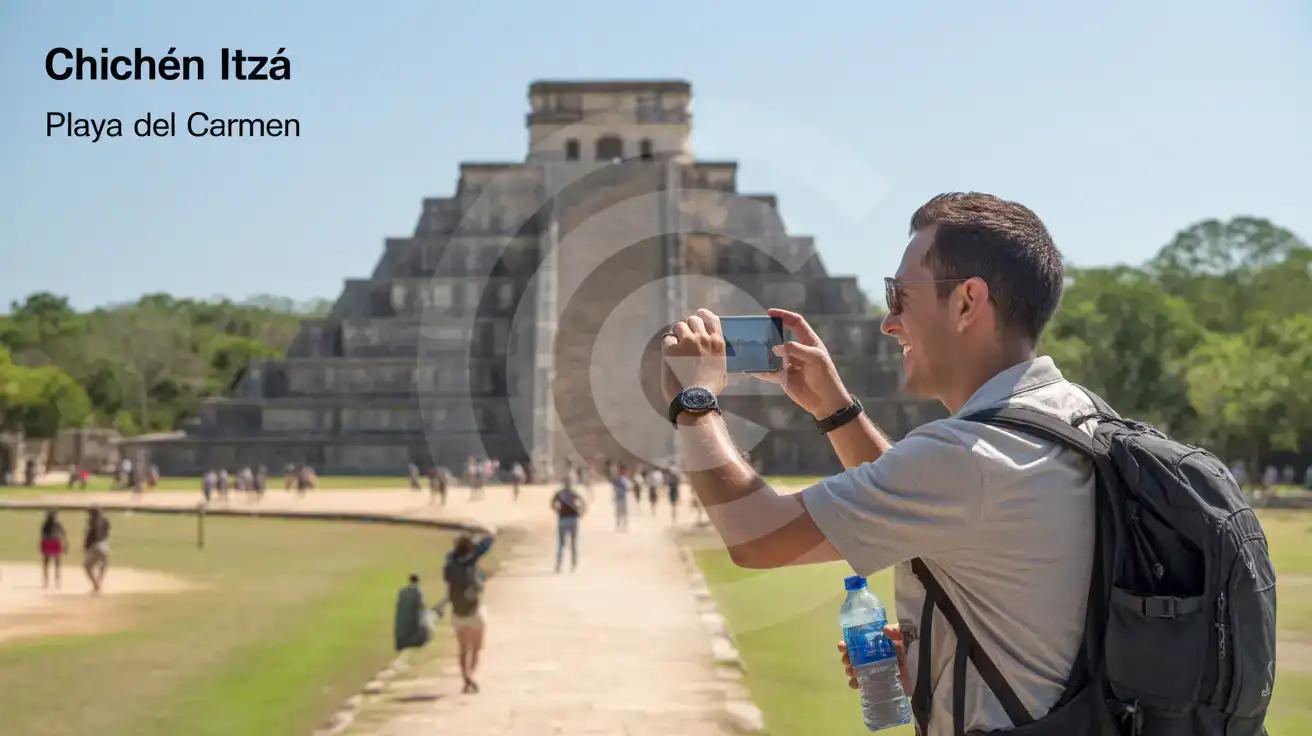
A Different View Of The Site
Compare eSIM Options at Chichén Itzá
eSIMno | Local SIM / Operator | Roaming | |
|---|---|---|---|
| FEATURES | |||
| Setup time | Few minutes | Does not work until registration is complete | Auto |
| No local ID needed | Online checkout | Passport plus a live face check | Use home account |
| Speed | 4G/LTE on Telcel and AT&T | One network only | Partner-dependent |
| Travel support | English support 24/7 | Spanish-language service | Home carrier hours |
| Keep home number | Dual SIM | Replaces it | Same number |
| Cost predictability | Fixed price | Prepaid, no bill shock | Bill-shock risk |