

Quick Facts
- Time Zone
- Eastern Time (ET, UTC−5 / UTC−4 DST)
- Dialing Code
- +1
- Currency
- US Dollar (USD, $)
- Power Plug
- Type A, B (flat 2-pin, common across North America)
- Language
- English
- Emergency
- 911 (police, fire, ambulance)
- eSIMno Networks
- AT&T, Verizon Wireless
How to Get Your eSIM
- Pick Your USA Data Plan
Choose from 1GB to unlimited packages based on your trip length. A week-long NYC visit with daily bridge walks, transit navigation, and photo uploads runs smoothly on 5-10GB. - Install at Home Before Your Flight
Scan the QR code over your home WiFi and save the eSIM profile. The whole process takes under 3 minutes on iPhone (XS or newer) or recent Android devices with eSIM support. - Activate After Landing at JFK or Newark
Once your flight taxis to the gate, switch off airplane mode. Your phone connects to AT&T or Verizon automatically — data is live before you reach the immigration queue. - Set eSIMno as Your Data Line
In your phone's cellular settings, assign the eSIMno profile as primary for mobile data. Keep your home SIM active for incoming calls and texts if you need to receive them abroad. - Walk Onto the Bridge With Full Signal
By the time you reach the wooden promenade from either the Manhattan or Brooklyn entrance, your maps, camera uploads, and group chats are already working.
Traveler Tips
- Cross early — the promenade is quietest before 8:00 AM, and morning light from the Brooklyn side frames the Lower Manhattan skyline perfectly for photos.
- Start from the Brooklyn entrance near High Street (A/C trains) for the classic toward-Manhattan walk with One World Trade Center centered between the cables.
- Rideshare pickup on the Brooklyn side works best at Washington Street under the Manhattan Bridge — drop a precise pin via your maps app to avoid driver confusion in the DUMBO one-way grid.
- Download offline maps of Lower Manhattan and DUMBO before crossing; cellular signal is strong on the bridge but having a backup saves battery.
- Keep your home SIM active for incoming calls — eSIMno handles data, your home line handles voice without roaming if you don't dial out.
- The full crossing takes 30-45 minutes at a walking pace with photo stops; budget extra time if you want to linger at the mid-span Manhattan skyline view.
Why Data Matters on the Brooklyn Bridge
The Brooklyn Bridge promenade has no dedicated WiFi — you're relying on cellular the entire 1.1-mile walk. AT&T and Verizon both maintain strong macro coverage across the span, with signal holding steady from the City Hall Park entrance on the Manhattan side through to the DUMBO stairs in Brooklyn. That coverage matters because the bridge isn't just a photo op; it's a transit corridor where navigation, coordination, and real-time booking happen simultaneously.
Rideshare pickup from either end requires precise pin placement. On the Brooklyn side, the Washington Street underpass and the Front Street curbside zone each have different wait times depending on traffic flow from the BQE. On the Manhattan side, Park Row and the Fulton Street transit hub serve as primary zones, but surge pricing spikes around rush hour. Having live Uber and Lyft apps running lets you compare wait times and pricing before you commit — a two-minute data check can save a 15-minute wait or a $12 surge premium.
Photo uploads, group-chat coordination, and live-streaming all demand steady bandwidth. The bridge's mid-span view — One World Trade Center framed between the suspension cables — is one of the most photographed urban vistas in the country. Uploading a 4K video clip or a burst of high-res shots to Instagram or iCloud while walking means your content reaches followers before you've even reached the other side. eSIMno plans for Brooklyn Bridge, New York City, New York, United States keep that pipeline open without hunting for a café hotspot in DUMBO afterward.
Transit connections at either end also depend on real-time data. The A/C trains at High Street, the 4/5/6 at Brooklyn Bridge-City Hall, and the J/Z at Chambers Street all run on schedules that shift with service alerts. Citymapper and Google Maps with live MTA feed integration show you the next train in real time — information that's useless without working data. The same applies to the NYC Ferry East River route if you're continuing to Governors Island or Wall Street Pier 11.
Visiting Brooklyn Bridge
The bridge is open 24 hours, 365 days a year, with no admission fee or ticket required. Pedestrians and cyclists share the elevated central promenade, with cyclists on the north side and walkers on the south — stay in your lane to avoid collisions during busy periods. The Manhattan entrance sits across from City Hall Park, accessible from the Brooklyn Bridge-City Hall subway station (4/5/6 trains) or Chambers Street (J/Z). The Brooklyn entrance is near Cadman Plaza, a short walk from High Street (A/C) or York Street (F).
Photography is unrestricted across the entire span, including tripods during off-peak hours, though the narrow walkway makes tripod setup impractical when crowds are heavy. Drone use is prohibited under FAA and NYC regulations. Commercial shoots require a permit from the Mayor's Office of Media and Entertainment. The wooden planks can be uneven in places — comfortable walking shoes beat dress shoes for the full crossing.
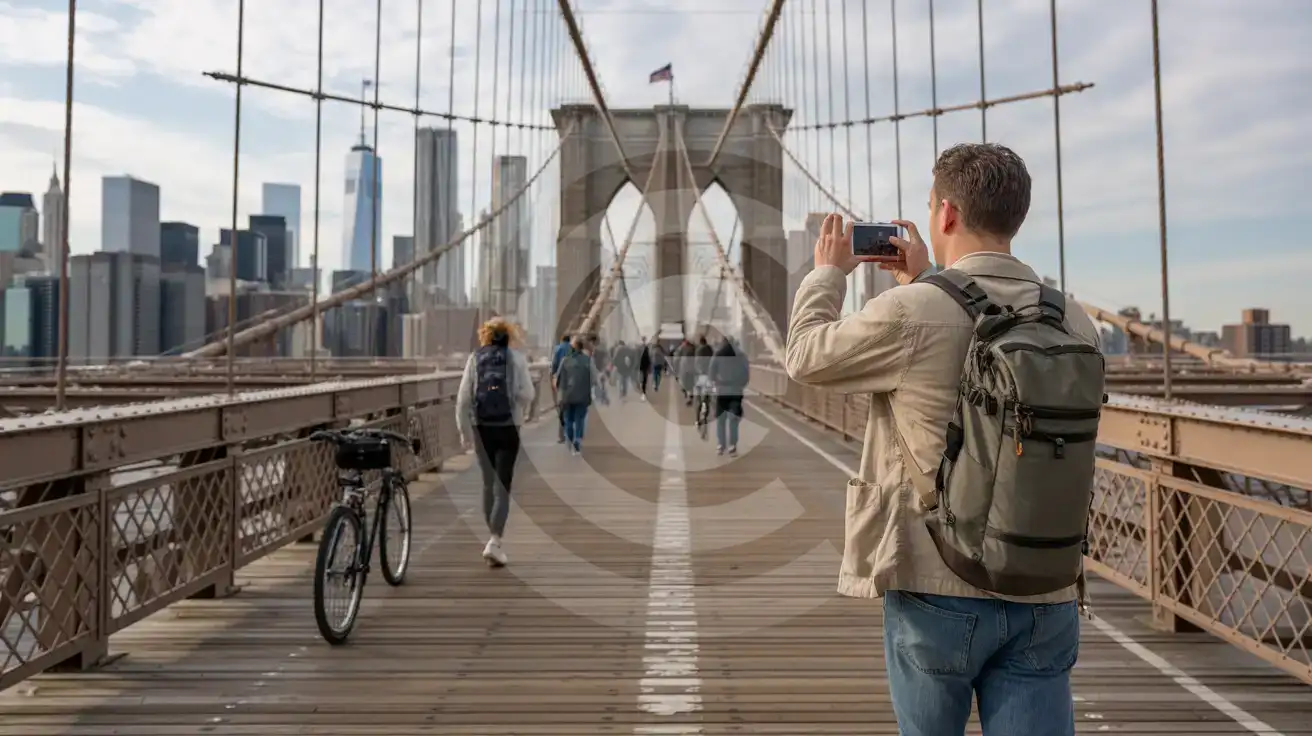
Crossing the Brooklyn Bridge
Compare eSIM Options at Brooklyn Bridge
eSIMno | Local SIM / Operator | Roaming | |
|---|---|---|---|
| FEATURES | |||
| Setup time | Few minutes | Store kit, needs activation | Auto |
| No local ID needed | Online checkout | No SSN; passport at carrier stores | Use home account |
| Speed | 4G/LTE on AT&T, T-Mobile and Verizon; 5G in some areas | One carrier only | Partner-dependent |
| Travel support | English support 24/7 | English-language service | Home carrier hours |
| Keep home number | Dual SIM | Replaces it | Same number |
| Cost predictability | Fixed price | Advertised price needs Auto Pay | Bill-shock risk |