

Quick Facts
- Language
- English
- Currency
- US Dollar (USD, $)
- Time Zone
- Eastern Time (UTC-5 / UTC-4)
- Dialing Code
- +1
- Power Plug
- Type A, B (flat 2-pin, common across North America)
- Emergency
- 911 (police, fire, ambulance)
- eSIMno Networks
- AT&T, Verizon Wireless
How to Get Your eSIM
- Choose Your USA Plan Before Cruise Day
Buy your eSIM before you fly or before you head to Flynn Cruiseport Boston. That gives you time to install calmly at home instead of trying to sort mobile data from the terminal curb with bags in hand. - Install While You Still Have Reliable WiFi
Set up the eSIM on stable WiFi at home, in your hotel, or at the airport before departure. Keep it ready, but wait to turn data on until after you land in Boston so activation starts at the right time. - Activate After Landing
Once your plane reaches the gate at Boston Logan International Airport or once you arrive in Boston and switch off airplane mode, turn on the eSIM for data. By the time you open your cruise line email, maps, or rideshare app, your connection is already live. - Use It For The Port Transfer
From Logan to Boston Harbor, you'll want data for Uber or Lyft pickup, live traffic across the harbor tunnels, and directions to Flynn Cruiseport Boston in the Seaport District. If you're coming from South Station, data helps with the final taxi or rideshare leg of roughly 10-15 minutes. - Keep Your Home SIM For Voice
eSIMno is data-only. Your home SIM can stay active for incoming calls on your regular number with no extra setup, while your Boston Harbor eSIM handles maps, boarding emails, WhatsApp, FaceTime, and every other internet task. For outgoing calls, use data-based calling apps to avoid home-network roaming charges.
Traveler Tips
- Flynn Cruiseport Boston sits in the Seaport District about 3 miles from Downtown Crossing, so keep data ready for the final curbside leg by Uber, Lyft, or taxi instead of relying on hotel WiFi before checkout.
- If you're sailing the same day you land at Boston Logan International Airport, activate after landing and keep your cruise line app, passport photo, and luggage-tag PDF downloaded before you enter the terminal queue.
- South Station is the key rail anchor for Boston Harbor transfers; from there, the port is a short rideshare ride of roughly 10-15 minutes, and live traffic on your phone matters more than a static route screenshot.
- For dual-SIM use, leave your home SIM on for incoming voice calls and use your eSIMno data for WhatsApp, FaceTime, Telegram, and maps. Native outgoing calls through your home SIM can trigger roaming charges.
- If you're disembarking and heading into Quincy Market or the North End, book your ride only after you're outside with your luggage. Pickup pins around cruise terminals can shift, and live app updates save time.
- Boarding windows cluster around late morning to early afternoon, so screenshots alone are risky. Keep live data for terminal notices, schedule changes, and luggage instructions while you're still approaching Boston Harbor.
Why Data Matters at Boston Harbor
Boston Harbor is not a place where you want to be improvising your connection. At Flynn Cruiseport Boston, the important tasks happen in short bursts: finding the right curb, refreshing a cruise line check-in page, pulling up a passport scan, confirming a luggage-tag attachment, then lining up a ride toward your hotel or the airport. In the Seaport District, those decisions happen across a compact area, but every one of them depends on live data. Google Maps, Uber, Lyft, and your cruise line's own check-in flow all work better when your phone is already connected before you reach the terminal doors.
The same applies after you step off the ship. A disembarkation morning can mean luggage claim, a transfer toward South Station, and a same-day flight from Boston Logan International Airport within a 2 to 4 hour window. You'll want live traffic for the Ted Williams Tunnel, terminal updates from your airline, and mobile hotel check-in if you're staying overnight near the waterfront or heading toward Seaport Hotel Boston. This is exactly where eSIMno plans for Boston Harbor, Boston, Massachusetts, United States earn their keep: instant setup, no physical SIM swap, and one plan that keeps working beyond the harbor if your trip continues elsewhere in the U.S.
Boston Harbor also sits right beside places travelers actually go after port formalities end. The walkable waterfront around the Institute of Contemporary Art, the route toward the New England Aquarium, and rides into the Financial District or North End all rely on the same phone session you started at the cruise terminal. A good port eSIM is not just for boarding. It's for the 20 minutes before boarding, the hour after disembarkation, and the rest of your Boston stay after the harbor stop is done.
Visiting Boston Harbor
For cruise travelers, Boston Harbor means one main passenger gateway: Flynn Cruiseport Boston on the South Boston waterfront. The practical rule is simple: arrive with your documents already easy to reach on your phone. Cruise lines may request check-in confirmation pages, digital luggage tags, passport details, health or boarding forms, and last-minute schedule notices, all of which are easier to handle on mobile data than in a busy terminal queue.
If you're reaching the port from a hotel, allow extra time during weekday mornings when Seaport traffic builds around convention activity and local commuter flow. If you're coming after a flight, the airport-to-port transfer is short in distance but still sensitive to tunnel traffic and pickup-zone changes. If you're leaving the harbor after your cruise, decide early whether you're heading to Logan, South Station, or a downtown hotel so you can book the right car and avoid dragging luggage between curbs.
Boston weather also matters at the harbor edge. Wind off the water can make curbside waiting less comfortable in spring, late fall, and winter, so having your ride booked and your directions loaded before you step outside saves standing time. Keep a charger in your day bag and make sure your connection is ready before terminal formalities start.
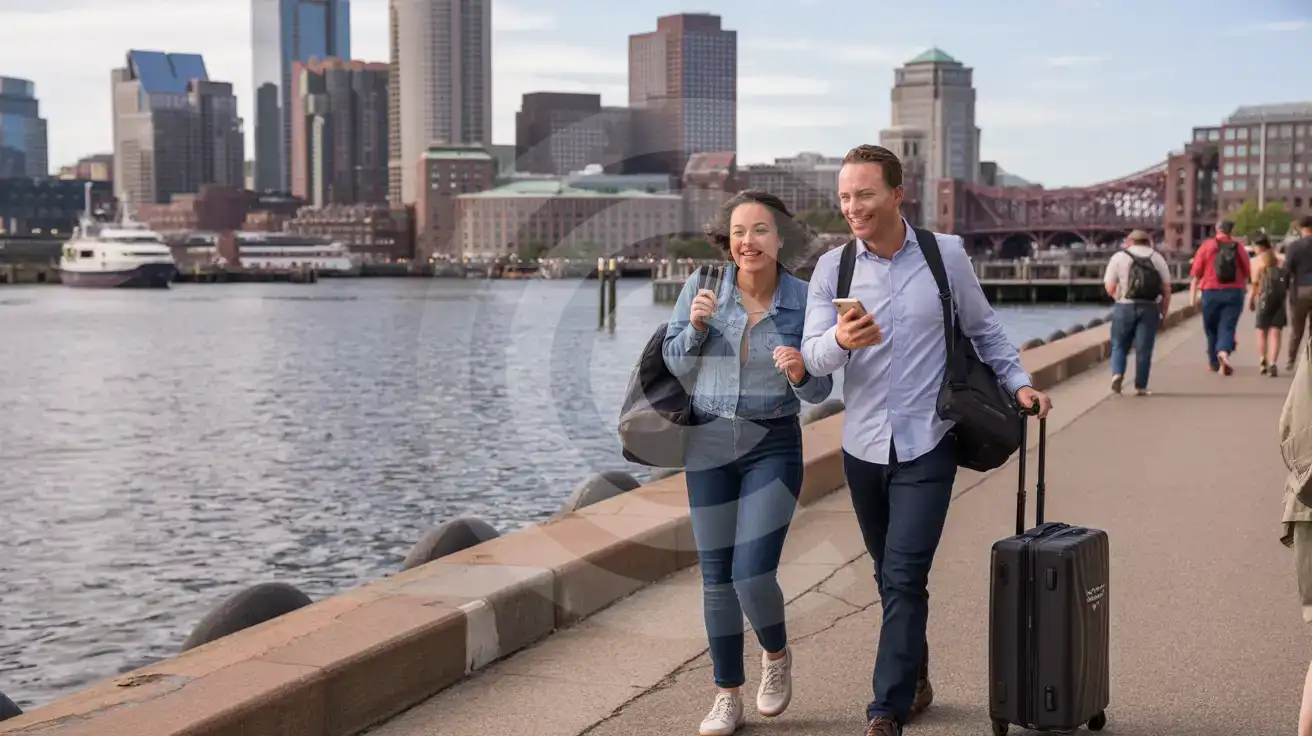
Boston Harbor Arrival Scene
Compare eSIM Options at Boston Harbor
eSIMno | Local SIM / Operator | Roaming | |
|---|---|---|---|
| FEATURES | |||
| Setup time | Few minutes | Store kit, needs activation | Auto |
| No local ID needed | Online checkout | No SSN; passport at carrier stores | Use home account |
| Speed | 4G/LTE on AT&T, T-Mobile and Verizon; 5G in some areas | One carrier only | Partner-dependent |
| Travel support | English support 24/7 | English-language service | Home carrier hours |
| Keep home number | Dual SIM | Replaces it | Same number |
| Cost predictability | Fixed price | Advertised price needs Auto Pay | Bill-shock risk |