

Quick Facts
- Language
- English
- Currency
- US Dollar (USD, $)
- Time Zone
- Eastern Time (UTC-5 / UTC-4)
- Dialing Code
- +1
- Power Plug
- Type A, B (flat 2-pin, common across North America)
- Emergency
- 911 (police, fire, ambulance)
- eSIMno Networks
- AT&T, Verizon Wireless
How to Get Your eSIM
- Pick Your USA Plan Before The Trip
Choose the data amount you want for New York first, then keep using the same plan across the rest of the United States if your itinerary continues after Harlem. - Install While You Still Have Reliable WiFi
Set up the eSIM at home or at your hotel before you head toward Apollo Theater. That way you are not troubleshooting on 125th Street while trying to open a ticket email, message friends, or compare subway routes. - Keep Your Home SIM On For Voice
eSIMno is data-only. Your home SIM stays active for incoming voice calls with no setup needed, while apps like WhatsApp, FaceTime, and Telegram use your eSIMno data for messages and internet calls. - Activate After Landing
Turn on the eSIM after you land in New York and airplane mode is off. By the time you are riding in from JFK, LaGuardia, or Newark, your phone can already handle live navigation, ride apps, and ticket access. - Use It On The Way To The Apollo
Before the show, use your data to check Citymapper or Google Maps for the best route to 125th Street, pull up your confirmation email, and lock in your return ride before the crowd spills out after the performance.
Traveler Tips
- Arrive 20-30 minutes before showtime at Apollo Theater so your ticket barcode, seat details, and bag check questions are sorted before the line tightens on 125th Street.
- For subway arrivals, compare the 125 St stations on the A/B/C/D and the 2/3 before you set off; a live route check saves extra blocks of walking when service patterns shift at night.
- If you're leaving after a sold-out show, request your Uber or Lyft from inside or right at the curb once the app shows the driver's approach; that short wait with working data beats trying to reconnect on the sidewalk.
- Keep your home SIM active for incoming calls and let the eSIM handle data. For outgoing calls, use WhatsApp, FaceTime Audio, or Telegram so you avoid roaming voice charges through your home line.
- Harlem plans can change fast after the performance. With data ready, you can book a table, pull up walking directions toward Adam Clayton Powell Jr. Boulevard, or switch from subway to rideshare in under a minute.
- Screenshotting your ticket helps, but don't rely on screenshots alone. A live connection is still useful for seat updates, transfer checks, and meeting-point messages around the Apollo Theater block.
Why Data Matters at Apollo Theater
Apollo Theater is one of those New York stops where your phone keeps doing real work right up to the door. You may be opening the Apollo Theater confirmation email, checking the venue ticket flow, comparing a subway route to 125 St, or warning your group that you are 8 minutes away. In Harlem, that decision can shift between the A or D trains, the 2 or 3 trains, and a last-minute Uber or Lyft pickup depending on where you started and how late the show ends. Data is what lets those choices happen in real time instead of on guesswork.
The area around the venue rewards instant decisions. A dinner reservation can move from West Harlem to Midtown in one text. A post-show drink can turn into a ride south to Times Square or a late train back near Pennsylvania Station. If you are meeting people outside the theater, live location sharing through WhatsApp, iMessage, or Telegram saves the back-and-forth on a crowded block. If you are visiting from abroad, internet calling matters too: your eSIMno data can handle FaceTime Audio, Google Meet, and messaging apps while your home SIM remains active for incoming voice calls.
That is why travelers buy before they go. eSIMno plans for Apollo Theater, New York City, New York, United States make sense because the data need starts on the way in, not later at the hotel. Install in advance, activate after landing, and your phone is ready for maps, ticket access, rides, reservations, and every update between Harlem and the rest of your US trip. If tomorrow includes Broadway Theatre District or another city entirely, the same plan keeps working.
Visiting Apollo Theater
Apollo Theater sits on West 125th Street in Harlem, and visit patterns depend on the event on your booking rather than an all-day drop-in schedule. Performance nights create the key arrival window, so it is smart to have your confirmation email, exact start time, and entry instructions available before you leave your hotel. Ticket rules, seating details, and arrival guidance can differ by show, and the official event page is the right place to confirm the current policy.
For transit, the theater is served by multiple Harlem subway options within walking distance, which is useful if uptown and downtown service patterns change late in the evening. The block also stays busy with restaurants, bars, and curbside pickups after performances, so the exit flow can feel much different at 10 PM than it did when you arrived. If accessibility, bag policy, or camera rules matter for your event, check them in advance because live performances and special programs can use different house rules.
This is not a venue where you want loose ends. Knowing your entrance instructions, meeting point, and late-night route home before you arrive makes the evening smoother, especially if your plans continue elsewhere in Manhattan after the show.
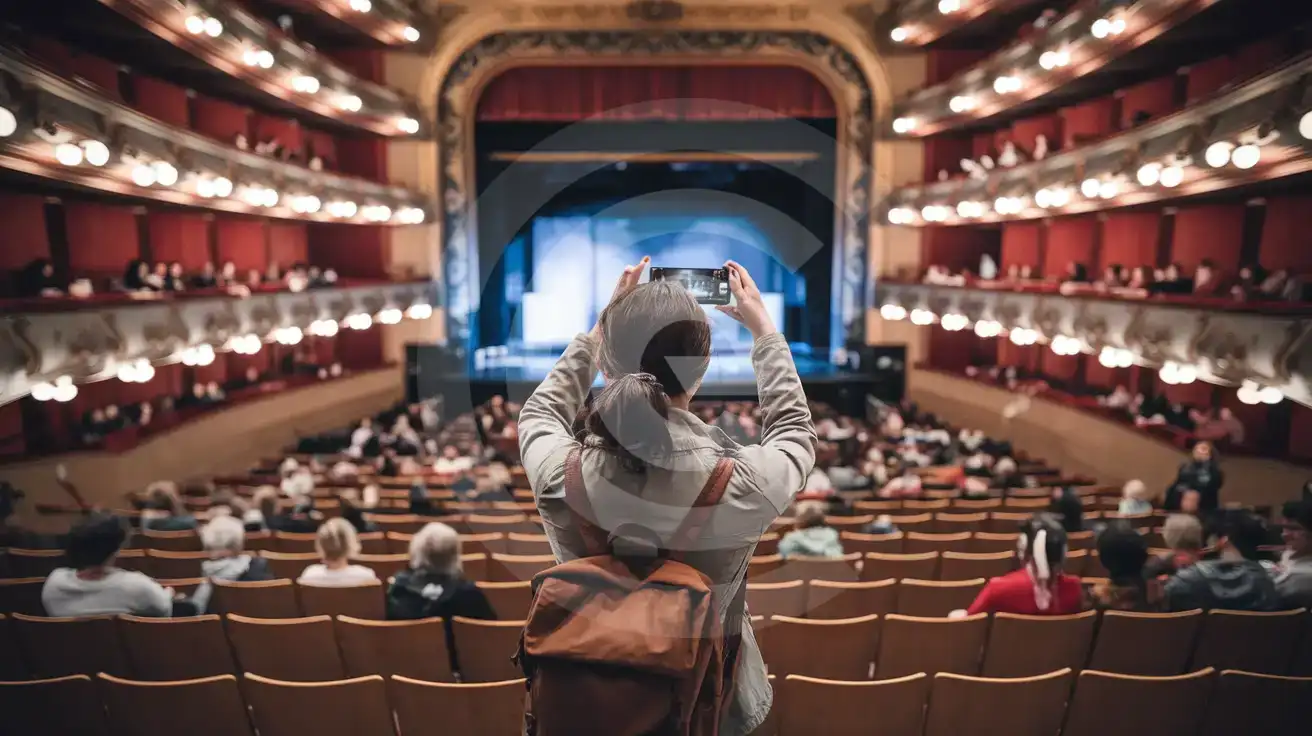
Inside the Apollo Atmosphere
Compare eSIM Options at Apollo Theater
eSIMno | Local SIM / Operator | Roaming | |
|---|---|---|---|
| FEATURES | |||
| Setup time | Few minutes | Store kit, needs activation | Auto |
| No local ID needed | Online checkout | No SSN; passport at carrier stores | Use home account |
| Speed | 4G/LTE on AT&T, T-Mobile and Verizon; 5G in some areas | One carrier only | Partner-dependent |
| Travel support | English support 24/7 | English-language service | Home carrier hours |
| Keep home number | Dual SIM | Replaces it | Same number |
| Cost predictability | Fixed price | Advertised price needs Auto Pay | Bill-shock risk |