
Quick Facts
- Best for airport arrival
- Airport WiFi for quick checks, mobile data for rideshare, train timing, and live maps
- Best for downtown navigation
- Mobile data is usually faster and less frustrating than hopping between public networks
- Typical free WiFi use
- Messages, email, boarding passes, hotel confirmations
- Better on mobile data
- Map rerouting, ticket QR codes, ferry updates, app-based transport
- Expected traveler spend
- Free on WiFi, or roughly US$4-12/day depending on your eSIM data plan and usage
- eSIMno Networks
- AT&T, T-Mobile
WiFi vs Mobile Data in Seattle
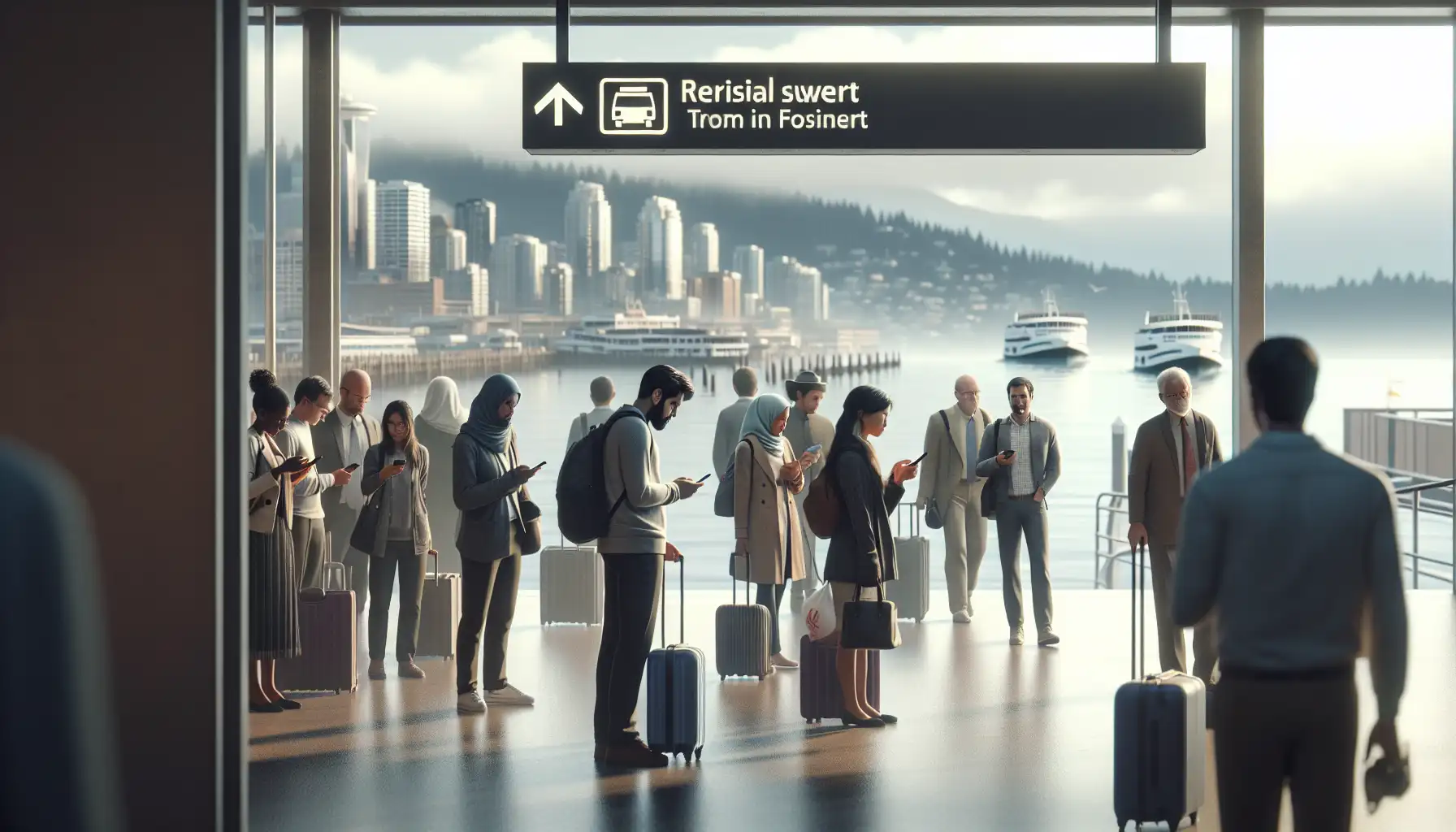
Seattle gives you plenty of chances to get online, but not all of them are equally convenient. At Sea-Tac, free airport WiFi is fine for the first few minutes after landing. It’s good for checking baggage info, pulling up your hotel address, or letting someone know you’ve arrived. The trouble starts when you need your phone while moving: finding the right pickup zone, checking Link 1 Line timing, or rerouting because traffic into Downtown Seattle looks worse than expected.
That pattern continues in the city. Hotel WiFi at places like The Westin Seattle, Hyatt Regency Seattle, or The Edgewater Hotel is usually perfectly usable once you’re checked in. But outside, Seattle days tend to stay fluid. You might head toward the Seattle Aquarium and keep walking to the Great Wheel, or leave Pioneer Square and decide to continue on foot to the waterfront. In those in-between stretches, mobile data is usually the smoother choice.
If you want to sort it before wheels-down, explore eSIMno plans for Seattle so your phone is ready before the first transit decision lands in your lap.
How to Connect
- 1. At Sea-Tac arrivals, decide what matters in the next 30 minutes
If you just need to message family, check baggage, or confirm your hotel booking, airport WiFi is enough. If you’re comparing rideshare prices with Link 1 Line departure times from the airport station, switch to mobile data early so maps and transport apps refresh while you’re walking. - 2. In the Link ride toward Downtown Seattle, use data if your plan may change
This is the moment many travelers start checking where to get off for The Westin Seattle, Hyatt Regency Seattle, or Pioneer Square. Train WiFi isn’t the thing to count on here. Mobile data is better for live navigation, especially if you decide to stop near Westlake instead of going straight to your hotel. - 3. Around Pike Place Market, don’t rely on finding a café network mid-crowd
The market area is busy, layered, and easy to zigzag through. If you’re meeting someone, booking a last-minute tour, or reopening directions to the Seattle Aquarium or Seattle Art Museum, mobile data saves you from standing in a doorway trying to reconnect. - 4. At Washington State Ferries or the Seattle Waterfront, keep mobile data on
Ferry timing, gate info, and weather shifts matter more here than raw speed. If you’re transferring toward a sailing or checking a whale-watching departure, data is the safer choice because you’ll be moving between terminals, sidewalks, and open-air waiting areas. - 5. At hotel check-in, switch back to WiFi for heavier tasks
Once you’re settled at a hotel like Kimpton Hotel Monaco Seattle or The Edgewater Hotel, use the property WiFi for backups, app updates, and photo uploads. Keep your eSIM active for the moments hotel login pages time out or you need a quick second connection to verify a booking.
Tips
- If your phone supports WiFi Assist or a similar setting, check it before arrival. In Seattle, that can stop your apps from clinging to weak public WiFi when you’re already walking away from it.
- Use your hotel address in full, not just the hotel name, when navigating from Sea-Tac. Downtown towers can sit on different entrances than you expect, and the exact street-side drop-off matters.
- If you’re heading to Lumen Field or T-Mobile Park later, finish account logins and ticket app sign-ins earlier in the day while you’re somewhere calm. Stadium areas are easier when your apps are already authenticated.
Connected Arrival in Seattle
Simple Cost Breakdown
Here’s the practical version. Free WiFi costs nothing, obviously, and it works well enough for short tasks at the airport, in hotels, and in some cafés or public spaces. The tradeoff is time: sign-in screens, reconnecting after you move, and the occasional network that works for browsing but not for the app you actually need.
Mobile data through an eSIM usually makes more sense if you’ll be using maps often, moving between neighborhoods, or taking ferries and transit. Light users might only need a small plan for messaging, maps, and booking confirmations, which often lands around US$4-8 for a short stay. Heavier users streaming, hotspotting, or uploading lots of photos may want something closer to US$8-12 or more per day depending on plan size and trip length.
My own rule in Seattle is pretty boring but effective: WiFi indoors, data outdoors, and no gambling on public internet when I’m trying to find the right entrance, platform, or pier.
Compare WiFi Options at Seattle-Tacoma International Airport
 Recommended Recommended | Local SIM / Operator | Roaming | |
|---|---|---|---|
| FEATURES | |||
| Setup time | Few minutes | Store visit + paperwork | Auto |
| No local ID needed | Online checkout | Local ID required | Use home account |
| Speed | 4G/LTE; 5G in some areas | Carrier-grade | Partner-dependent |
| Travel support | English support 24/7 | Operator shops and call centre | Home carrier hours |
| Keep home number | Dual SIM | Replaces it | Same number |
| Cost predictability | Fixed price | Bills can spike | Bill-shock risk |
| PRICING | |||
Typical pricing | See plans below | — | — |
PRICING — PICK YOUR ESIMNO PLAN
Destination overview
Frequently Asked Questions
Featured eSIM plans
American Mobile

American Mobile
American Mobile
American Mobile
American Mobile
American Mobile