

Quick Facts
- Free WiFi at Miami International Airport
- Available in terminal areas for basic browsing, messaging, and trip checks
- Best use for airport WiFi
- Short tasks while seated or waiting indoors before leaving the airport
- Best use for mobile data
- Navigation, rideshare coordination, hotel check-in, maps, and moving across Miami
- Typical connectivity pressure points
- Arrivals pickup zones, causeway transfers, cruise-port runs, beach hotel lobbies, and major event nights
- eSIMno Networks
- AT&T, T-Mobile
WiFi vs Mobile Data at Miami International Airport
Here’s the honest version: airport WiFi at Miami International Airport is fine for quick, low-pressure tasks. If you’ve just landed and want to check a gate message, send an arrival text, or confirm your hotel address, it usually does the job. The problem starts when you need your phone to keep working as you move.
Miami is not a one-neighborhood trip. You might land, head toward the Port of Miami, swing by a hotel near Biscayne Bay, then end up on the beach side later in the day. That kind of movement favors mobile data. It’s usually the better choice for live navigation, rideshare updates, app-based hotel check-in, and ticket access if you’re heading to a game or concert near the arena district.
We’d use WiFi for a few minutes inside the terminal, then switch to mobile data before stepping into the pickup flow. If you want to set that up ahead of time, you can explore eSIMno plans for Miami and arrive with data already lined up.
How to Connect
- At Miami International Airport arrivals, decide fast what matters next
If you’re still inside the terminal and only need to message your pickup, check baggage info, or confirm an address, airport WiFi is usually enough. But if you’re ordering a rideshare, tracking a shuttle, or heading straight onto the road network from MIA, switch to mobile data before you leave the building so your connection doesn’t depend on one public network at the exact moment you start moving. - On the way to Bayside Marketplace or a Port of Miami transfer, use mobile data
This is not the moment to rely on WiFi. Traffic patterns, pickup points, and route changes happen quickly around downtown and the cruise-port approach. If your driver reroutes or your terminal changes, mobile data is the safer option for maps, messages, and booking screens. - In Little Havana or around Wynwood Walls, treat public WiFi as a backup only
These are the kinds of places where you’ll stop, walk, and change plans on the fly. Cafes may have WiFi, but it’s not something to build your day around. Keep mobile data active so maps, translation, payment apps, and group chats keep working while you move between murals, coffee stops, and side streets. - During hotel check-in at Fontainebleau Miami Beach or another busy resort, compare both
Hotel WiFi can be perfectly good once you’re in the room, but lobby networks often feel slower during peak check-in windows. Use mobile data for the actual arrival tasks that matter first: reservation lookup, ID upload if needed, and messaging your group. Then join hotel WiFi later for heavier use like backups or streaming.
Tips
- If your phone supports WiFi Assist or a similar setting, check how it behaves before the trip. In busy airport or hotel environments, phones sometimes cling to weak WiFi longer than you’d expect.
- Download your first-day essentials before landing: one offline map area, your hotel confirmation, and any cruise or event QR codes. Miami’s long transfer legs make this more useful than people think.
- If you’re heading west toward Everglades National Park or Shark Valley Visitor Center later in the trip, sort your eSIM and route planning in the city first. That’s a much better place to troubleshoot than a park entrance road.
Simple Cost Breakdown
Free airport WiFi sounds like the cheapest option because, technically, it is. But the real cost question in Miami is reliability during movement. If free WiFi saves you money but leaves you stuck refreshing a rideshare app outside MIA or trying to load directions near a hotel queue, the trade-off stops feeling cheap.
A practical breakdown looks like this:
Airport WiFi: good for short indoor use, no direct cost, limited value once you leave the terminal.
Hotel or cafe WiFi: often included, useful when stationary, but not a replacement for data during transfers.
International roaming from your home carrier: convenient if your plan includes the US, but it can get expensive fast if it doesn’t.
Travel eSIM: usually the best middle ground for most visitors because you get mobile data without hunting for a local SIM shop after landing.
If your trip includes beach time, downtown stops, and event traffic, paying a little for dependable data often saves more stress than it costs.
Arrival Connection Moment
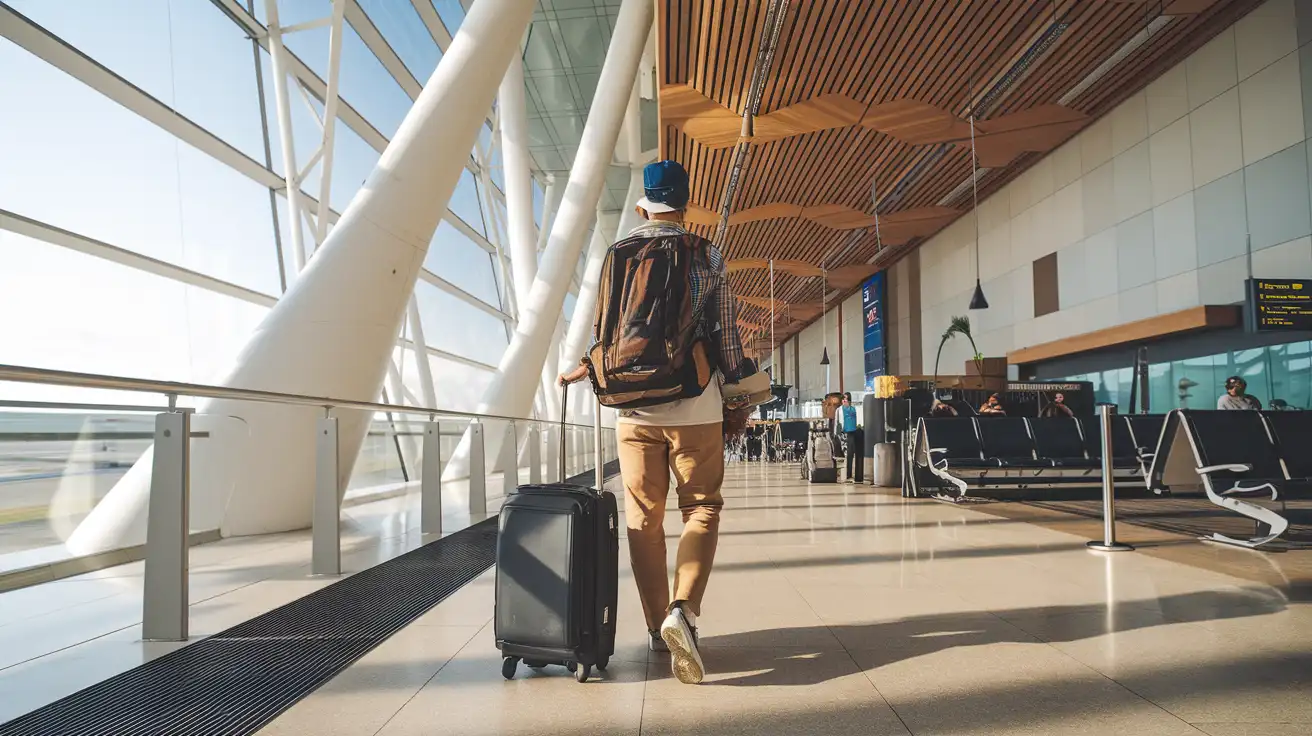
Compare WiFi Options at Miami International Airport
 Recommended Recommended | Local SIM / Operator | Roaming | |
|---|---|---|---|
| FEATURES | |||
| Setup time | Few minutes | Store visit + paperwork | Auto |
| No local ID needed | Online checkout | Local ID required | Use home account |
| Speed | 4G/LTE; 5G in some areas | Carrier-grade | Partner-dependent |
| Travel support | English support 24/7 | Operator shops and call centre | Home carrier hours |
| Keep home number | Dual SIM | Replaces it | Same number |
| Cost predictability | Fixed price | Bills can spike | Bill-shock risk |
| PRICING | |||
Typical pricing | See plans below | — | — |
PRICING — PICK YOUR ESIMNO PLAN
Destination overview
Frequently Asked Questions
Featured eSIM plans
American Mobile

American Mobile
American Mobile
American Mobile
American Mobile
American Mobile