

Quick Facts
- Free WiFi at JFK
- Available in terminals for general browsing and messaging
- Best use for airport WiFi
- Checking messages, downloading a boarding pass, light browsing while seated
- Best use for mobile data
- Rideshare booking, maps, train updates, hotel contact, moving between airport and city
- Typical pressure points
- Terminal exits, AirTrain transfers, Jamaica Station, crowded Midtown arrival zones
- eSIMno Networks
- AT&T, T-Mobile
WiFi or mobile data at JFK?
Here's the short version: JFK WiFi is useful, but it's not the connection we'd want to rely on for the whole trip into New York. If you're sitting in the terminal after landing and just need to tell someone you've arrived, free WiFi is usually enough. If you're ordering a car, checking AirTrain timing, opening a hotel booking, or navigating after a long-haul flight, mobile data is usually the calmer option.
The reason is simple. Airport WiFi works best when you're stationary. New York travel starts asking more from your phone the minute you begin moving: terminal changes, elevator dead spots, crowded concourses, train platforms, and then the jump from JFK into the city. We like WiFi for low-stakes tasks and mobile data for anything tied to timing.
If you'd rather sort that out before you land, explore eSIMno plans for JFK International Airport and New York City. That way your maps, messages, and booking apps are ready before the AirTrain doors close.
How to Connect
- At JFK arrivals: use WiFi for the easy stuff
Once you're through arrivals at John F. Kennedy International Airport, connect to the terminal WiFi if you just need a quick message home, passport-control follow-up, or to check your baggage status. It's a good moment for low-pressure tasks while you're still near seating and power outlets. - Before boarding the AirTrain: switch to mobile data
If you're heading from your terminal toward the AirTrain for Jamaica Station, this is the moment to stop depending on WiFi. You'll want mobile data for live transit checks, rideshare backup plans, and route changes if you're deciding between the Long Island Rail Road, subway, or a pickup. - At Jamaica Station or Pennsylvania Station: trust data over public WiFi
Transfers get busy fast, especially if you're continuing toward Manhattan via Jamaica Station and then Pennsylvania Station. Use mobile data here for platform info, ticket apps, and messages. Public WiFi can be patchy or simply slower than you'd like when everyone around you is doing the same thing. - At hotel check-in or a crowded city stop: compare before you switch
When you reach a hotel like the Waldorf Astoria New York, or if you head straight into a dense area like Times Square, don't assume local WiFi is automatically better. Hotel WiFi may need a login and busy public areas can be overloaded. Keep mobile data active until you've tested the local connection and know it actually works for what you need.
Tips
- If your phone supports WiFi Assist or a similar setting, check how it behaves before arrival. At JFK, automatic switching between weak WiFi and mobile data can make apps feel oddly slow if you don't notice what's happening.
- Open your hotel address in your maps app before leaving the terminal. Even with good data, it's easier to tap one saved destination than retype a Midtown address while walking through a station crowd.
- If you're meeting someone at JFK, agree on a specific terminal door or pickup zone name, not just 'outside arrivals.' That small detail saves a lot of back-and-forth and cuts down on connection stress.
What the costs usually look like
JFK terminal WiFi is generally free, so the direct cost can be zero. The real cost is convenience. If a weak or crowded connection delays your ride booking, train lookup, or hotel contact, that 'free' option can become expensive in time and stress.
Mobile data costs depend on how you're traveling. Roaming with your home carrier can be the priciest route, especially for short trips where you only need a few days of maps, messaging, and app use. Local SIMs can work, but buying one after landing adds another errand to an airport day that already has enough moving parts. An eSIM is usually the simplest middle ground: set it up before departure, land with data ready, and use airport WiFi only when it genuinely helps.
At JFK, that difference matters most if you're arriving late, traveling during major events, or heading straight into a transfer-heavy route. We've had those New York moments where a phone matters more than expected: a delayed pickup, a changed hotel message, a train platform update that appears at exactly the wrong time. That's where ready-to-go data earns its keep.
From terminal to train
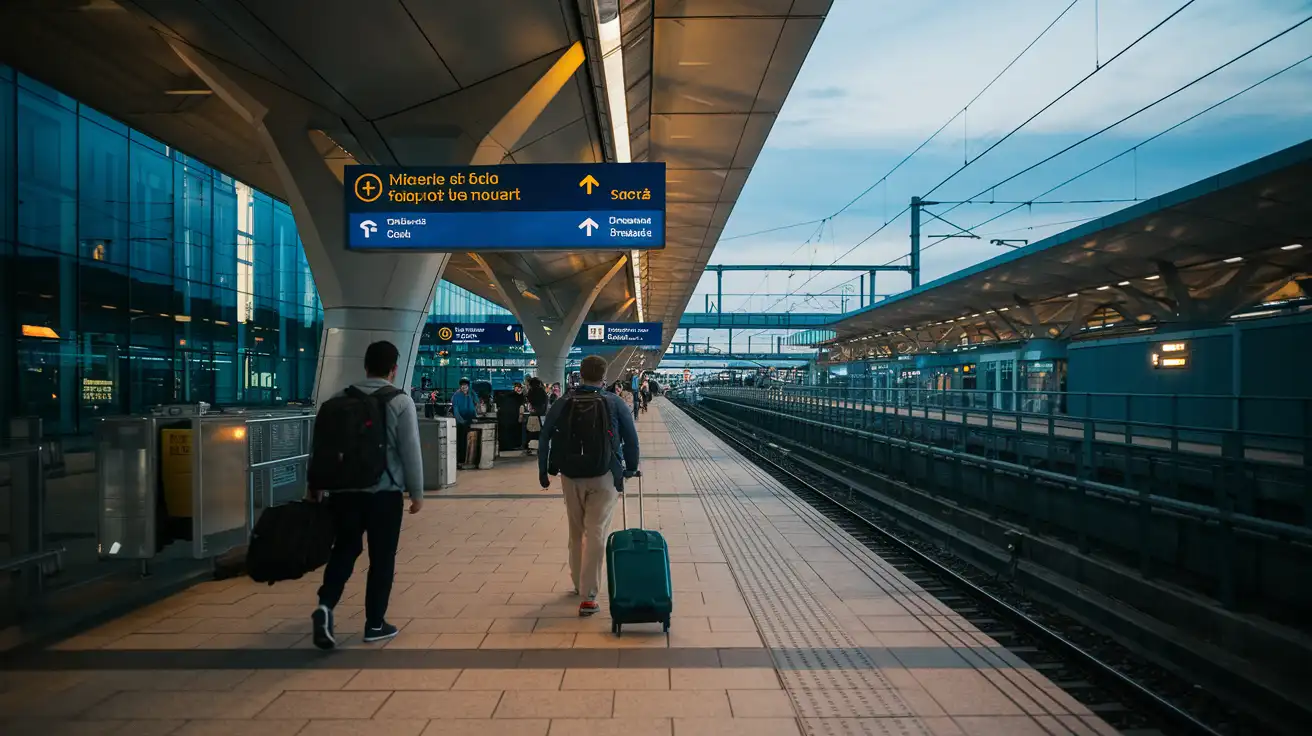
Compare WiFi Options at John F. Kennedy International Airport
 Recommended Recommended | Local SIM / Operator | Roaming | |
|---|---|---|---|
| FEATURES | |||
| Setup time | Few minutes | Store visit + paperwork | Auto |
| No local ID needed | Online checkout | Local ID required | Use home account |
| Speed | 4G/LTE; 5G in some areas | Carrier-grade | Partner-dependent |
| Travel support | English support 24/7 | Operator shops and call centre | Home carrier hours |
| Keep home number | Dual SIM | Replaces it | Same number |
| Cost predictability | Fixed price | Bills can spike | Bill-shock risk |
| PRICING | |||
Typical pricing | See plans below | — | — |
PRICING — PICK YOUR ESIMNO PLAN
Destination overview
Frequently Asked Questions
Featured eSIM plans
American Mobile

American Mobile
American Mobile
American Mobile
American Mobile
American Mobile