

 Umrah eSIM: stay connected in Makkah and Madinah
8 plans · From $6.90 · QR code instantly by email
- Mobily network
- No ID check
- Top-up available
- Validity starts on activation
SaudiMobile

SaudiMobile
SaudiMobile
SaudiMobile
SaudiMobile
SaudiMobile
SaudiMobile
SaudiMobile


Umrah ready
Stay in touch with family throughout Umrah — your data is ready the moment you land.
- Install at homeBefore you fly, on Wi-Fi
- Land in Jeddah or MadinahTurn off airplane mode
- Connect to MobilyUsually within seconds
- No SIM queue at the airport
- No ID registration
- Your home number and WhatsApp stay the same
At a glance
- Network
- Mobily (Saudi Arabia)
- Coverage
- Makkah, Madinah, Jeddah and across Saudi Arabia
- Setup
- Before you fly — QR code arrives instantly by email
- Validity
- Starts when the eSIM connects to the network, not on the day you buy
- ID
- Not required
- Your home number
- Stays active (dual SIM); your WhatsApp number does not change
- Plan type
- Data only — no Saudi number, calls or SMS
- Hotspot
- No extra charge; shared data counts toward your plan
How much data do you need for Umrah?
With maps, messaging and photo sharing, most travelers use 0.5–1 GB a day; daily video calls push that higher.
- 7–10 day Umrah, messages and maps: 3 GB · 15 days
- 10–15 days, occasional video calls: 5 GB · 30 days
- 10–15 days, daily video calls with family: 10 GB · 30 days
- Longer than 15 days, or sharing data with a companion: 20 GB · 30 days
If your data runs out during the trip, you can add a top-up to the same eSIM — no new QR code needed. For city and network details, see Saudi Arabia eSIM.
Step by step: install at home, connect on arrival
- Check your phone
Your phone must support eSIM and be carrier-unlocked. If Settings shows an "Add eSIM" option, you are ready. - Choose your plan
The QR code and install link reach your inbox within minutes. - Install at home on Wi-Fi
Scan the QR code or tap the install link. Give the eSIM line a name such as "Umrah". - Connect when you land
After landing, turn off airplane mode, select the eSIM for mobile data and turn on Data Roaming for this line. Connecting usually takes a few seconds. - Set up your home line
Keep data roaming off on your home SIM; the line can stay on for calls and SMS.
Ready before you leave
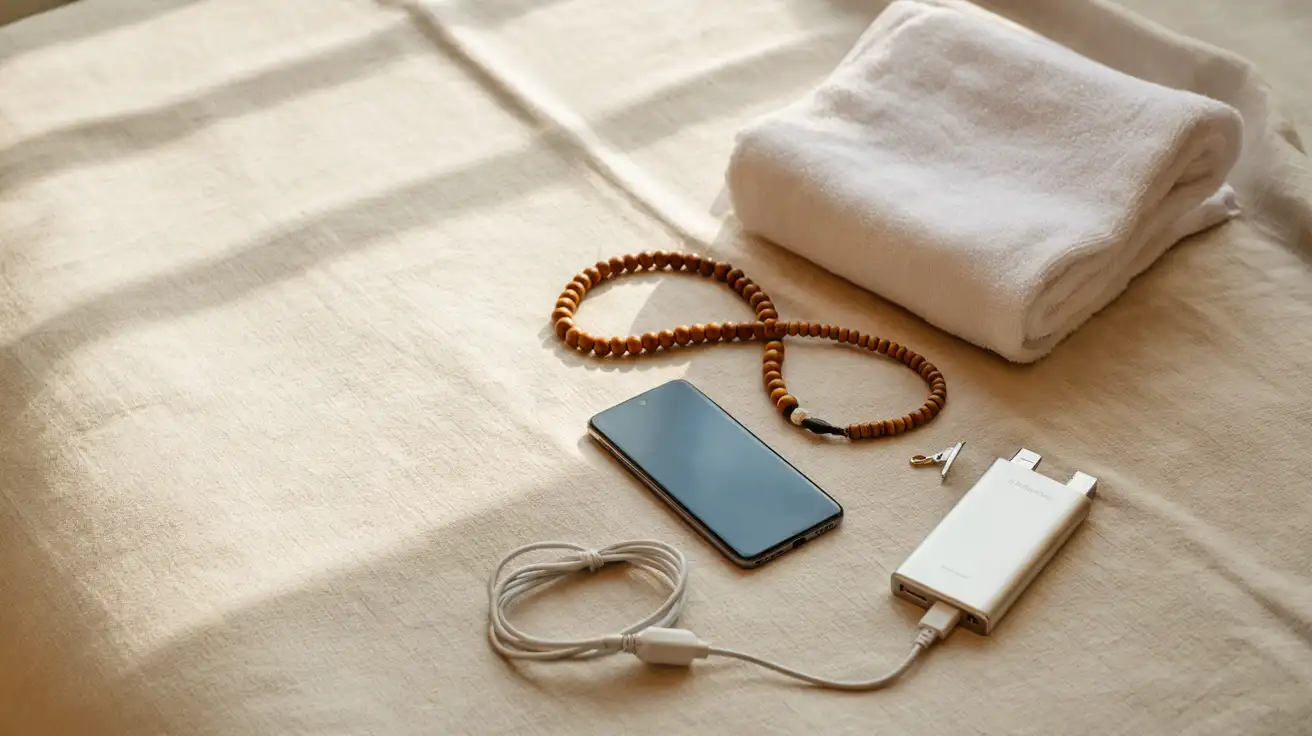
Preparing for Umrah: visa, Nusuk permit and vaccination
Three things must be in place before you travel. Rules can change by season, so check the latest status on official channels (the Saudi eVisa portal and Nusuk) before you apply.
Visa
Depending on your nationality, you can perform Umrah on an Umrah visa arranged through an agency or, for eligible countries, on the Saudi tourist eVisa, which also allows Umrah. Your passport is generally required to be valid for at least 6 months, and health insurance is linked to the visa application.
Nusuk permit
A visa lets you enter the country; to perform Umrah in Masjid al-Haram you also book a dated, timed Umrah permit in the Nusuk app. A visit to the Rawdah in Madinah needs its own separate Nusuk appointment. If you travel with an agency, they usually arrange these permits, but install the app anyway — the permit screen opens online at the gate.
Vaccination
Saudi Arabia requires a meningococcal (ACWY) vaccination for Umrah pilgrims. Get it at a travel health clinic and carry your vaccination certificate with your passport.
Getting there: flights and the Haramain train
Most pilgrims fly into Jeddah or Madinah. When choosing your route, think about where you will enter ihram:
- Makkah first (landing in Jeddah): the plane crosses the miqat in the air, so ihram is entered before departure or on board before reaching the miqat. You perform Umrah, then travel to Madinah.
- Madinah first (landing in Madinah): you stay without ihram in Madinah and enter it at the Dhul Hulayfah (Abyar Ali) miqat on your way to Makkah.
The Haramain High Speed Railway links Makkah, Jeddah (including the King Abdulaziz Airport station) and Madinah: under an hour from the airport to Makkah and about two hours to Madinah. You need data for tickets and timetables. In the cities Careem and Uber are widely used; save your hotel location on the map.
Where to stay
Your hotel decides how much time you can give to worship.
Makkah
Walking distance to the Haram (around the Clock Tower / Abraj Al Bait and Ibrahim Al Khalil Road): the most expensive area, but you can walk to every prayer. Districts further out such as Aziziyah are more affordable; you reach the Haram by shuttle or bus, and journeys take longer at peak times.
Madinah
Most hotels are in the central area around Masjid an-Nabawi; for elderly travelers or anyone who finds walking hard, a hotel close to the gates makes a real difference.
Tip: to avoid getting lost in the crowds, save your hotel name and location on your phone and screenshot its name in Arabic.
Umrah step by step
The essential acts of Umrah are ihram, tawaf, sa'i and shaving or trimming the hair. In short:
- Ihram: at the miqat (or before reaching it if you fly), put on ihram, make the intention for Umrah and recite the talbiyah.
- Tawaf: circle the Kaaba seven times, starting in line with the Black Stone, then pray two rak'ahs.
- Sa'i: walk between the hills of Safa and Marwah seven times, starting at Safa.
- Halq or taqsir: men shave or shorten their hair, women cut a small amount from the end of their hair; this completes Umrah and ends the state of ihram.
For full guidance and supplications, follow a trusted Umrah guide or your group's scholar, who will lead you through each step.
Madinah: Masjid an-Nabawi
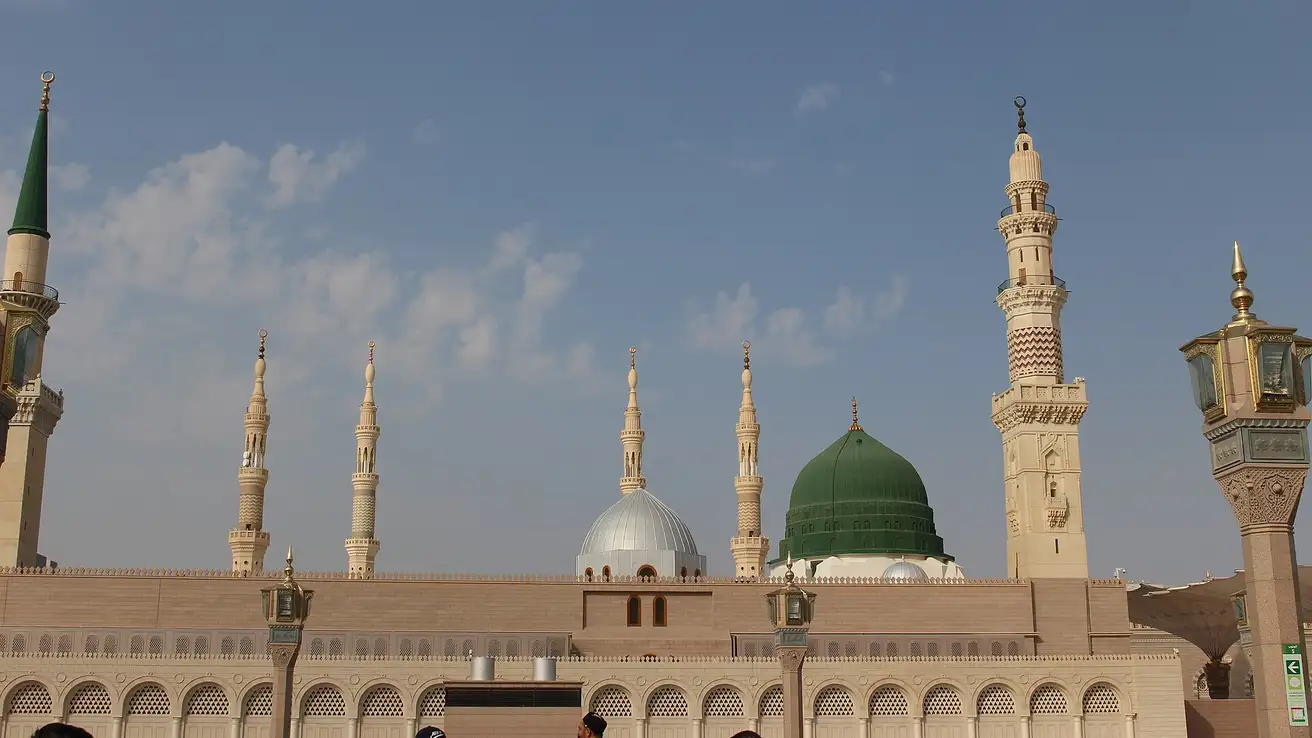
What to do in Madinah
Most pilgrims spend a few days in Madinah. Besides prayer in Masjid an-Nabawi and a visit to the Rawdah, frequently visited places include:
- Quba Mosque: the first mosque in Islam.
- Mount Uhud and the Uhud martyrs' cemetery
- Masjid al-Qiblatayn: the mosque where the qibla changed.
In Makkah, group tours visit Jabal al-Nour (Cave of Hira), Jabal Thawr, Arafat, Muzdalifah and Mina. Tour times and meeting points are usually shared in WhatsApp groups — another reason to keep your data on.
When to go
- Ramadan: the most rewarding and the busiest time; hotels and permits fill early, especially in the last ten nights.
- School holidays: busy with family groups.
- November–February: cooler weather; in summer Makkah regularly passes 40 °C.
- Hajj season: every year Umrah permits pause for a few weeks before Hajj; check the dates in Nusuk. Going for Hajj? See Hajj eSIM.
Tips for staying online during Umrah
- WhatsApp is tied to your number, not your SIM: once the eSIM gives you data, you chat and video call with the same number.
- Your bank's verification SMS keep arriving on your home SIM (dual SIM). Charges for incoming calls and SMS depend on your home carrier's roaming terms.
- Nusuk, maps and transport apps need data; install them and sign in before you travel.
- At the busiest times any network can slow down; send important messages and photos at quieter hours.
- On long days of worship, battery is the biggest need: carry a power bank. Saudi Arabia uses Type G sockets (3-pin, UK style); bring an adapter.
- Traveling with your spouse or parents? You can share data from your phone, but each person having their own eSIM keeps you reachable if you get separated.
Checklist before you fly
- Passport valid for at least 6 months, visa approved
- Meningococcal (ACWY) vaccination certificate with your passport
- Nusuk app installed; Umrah and Rawdah permits booked
- Phone supports eSIM and is carrier-unlocked
- eSIM installed and named
- A copy of the QR code saved on another device or printed
- Data roaming off on your home SIM
- Nusuk and map apps installed and signed in
- Power bank and Type G plug adapter packed
Internet for Umrah: eSIM vs roaming vs local SIM
eSIMno | Local SIM / Operator | Roaming | |
|---|---|---|---|
| FEATURES | |||
| Setup time | Few minutes | Activated in person at an stc branch after you arrive | Auto |
| No local ID needed | Online checkout | Local ID required | Use home account |
| Speed | 4G/LTE on the Mobily network | Carrier-grade | Partner-dependent |
| Travel support | English support 24/7 | Operator shops and call centre | Home carrier hours |
| Keep home number | Dual SIM | Replaces it | Same number |
| Cost predictability | Fixed price | Prepaid; prices include 15% VAT | Bill-shock risk |
| PRICING | |||
Typical pricing | See plans below | — | $12-18 / day Typical daily roaming rate; varies by home carrier |