

Review Your Cart

Your cart is empty.

You haven't added any eSIM packages yet. Start exploring our plans to get connected!

Browse our eSIM Packages

USA USA   / Sunset Park

6 plans · From $4.90 · QR code instantly by email

  • 3 networksAT&T · T-Mobile · Verizon
  • No ID check
  • Top-up available
  • Validity starts on activation

Plan Your Trip

Tell us what you'll do and how long you'll be away — we'll highlight the right plan.

7 days
1102030

What will you do?

Tap an activity above to see which plan fits your trip
Wide golden-hour view from Sunset Park in Brooklyn looking across Upper New York Bay toward the Manhattan skyline

Sunset Park eSIM: NYC Data That Works Across the US

You're heading up the hill at Sunset Park with ferry times, D and N train directions, and a message from the person meeting you in Brooklyn all waiting on your phone. eSIMno lets you buy your US data before the trip, install in minutes, and switch it on after landing so you're ready in Sunset Park and everywhere else your trip takes you across the country. If you're arriving through John F. Kennedy International Airport, you can skip hunting for a SIM shop and go straight to transit, rides, and check-in.

Already a customer?

EARN UP TOON EVERY FRIEND'S PURCHASE
NETWORK: AT&T & T-Mobile & Verizon Depending on the plan you choose, you'll connect to one or more of these networks.

Quick Facts

Language
English
Currency
US Dollar (USD, $)
Time Zone
Eastern Time (UTC-5 / UTC-4)
Dialing Code
+1
Power Plug
Type A, B (flat 2-pin, common across North America)
Emergency
911 (police, fire, ambulance)
eSIMno Networks
AT&T, T-Mobile, Verizon

How to Get Your eSIM

  1. Choose Your US Plan Before The Trip
    Pick the data amount you want for Brooklyn, Manhattan, airport transfers, and any extra US stops on the same trip. Sunset Park is a short venue visit for many travelers, but the same plan keeps working after you leave the park for museums, game nights, or another city.
  2. Install While You Still Have Reliable WiFi
    Set up the eSIM at home or at your hotel before a travel day. That keeps your arrival simple when you are moving from JFK, LaGuardia, or Manhattan transit toward Sunset Park and need your phone ready for directions right away.
  3. Keep Your Home SIM On For Voice
    eSIMno is data-only. Your home SIM can stay active for incoming calls with no extra setup, while your eSIMno line handles maps, messaging, email, and internet calling apps such as WhatsApp or FaceTime. Avoid making native voice calls through your home SIM abroad if you want to avoid roaming charges.
  4. Activate After Landing
    Turn the eSIM on after you land and can use your phone again. By the time you are checking the subway route to 36 St, booking a car to 5th Avenue, or pulling up a meeting point inside Sunset Park, your data is already live.
  5. Use It For The Full New York Transfer
    From Sunset Park, travelers keep using data for Citymapper or Google Maps, OMNY tap-to-pay setup, restaurant bookings, and live route changes toward Midtown, Lower Manhattan, or later stops elsewhere in the US. One setup covers the whole trip, not just this Brooklyn neighborhood.

Traveler Tips

  • If you're meeting friends at Sunset Park, pick a precise landmark in advance such as the hilltop overlook or the 5th Avenue side entrance; the park stretches several blocks and live location sharing saves time once everyone is in Brooklyn.
  • For the cleanest visit flow, go near sunset on a weekday and keep data ready for the trip back; D and N train service changes show up fast in Citymapper and Google Maps after 6 PM.
  • Sunset Park visits pair well with Industry City, which is around a 15-minute walk away; having data helps you compare walking time versus a short bus hop and check which food hall or shop is still open.
  • Screenshots help, but don't rely on them alone. If service changes hit the subway, live rerouting matters more than a saved map when you're heading back toward Midtown or downtown Brooklyn.
  • Keep your home SIM active for incoming calls and use internet-based calling apps over data for outgoing calls. That's the clean setup for a data-only eSIM on a New York trip.
  • If your plan changes after Sunset Park, you don't need a new SIM. The same eSIM keeps working for the rest of New York and onward US travel, whether you continue to Times Square, the airport, or another state.

Why Data Matters at Sunset Park

Sunset Park is not a closed ticketed venue where you walk in, take one photo, and leave. It's a neighborhood stop that depends on what comes right before and right after it. You might ride the D or N train to 36 St or 45 St, walk up from 5th Avenue, then decide on the spot whether to continue to Industry City, head back toward Manhattan, or book a car across Brooklyn. That is exactly where mobile data matters. You need live transit times in Google Maps or Citymapper, quick message replies from the person meeting you, and a working rideshare app if weather, luggage, or evening plans change the route.

Data also matters once you're in the park. Travelers use it to share their exact hilltop meeting point, send skyline photos, look up food options along 5th Avenue, and check ferry or subway timing for the next leg. If Sunset Park is part of a larger Brooklyn day with Sunset Park, Barclays Center, or even a walk toward waterfront spots farther north, your phone keeps becoming the decision tool every 10 to 20 minutes. That's why buying eSIMno plans for Sunset Park, New York City, New York, United States before departure makes sense: you arrive with working data already in place instead of trying to fix connectivity when you should be moving.

This is also one of those New York stops where venue WiFi is not the answer because there is no single indoor arrival hall managing the experience for you. Your connection needs to work on the subway approach, on the sidewalks around the park, and again after you leave. A country-wide eSIM fits that pattern better than a local stopgap because it keeps working at airports, in Brooklyn neighborhoods, and across the rest of your US itinerary.

Visiting Sunset Park

Sunset Park is a public park, so the practical question is not ticketing but timing. The draw is the elevated west-facing view over Upper New York Bay and the Manhattan skyline, which makes late afternoon into sunset the key window for many visitors. If you are coming for photos, build in extra time before dusk so you are not trying to navigate unfamiliar subway entrances in the dark with a low battery. That is another reason travelers prefer to arrive with data already set up rather than depending on a last-minute fix.

The area around the park is active and useful for a longer stop. Fifth Avenue brings restaurants, bakeries, and shops within a short walk, while the Brooklyn Army Terminal ferry area and the warehouses around Industry City give you easy next-step options if you are continuing the day. The park itself is straightforward, but the neighborhood routing is not always obvious to first-time visitors. Walking directions, business hours, and return-trip planning all work better with a live connection than with cached screenshots.

If you are visiting in cooler months, expect stronger wind on the hilltop than at street level and plan your route before you head up. If you are visiting after sunset, check the exact train status before leaving the park so you know whether the fastest return is subway, bus, or rideshare.

Sunset Park Arrival View

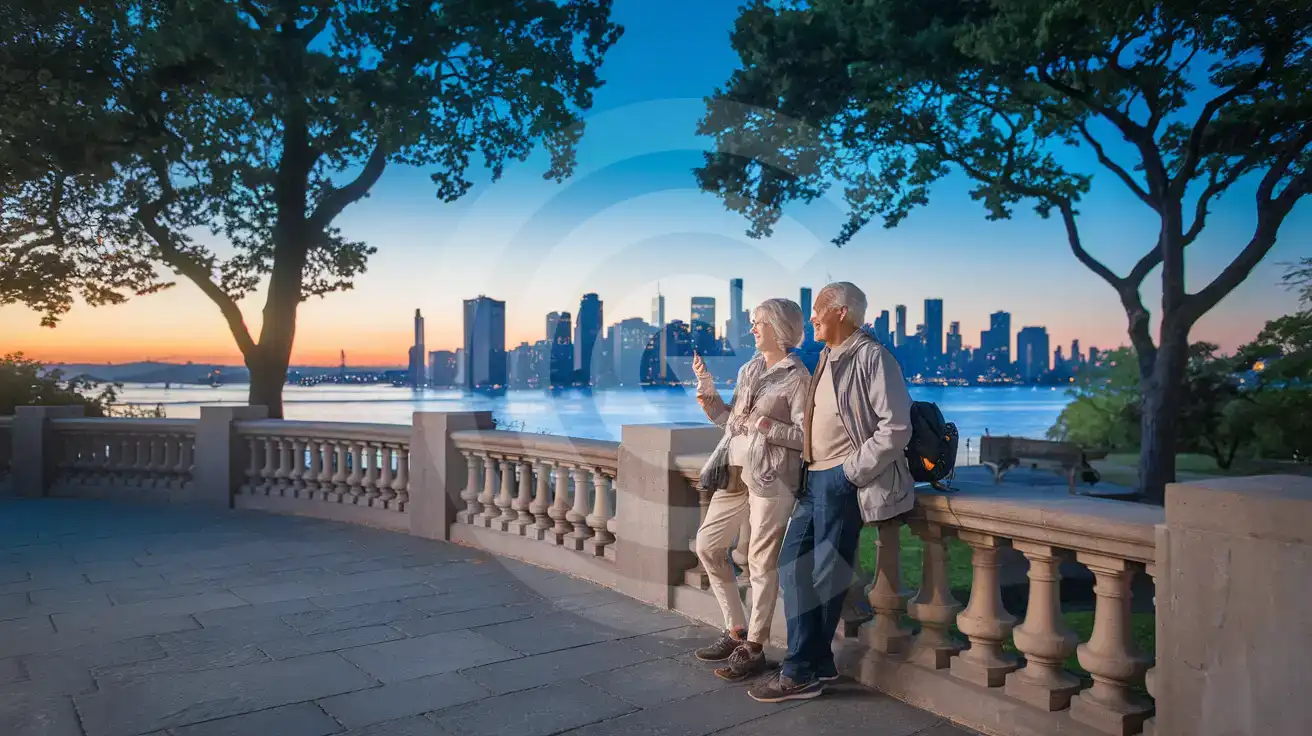
Senior couple enjoying the hilltop overlook at Sunset Park with harbor and skyline views in the background
At Sunset Park, New York City, New York, United States, get your eSIM ready before the trip so maps and messages work on arrival.

Compare eSIM Options at Sunset Park

Recommended
Local SIM / Operator
Roaming
Setup timeStore kit, needs activationAuto
No local ID neededNo SSN; passport at carrier storesUse home account
SpeedOne carrier onlyPartner-dependent
Travel supportEnglish-language serviceHome carrier hours
Keep home numberReplaces itSame number
Cost predictabilityAdvertised price needs Auto PayBill-shock risk
5GB / 30 daysLight traveler
15GB / 30 days
$45.00
First month without Auto Pay; 35 USD after enrolling. Taxes and fees are extra.
$12-18 / day
$450.00
30 days × daily rate
Typical daily roaming rate; varies by home carrier
10GB / 30 daysStandard travelerMost popular
20GB / 30 daysHeavy traveler

Frequently Asked Questions (FAQs)

Activate it after you land, once phone use is allowed again. That way your data is ready before you start checking D or N train directions toward Sunset Park or messaging someone to meet you by the hilltop overlook.
Yes — Sunset Park is just the starting point. Your data keeps working as you move on to places like Times Square, airports, museums, or another US city later in the same trip, which is why eSIMno fits better than buying a one-stop fix on arrival.
For a half-day around Sunset Park, light use covers maps, group chat, restaurant searches on 5th Avenue, and a few photo uploads. If Sunset Park is one stop in a bigger New York itinerary with rideshare use, video calls, and constant navigation, choose a larger plan so you are not watching your balance mid-trip.
Late afternoon into sunset is the key viewing window because the park faces west over the harbor. If you go then, keep data ready for the return trip too, since evening subway decisions from 36 St or 45 St can change faster than a saved screenshot.
Yes. eSIMno is data-only, so your home SIM can remain active for incoming calls while you use mobile data for Google Maps, WhatsApp, FaceTime, and everything else around Sunset Park and the rest of New York. No special call setup is needed.
From Manhattan, travelers usually reach Sunset Park by subway on the D or N lines and then walk in from the avenue grid. From JFK, the exact best route depends on your luggage and arrival time, so live directions on your phone matter more than memorizing one fixed transfer before the trip.
Sunset Park sits in southwestern Brooklyn, and the first data-heavy part of the visit starts before you even reach the viewpoint. You may be coming from JFK, from Manhattan on the D or N train, or from a ferry connection at Brooklyn Army Terminal. That means you need live directions, service alerts, and a working rideshare app during the transfer, not after you've already lost signal between stations. Buying your eSIM in advance gives you one less arrival task. Install on WiFi before departure, then activate after landing so your phone is ready for maps, messages, and booking confirmations as soon as you start moving toward Sunset Park. The venue itself is simple, but the trip around it is not. Travelers use data here to coordinate meeting points on the park's hilltop paths, check bus timing toward Industry City, pull up restaurant hours along 5th Avenue, and compare subway routes back toward Midtown or Downtown Brooklyn. If you're visiting nearby Barclays Center later the same day or crossing toward Brooklyn Bridge, the same plan keeps working without any SIM swap. That matters when your itinerary jumps boroughs in one afternoon and every decision depends on live route updates. This page is for travelers ready to buy, not readers looking for a long neighborhood guide. Sunset Park is the local anchor, but your plan should work far beyond one Brooklyn stop. A US eSIM makes more sense than patchy venue WiFi or a physical SIM search because it stays useful after the park visit ends: museum tickets in Manhattan, train navigation around Penn Station, rides after events, and onward travel across the country. Set it up once, activate after you land, and keep the same mobile data running through the rest of your New York itinerary and beyond.
Back to United States

Connected in 3 steps

  1. Choose your planSearch for your destination, then pick the data and number of days.
  2. Install at homeYour eSIM arrives by email and installs in a few minutes with one tap or a QR code.
  3. Connect when you landYour plan's validity starts with its first connection in the coverage area.

Why eSIMno?

  • No more SIM kiosksSkip the airport queues. Install your eSIM at home, activate when you land.
  • No roaming surprisesForget the $200 phone bill three weeks after your trip. Plain pricing, no hidden fees.
  • Keep your own numberDual-SIM means your physical SIM stays active for calls and texts. eSIM handles only data.
  • Setup in 2 minutesScan QR code, follow on-screen steps, you're connected. Works on any eSIM-compatible phone.

Is my phone eSIM compatible?

Most phones released in recent years support eSIM. Check yours in the list before you buy.

  • iPhone XR, XS and later
  • Samsung Galaxy S20 and later
  • Google Pixel 4 and later
  • Xiaomi 12T Pro and later
All eSIM-Compatible Phones

Our guarantees

  • Secure payment with 3D SecurePay by card; every payment goes through your bank's 3D Secure check.VisaMastercard
  • 14-day refund if not installedIf you haven't installed your eSIM yet, you can get a refund within 14 days of purchase, no reason needed.Refund policy
  • 24/7 Customer SupportReach our team via WhatsApp and email during business hours. Quick answers to common questions available anytime through our automated assistant.

Frequently Asked Questions (FAQs)

Does my voice plan come with a phone number I can keep?
Your voice plan has its own phone number, and it is issued in France - so you get a French number even when the plan itself is for another country. It is not a permanent number and you cannot keep it: it changes roughly every 30 days. Voice plans also cannot be topped up, so when the plan ends you buy a new one, with a new eSIM to install and a different number. Please treat the number as something that belongs to the trip, not to you - if you need a number that stays yours for years, a voice eSIM is not the right product.
When should I set up my eSIM?
A Wi-Fi connection is required to install your eSIM, so we recommend setting it up before you leave home. Activation can happen later, either right before departure or after you land at your destination - but the initial QR scan needs Wi-Fi.
What should I do if I see a 'No network' message after activating my eSIM?
If you see a 'No network' message after activation, try these steps in order: (1) Toggle airplane mode on for 10 seconds, then off. (2) Confirm data roaming is enabled for the eSIM line. (3) Manually select a network in cellular settings. (4) Restart your phone. If the issue continues, contact eSIMno support via WhatsApp or email.
Can I share data from my eSIM with someone else's phone?
Yes, through Personal Hotspot. Activate hotspot on your phone, share the password, and the other device connects to your data. Data used by connected devices counts toward your eSIM plan, so monitor usage to avoid running out faster than expected.
Can I switch the eSIM to a different phone after activation?
Generally no. Once an eSIM is activated on a device, it's tied to that device. If you switch phones, you'll need to install a new eSIM. Some carriers offer eSIM transfer features, but eSIMno plans don't currently support transfer between devices.
Will I get notifications when my data is running low?
Yes. eSIMno sends email and push notifications when you've used 50%, 80%, and 100% of your data allowance. You can also check usage anytime in Profile > My eSIMs or in your phone's cellular settings to track consumption in real time.
What makes eSIMno different from other eSIM services?
eSIMno offers eSIM plans for 170+ countries on reliable local partner networks. The price at checkout is all you pay - no activation fee or roaming surcharge. Your eSIM arrives by email within minutes and only starts when it connects to a network at your destination; most plans can be topped up in Profile > My eSIMs, and if you haven't installed your eSIM, you can get a refund within 14 days.
Can I use the eSIM for my smartwatch?
Some smartwatches (Apple Watch Cellular, Samsung Galaxy Watch LTE) support eSIM, but they typically require a plan from your home carrier rather than a travel eSIM. eSIMno plans are designed for phones and tablets - check device compatibility before purchase if you intend to use a wearable.
Can I make phone calls or send SMS?
It depends on the plan you choose. Most eSIMno plans are data-only: on those you cannot place regular calls or send SMS from the eSIM line, but messaging and calling apps work normally over the data connection - WhatsApp, iMessage, FaceTime, Telegram, Signal and Google Meet. We also offer voice plans in selected destinations, and on those calling and SMS work from the eSIM line itself, which comes with its own French phone number and unlimited calling across Europe. Every plan card shows which type it is, so check the plan type before you buy. If you are looking at a voice plan, please also read who you can call and text, and what happens to the phone number - both are explained in their own questions below.
Can I extend my eSIM plan validity?
The validity of a package that is already running cannot be extended, but you can top up: a top-up adds a new package with its own data AND its own validity days. Packages run one at a time - the top-up waits in queue and activates automatically when your current package ends (data used up or days expired), and its own days start counting from that moment. In practice this keeps you connected longer, even though the current package's own end date does not move.
What happens when my voice or unlimited plan ends? Can I renew it?
These plans cannot be topped up or renewed. Once the allowance is used or the validity period ends, the line closes. To keep going you buy a new plan, and that gives you a new eSIM to install - on a voice plan it also gives you a new phone number. This is how our supplier provides voice and unlimited plans, so we would rather tell you up front than let you expect an automatic renewal that will not happen. We never renew these plans and charge you without asking.
Can I use the eSIM to make video calls?
Yes - apps like FaceTime, WhatsApp, Zoom, Google Meet, and Microsoft Teams all work over your eSIM data. Video calls use about 200-400 MB per hour depending on quality, so factor that into your plan choice if you make long calls regularly.
All questions