

Quick Facts
- Best for airport arrival
- Mobile data for rides, maps, and hotel contact details right after landing at Daniel K. Inouye International Airport
- Best for hotel stays
- Hotel WiFi is usually fine for browsing and messaging, but speeds can dip in large Waikiki resorts during peak evening hours
- Best for beach and outdoor days
- Mobile data is more reliable around Waikiki Beach, Magic Island Lagoon, Diamond Head access areas, and on the move between stops
- Typical free WiFi spots
- Hotels, cafes, some malls, museum common areas, and parts of larger visitor venues
- Good backup habit
- Download maps and reservation screenshots before heading to trailheads, memorial sites, or crowded weekend markets
- eSIMno Networks
- AT&T, T-Mobile, Verizon
WiFi vs Mobile Data in Honolulu
Honolulu gives you plenty of internet options, but they don’t all help at the same moment. If you’re sitting in your room at Hilton Hawaiian Village Waikiki Beach Resort, hotel WiFi may be perfectly fine for planning tomorrow, backing up photos, or making a video call. If you’re walking between Kuhio Beach Park and Rainbow Drive-In trying to compare bus routes, wait times, and reviews in the sun, mobile data is usually the easier choice.
The pattern is pretty consistent. WiFi works best when you’re stationary. Mobile data works best when the day is moving. That matters in Honolulu because many itineraries jump between beach time, memorial visits, hikes, shopping, and food stops rather than staying in one neighborhood.
Public or semi-public WiFi can also mean login pages, time limits, or slower speeds when lots of people are connected. That’s not a disaster if you just want to send a message. It is annoying if you need a map to reload near Chinatown Marketplace or want to pull up a reservation while heading toward Hanauma Bay. For most travelers, the sweet spot is using WiFi for heavier tasks and keeping data ready for everything in between.
How to Connect
- At Daniel K. Inouye International Airport, choose speed over hunting for WiFi
After landing, this is the moment mobile data usually wins. You may need to message your hotel, book a rideshare, check baggage updates, or pull up directions to Waikiki before you even reach the curb. Airport WiFi can help in a pinch, but if you want the least friction after a long flight, have your eSIM active before arrival or switch it on as soon as you land. - In Waikiki and around busy beachfront blocks, use WiFi only when you’re settled
Once you’ve checked in near Waikiki Beach or around Hilton Hawaiian Village Waikiki Beach Resort, hotel WiFi is great for downloads, trip planning, and calls. But out on Kalakaua-area walks, at Kuhio Beach Park, or while comparing dinner spots after the beach, mobile data is more dependable than bouncing between cafe and hotel networks. - At hotel check-in, test both before you rely on one
When you arrive at your hotel, connect to the property WiFi and run a quick speed check. If pages lag or the login portal keeps dropping, keep mobile data as your default for maps and bookings. This matters more than people expect in larger resorts where signal quality can change between the lobby, room, and pool areas. - On transfer-style days, keep data ready near Aloha Tower Marketplace or Pearl Harbor routes
Honolulu doesn’t have a ferry commute most visitors use, but transfer moments still matter: changing from airport ride to hotel, switching buses downtown, or heading out toward Pearl Harbor National Memorial. In these in-between stretches, mobile data is better for live navigation and timing than hoping the next stop has usable WiFi.
What It Usually Costs
Honolulu doesn’t usually force travelers into expensive connectivity choices, but costs add up if you rely on the wrong option. Free WiFi is common in hotels, cafes, and some visitor spaces, so your direct cost can be zero. The trade-off is convenience: slower speeds, repeated logins, and less reliability once you leave the building.
Mobile roaming from your home carrier can be the pricey route, especially for international visitors. Daily roaming passes often look manageable until you stack them across a week or two. A travel eSIM is often the cleaner middle ground: you pay for data you’ll actually use, and you keep access while moving between Waikiki, downtown Honolulu, museum stops, and outdoor areas.
If your trip includes navigation, ride apps, social media, restaurant searches, and a few uploads from the beach, a moderate data plan is usually enough. If you’re hotspotting a laptop or working remotely from Honolulu Museum of Art cafes and hotel lounges, go bigger. Before you travel, you can explore eSIMno plans for Honolulu and match the plan to your pace instead of guessing at the airport.
Tips
- Screenshot reservation codes before heading to Pearl Harbor National Memorial or Diamond Head State Monument, where you may need details quickly while moving.
- If you plan a Saturday stop at Kakaʻako Farmers Market, expect a busier phone environment and use mobile data for payments, maps, and meetups.
- Beach days drain batteries faster than many travelers expect in Honolulu. Bring a power bank if your phone is handling maps, photos, and ride bookings.
- Test your hotel WiFi in the exact place you’ll use it most. A strong lobby signal doesn’t always mean a strong room or poolside connection.
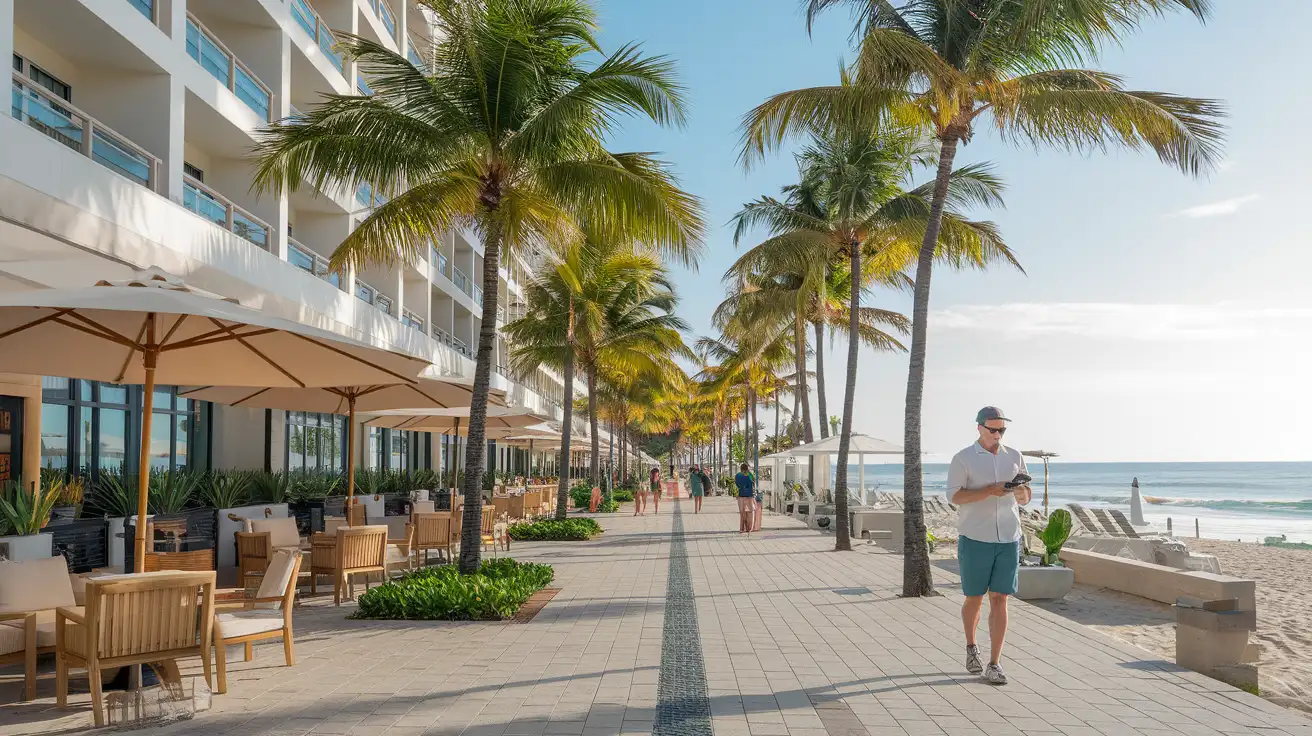
Connected Around Waikiki
Compare Internet Plans in Honolulu
 Recommended Recommended | Local SIM / Operator | Roaming | |
|---|---|---|---|
| FEATURES | |||
| Setup time | Few minutes | Store visit + paperwork | Auto |
| No local ID needed | Online checkout | Local ID required | Use home account |
| Speed | 4G/LTE; 5G in some areas | Carrier-grade | Partner-dependent |
| Travel support | English support 24/7 | Operator shops and call centre | Home carrier hours |
| Keep home number | Dual SIM | Replaces it | Same number |
| Cost predictability | Fixed price | Bills can spike | Bill-shock risk |
| PRICING | |||
Typical pricing | See plans below | — | — |
PRICING — PICK YOUR ESIMNO PLAN
Featured eSIM plans
American Mobile

American Mobile
American Mobile
American Mobile
American Mobile
American Mobile


