
Quick Facts
- Airport
- Tokyo International Airport (Haneda)
- Best for first connection
- Airport WiFi for quick messages, eSIM data for onward travel into Tokyo
- Typical free WiFi use
- Arrival messages, maps, hotel lookup, ticket emails
- When mobile data matters more
- Train transfers, crowded city areas, ride-hailing, live navigation
- eSIMno Networks
- KDDI, Softbank
WiFi vs Mobile Data at Haneda
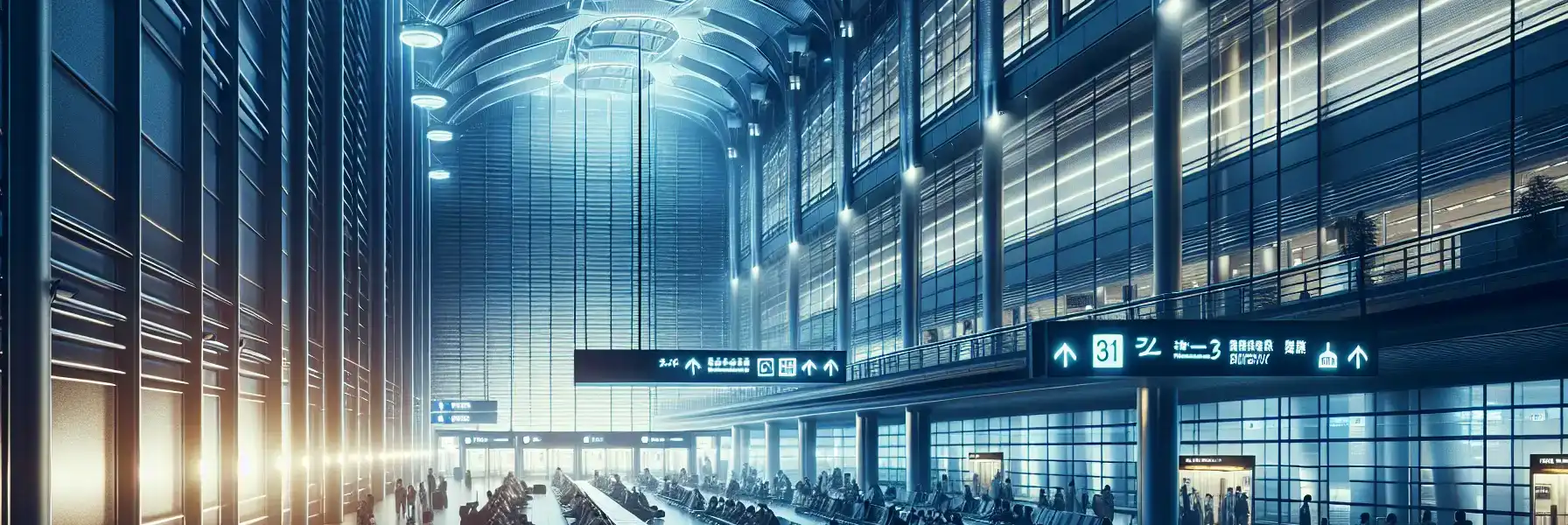
At Tokyo International Airport, free WiFi is useful in the calm part of the trip: after landing, before baggage claim stress kicks in, and while you still have time to sort yourself out. If all you need is to tell someone you arrived, check your hotel address, or open a rail app once, airport WiFi can do the job.
Where it starts to feel less comfortable is after that first layer. Tokyo travel often depends on live information rather than one static screenshot. A platform change at Tokyo Station, a meeting update near The University of Tokyo, or a route adjustment on the way to Park Hyatt Tokyo can all happen after you leave the airport. That is where mobile data feels much more dependable.
Cost-wise, airport WiFi is free, hotel WiFi is usually included, and cafe WiFi can be hit or miss depending on registration steps and time limits. eSIM data adds a small upfront cost, but it removes the need to keep hunting for a signal every time your day shifts. If you want the simple version, use free WiFi for the first few minutes and then explore eSIMno plans for Tokyo International Airport before you head into the city.
How to Connect
- 1. At Haneda arrivals, use WiFi for the basics
After landing at Tokyo International Airport, connect to the airport WiFi while you are still in the terminal. This is the right moment to message your hotel, pull up your booking, and check whether you are taking the Tokyo Monorail toward Hamamatsucho or the Keikyu Line toward Shinagawa. Keep it simple here; airport WiFi is usually enough for those first tasks. - 2. Before the train into central Tokyo, switch to mobile data
If you are heading toward Tokyo Station, Iidabashi Station, or a hotel area like Park Hyatt Tokyo in Shinjuku, activate your eSIM before you pass through the station gates. Transfer decisions in Tokyo happen quickly, and live navigation is much more useful than relying on one screenshot once you are moving between lines. - 3. In busy zones like Tsukiji Outer Market or Shibuya Scramble Crossing, choose data over public WiFi
These are exactly the places where you may need to coordinate with friends, check queue times, or reroute on the fly. Public WiFi can be patchy or require sign-in steps you will not want to deal with in a crowd. Mobile data is the smoother option here. - 4. For a bay crossing or event transfer, keep data active
If your trip includes a transfer toward Tokyo Big Sight for FOODEX JAPAN, Japan IT Week Spring, or another major event, or you are making a water-bus style bay transfer later in your Tokyo itinerary, stay on mobile data. Timetables, gate details, and meeting messages can change fast, and this is not the moment to depend on a fresh WiFi login. - 5. At hotel check-in, use WiFi as backup, not your only plan
Once you reach your hotel, connect to the property WiFi for heavier tasks like uploads or video calls. Still, keep your eSIM active for the walk back out, especially if you are heading to evening stops like Tokyo Dome, Roppongi Hills, or Sensō-ji after check-in.
Tips
- If your phone supports dual SIM, keep your home line on for SMS only and set eSIMno data as the default line before leaving Haneda. It avoids awkward app verification delays later.
- Battery drains faster than many travelers expect when your phone keeps switching between airport WiFi, station WiFi, and mobile networks. Lock in one connection method before a long transfer.
- Save your hotel name in Japanese as well as English. If you lose your bearings near a station or need help from staff, showing the Japanese name is often faster than explaining the address.
Simple Cost Breakdown
Here is the practical comparison most travelers care about. Airport WiFi: free, good for short tasks, but not something we would build a full Tokyo day around. Hotel WiFi: usually included, useful at night, but irrelevant while you are in transit. Cafe or venue WiFi: sometimes free, sometimes limited, and often slower to access than you would hope. eSIM data: paid, but predictable.
For a short Tokyo stay, many travelers find that a small-to-mid data package is enough if they use hotel WiFi for evening uploads and streaming. If your plans include navigation-heavy days around Tokyo Skytree, Tokyo National Museum, Ueno Park, or event venues, it is worth budgeting a bit more data rather than trying to conserve every megabyte. We would rather spend a little on data than lose time in a station concourse trying to reconnect.
If you want to sort it before departure, explore eSIMno plans for Tokyo International Airport and choose a package that matches how map-heavy your trip will be.
Arrival Connection Moment
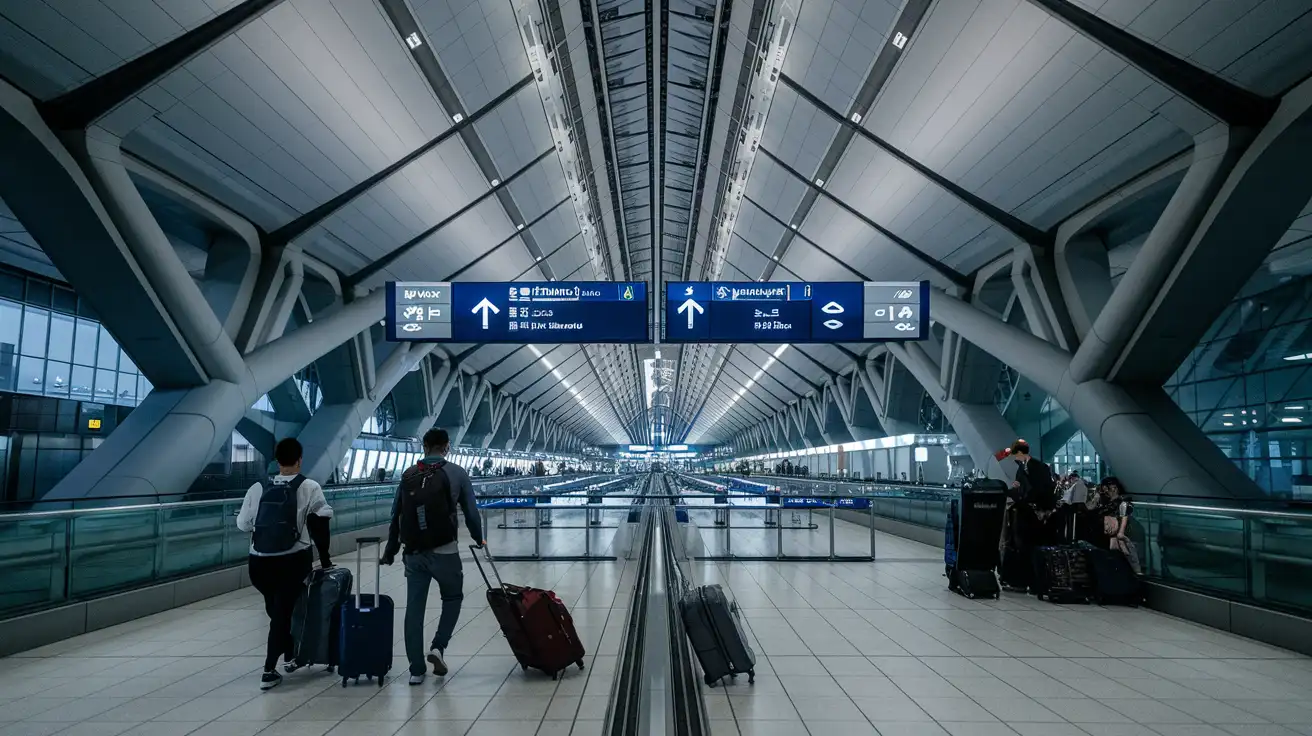
Compare WiFi Options at Tokyo International Airport
 Recommended Recommended | Local SIM / Operator | Roaming | |
|---|---|---|---|
| FEATURES | |||
| Setup time | Few minutes | Store visit + paperwork | Auto |
| No local ID needed | Online checkout | Local ID required | Use home account |
| Speed | 4G/LTE; 5G in some areas | Carrier-grade | Partner-dependent |
| Travel support | English support 24/7 | Operator shops and call centre | Home carrier hours |
| Keep home number | Dual SIM | Replaces it | Same number |
| Cost predictability | Fixed price | Bills can spike | Bill-shock risk |
| PRICING | |||
Typical pricing | See plans below | — | — |
PRICING — PICK YOUR ESIMNO PLAN
Featured eSIM plans
Japan Mobile

Japan Mobile
Japan Mobile
Japan Mobile
Japan Mobile
Japan Mobile
Japan Mobile
Japan Mobile


