
Quick Facts
- Best for free WiFi
- Hotels, larger cafés, airport waiting areas, some museums and shopping zones
- Best for mobile data
- BART rides, cable car transfers, waterfront walks, ferry connections, and crowded sightseeing areas
- Typical traveler need
- Maps, rideshare apps, ticket scans, restaurant searches, and messaging throughout the day
- eSIMno Networks
- AT&T, T-Mobile, Verizon
- Good to know
- Connection quality can change fast between indoor hotel spaces, underground transit, and windy waterfront areas
WiFi vs mobile data in San Francisco
San Francisco is not a hard city for internet access, but it is a city where your connection keeps changing with your plans. Free WiFi is useful at San Francisco International Airport, in hotel lobbies, and in plenty of cafés around Union Square and near university areas. It works well enough for downloading maps, checking email, or sending a few messages while you sit still.
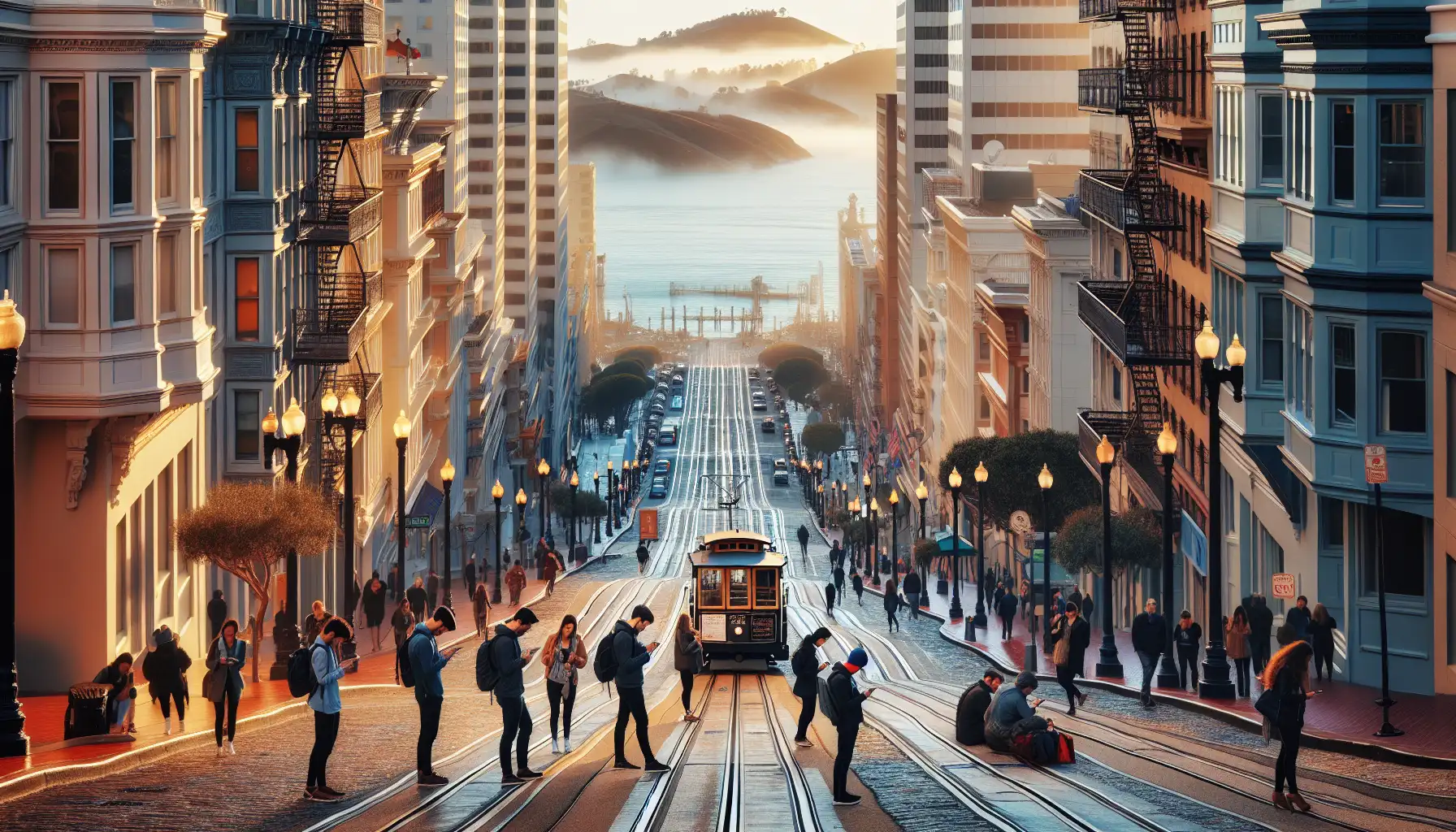
The weak point is movement. Once you're switching between Bay Area Rapid Transit, the San Francisco Cable Car System, waterfront promenades, and crowded visitor zones like Pier 39, public WiFi stops being dependable. Mobile data is usually the better option for live navigation, rideshare pickups, digital tickets, and quick searches while you're walking uphill and trying not to miss a turn.
A simple split works best: use WiFi indoors when it's easy, then let mobile data handle the city in between. If you want that ready before arrival, you can explore eSIMno plans for San Francisco and avoid the usual airport scramble.
How to Connect
- 1. At San Francisco International Airport, decide before you leave the terminal
Airport WiFi is fine for a quick message, passport control follow-up, or downloading your hotel booking. But if you're heading straight to Bay Area Rapid Transit or calling a rideshare from the airport, switch to mobile data before you start moving. It saves time once you're juggling luggage, signs, and pickup instructions. - 2. On the ride into the city, treat transit as a mobile-data moment
If you're taking Bay Area Rapid Transit toward downtown San Francisco, don't count on a smooth WiFi handoff. Underground sections and station changes are where mobile data becomes more useful than free internet, especially if you're checking directions for Union Square or your hotel near Market Street. - 3. Around Pier 39 and Fisherman's Wharf, expect crowded networks
This is one of those places where lots of visitors are trying to connect at the same time. Restaurant WiFi may exist, but it isn't ideal when you're comparing Alcatraz departure details, looking up cable car routes, or sending live location to friends. Mobile data is usually the cleaner choice here. - 4. During a Ferry Building Marketplace transfer or Alcatraz ferry check-in, keep data active
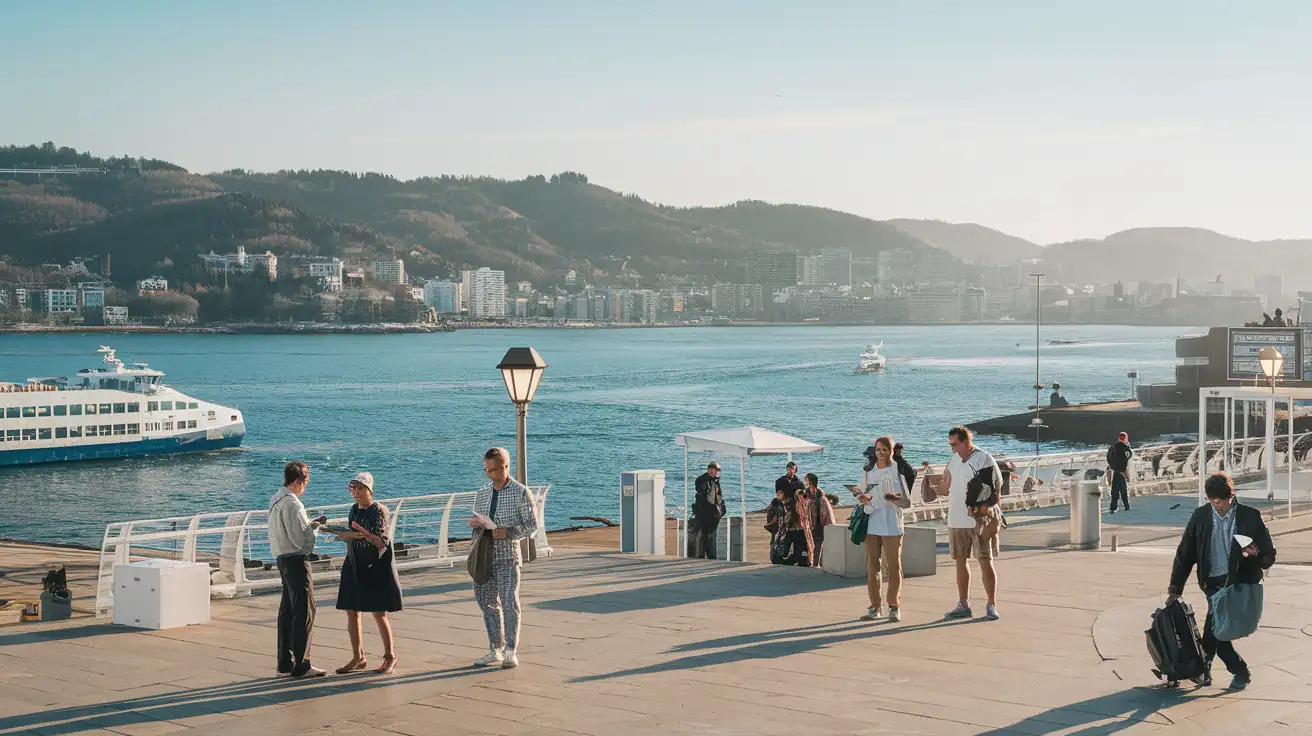
Waterfront plans change quickly with departure times, ticket scans, and meeting points. If you're moving between the Ferry Building Marketplace and a ferry departure, or checking details for Alcatraz Island, mobile data is more reliable than hoping to find open WiFi at the exact moment you need it. - 5. At hotel check-in, use WiFi for the heavy stuff
Once you're settled at places like The Westin St. Francis Hotel or Fairmont San Francisco, connect to hotel WiFi for backups, app updates, and photo uploads. Keep your eSIM data on as a fallback though, because you'll probably head right back out for dinner, a cable car ride, or a late walk to Chinatown.
Tips
- Download offline maps before riding Bay Area Rapid Transit, especially if your first stop is not your final one.
- If you're visiting Alcatraz Island, save ticket emails and screenshots in advance. Waterfront signal is usually fine, but having them ready is still smarter.
- Hotel WiFi can be strong in-room and weak in elevators, lobbies, or upper-floor corners. Test it before relying on it for a work call.
- Near the Golden Gate Bridge and Presidio of San Francisco, mobile data is usually more practical than hunting for public WiFi that may not exist where you're standing.
- If you're in town during a major event like RSA Conference 2026, expect busier networks around downtown hotels and convention areas.
What internet access usually costs
San Francisco doesn't force most travelers to pay separately for basic internet access, but the trade-off is convenience. Free WiFi is common enough in airports, hotels, coffee shops, and some public-facing venues. The real cost shows up in time: waiting for login pages, asking for passwords, reconnecting after you leave a building, or losing signal while changing plans on the move.
If your trip is light and you mostly stay in one hotel area, WiFi may cover a lot. If you're moving between Union Square, Fisherman's Wharf, Oracle Park, the Ferry Building Marketplace, and neighborhoods with lots of elevation changes, mobile data usually earns its keep. For many travelers, the practical cost breakdown looks like this: free WiFi for downloads and evening uploads, mobile data for maps, transport, messaging, and ticket access during the day.
That's why plenty of visitors set up an eSIM before arrival instead of relying on chance. A prepaid option gives you a clearer budget from the start, and eSIMno makes that easy to sort before you fly.
Connected on the waterfront
Compare Internet Plans in San Francisco
 Recommended Recommended | Local SIM / Operator | Roaming | |
|---|---|---|---|
| FEATURES | |||
| Setup time | Few minutes | Store visit + paperwork | Auto |
| No local ID needed | Online checkout | Local ID required | Use home account |
| Speed | 4G/LTE; 5G in some areas | Carrier-grade | Partner-dependent |
| Travel support | English support 24/7 | Operator shops and call centre | Home carrier hours |
| Keep home number | Dual SIM | Replaces it | Same number |
| Cost predictability | Fixed price | Bills can spike | Bill-shock risk |
| PRICING | |||
Typical pricing | See plans below | — | — |
PRICING — PICK YOUR ESIMNO PLAN
Featured eSIM plans
American Mobile

American Mobile
American Mobile
American Mobile
American Mobile
American Mobile


