

Quick Facts
- Best for airport arrival
- Airport WiFi for quick checks, mobile data for rideshare and live navigation
- Best for theme park days
- Mobile data is usually more reliable than hopping between public networks
- Typical free WiFi spots
- Orlando International Airport, many hotels, malls, and some dining areas
- Watch out for
- Crowded public networks, repeated logins, and slower speeds during peak arrival or event times
- eSIMno Networks
- AT&T, T-Mobile, Verizon
WiFi vs Mobile Data in Orlando
Orlando is easy to underestimate because so much of the trip happens inside big managed spaces: an airport, a resort, a convention center, a mall, a theme park. That sounds WiFi-friendly, and sometimes it is. If you're sitting at Orlando International Airport waiting for luggage, or you're in a hotel lobby near Walt Disney World Dolphin, free WiFi can handle the light stuff just fine.
But Orlando days rarely stay still. You leave MCO, head down toll roads, stop at a hotel, then maybe continue to International Drive or an evening reservation. In those moving parts, mobile data wins because it doesn't ask you to sign in again, accept a splash page, or wonder if the network dropped right when your driver messaged you.
Cost matters too. Free WiFi costs nothing, obviously, but it can cost time. If you miss a pickup message outside the airport or can't load a ticket at the gate, that 'free' connection suddenly feels expensive. For most travelers, the practical split is simple: use WiFi for downloads and updates when you're settled, and use mobile data for anything time-sensitive. If you want that ready before you land, explore eSIMno plans for Orlando.
How to Connect
- At Orlando International Airport arrivals
After landing at MCO, use airport WiFi for low-pressure tasks like checking your hotel address, sending an arrival message, or downloading offline directions. If you're heading straight to rideshare pickup, switching to mobile data before you leave the terminal is usually smarter because pickup instructions and driver updates can change quickly. - On the way toward International Drive or the Orange County Convention Center
This is the point where public WiFi stops being useful. In a taxi, rental car, or shuttle, mobile data is the better choice for live traffic, toll-aware navigation, and last-minute venue messages, especially during major events like NPE 2026 when roads and entrances can get busy. - During hotel check-in near the resort corridor
If you arrive at a large hotel or resort, connect to the property's WiFi for heavier downloads like park apps, photo backups, or streaming. Keep mobile data active as backup until you've confirmed the hotel network actually works in your room, not just in the lobby. - In queue-heavy entertainment areas like Universal CityWalk Orlando
Busy public areas can overload shared networks fast. If you're pulling up timed reservations, mobile food orders, or meeting-point messages, use mobile data instead of hunting for guest WiFi. It's usually the less stressful option when everyone around you is also online.
Tips
- If your phone supports it, set your eSIM line for data only and leave your primary SIM for calls or SMS. It makes troubleshooting much easier on day one.
- At large resorts, test your connection in three places: lobby, elevator corridor, and room. Orlando hotel WiFi can feel fine downstairs and much weaker once you're behind several walls.
- Keep one map app and one rideshare app updated before you leave the airport. Orlando's spread-out layout means a stale app can waste more time here than in a compact city.
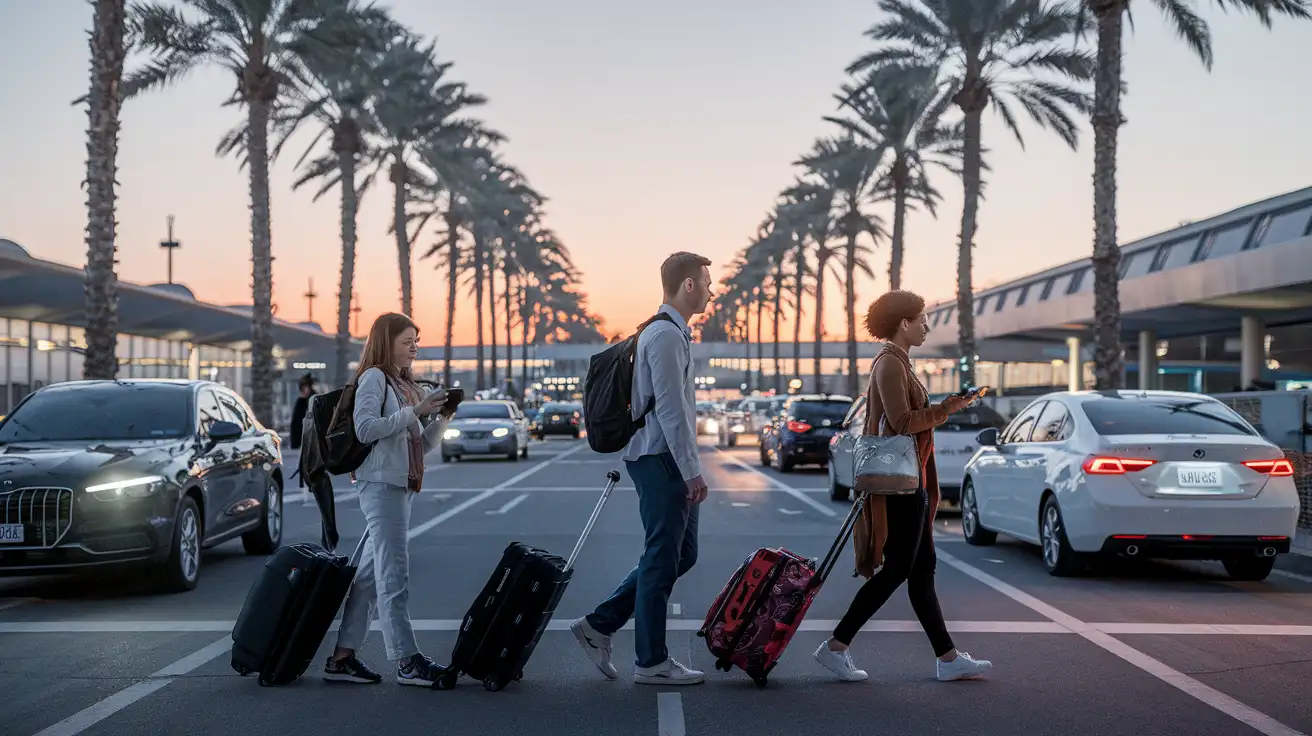
Arrival Connectivity Moment
Simple Cost Breakdown
Here's the practical math. Airport WiFi: usually free, good for a few quick tasks, but not something we'd build a whole arrival around. Hotel WiFi: often included, though some properties tie better speeds to loyalty tiers or room packages. Cafe or venue WiFi: free with a purchase in some places, but not dependable enough for ticket-heavy days.
Mobile data by eSIM: this is the paid option, but it's the one that keeps working across airport transfers, resort corridors, shopping stops like The Florida Mall, and late returns from places like Camping World Stadium or Inter&Co Stadium. For many travelers, that trade-off is worth it because it removes the friction of repeated logins and patchy public networks.
If your trip includes multiple park days, event sessions, or lots of moving around, paying once for mobile data is often simpler than piecing together free WiFi all week. That's where eSIMno can help: you set it up once, then use your phone normally as you move through Orlando.
Compare WiFi Options at Orlando International Airport
 Recommended Recommended | Local SIM / Operator | Roaming | |
|---|---|---|---|
| FEATURES | |||
| Setup time | Few minutes | Store visit + paperwork | Auto |
| No local ID needed | Online checkout | Local ID required | Use home account |
| Speed | 4G/LTE; 5G in some areas | Carrier-grade | Partner-dependent |
| Travel support | English support 24/7 | Operator shops and call centre | Home carrier hours |
| Keep home number | Dual SIM | Replaces it | Same number |
| Cost predictability | Fixed price | Bills can spike | Bill-shock risk |
| PRICING | |||
Typical pricing | See plans below | — | — |
PRICING — PICK YOUR ESIMNO PLAN
Featured eSIM plans
American Mobile

American Mobile
American Mobile
American Mobile
American Mobile
American Mobile


