

Quick Facts
- Best option for most travelers
- Use venue WiFi for casual browsing, but keep mobile data ready for airport arrivals, park apps, rideshares, and convention days.
- Airport connectivity
- Good for immediate setup after landing at Orlando International Airport before heading to your hotel or resort.
- Where WiFi is common
- Hotels, resorts, malls, convention spaces, cafes, and major attractions around International Drive and the theme park corridor.
- Where mobile data helps more
- Rideshare pickup zones, outdoor queues, parking lots, transfers between resorts, and crowded event areas.
- Typical traveler spend
- Free if you rely on venue WiFi, around $4-$8 per day for travel eSIM data depending on plan length and usage.
- eSIMno Networks
- AT&T, T-Mobile, Verizon
WiFi vs Mobile Data in Orlando
Orlando gives you plenty of chances to get online for free, but not every connection is equally useful. Hotel WiFi is usually fine for messaging, trip planning, and evening streaming back at the room. Resort properties like the Walt Disney World Dolphin and many International Drive hotels generally make WiFi easy enough for normal use.
Where things get less predictable is during movement. If you're leaving Orlando International Airport, switching terminals, waiting on a rideshare, or trying to pull up directions to The Florida Mall, public WiFi can feel like an extra step. The same goes for theme park days. Inside Walt Disney World Resort, EPCOT, Magic Kingdom Park, Universal Orlando Resort, and SeaWorld Orlando, you'll probably use your phone constantly for tickets, wait times, dining, and meeting up with people. That's where mobile data usually feels smoother.
Business travelers get a slightly different version of the same problem. Around the Orange County Convention Center, especially during major trade events like NPE 2026, network congestion can show up fast. Venue WiFi may still work, but if you need maps, calls, supplier messages, or file access while moving between halls and nearby hotels, your own data connection is simply more dependable. If you want to sort that out before arrival, you can explore eSIMno plans for Orlando.
How to Connect
- At Orlando International Airport
As soon as you land at Orlando International Airport, decide what your first hour looks like. If you only need to message your hotel or check baggage info, airport WiFi may be enough. If you're ordering a rideshare, opening maps, or heading straight toward Walt Disney World Resort or International Drive, switch to mobile data early so you aren't troubleshooting in the pickup zone. - On International Drive during busy hours
International Drive looks easy on a map, but the area stretches out and plans change quickly between restaurants, attractions, and hotel stops. Free WiFi pops up in many venues, yet it won't help much while you're walking between them. This is the moment to lean on mobile data for navigation, booking changes, and ride apps. - During resort-to-park transfers
If you're moving between a hotel like the Walt Disney World Dolphin and parks such as EPCOT or Magic Kingdom Park, treat the transfer itself as a mobile-data moment. Resort WiFi may work in the lobby, and park WiFi may work once you're inside, but the in-between part is where people often need ticket apps, family chat, and live directions. - At hotel check-in after a long day
When you finally reach your hotel, use property WiFi for heavier tasks like photo backups, app updates, and streaming. Keep mobile data active as a fallback until you've confirmed the room connection is stable, especially if you've arrived late from Universal CityWalk Orlando or a convention event near the Orange County Convention Center.
Smart Connectivity Tips for Orlando
- Download park tickets, reservation confirmations, and offline maps before leaving your hotel each morning. Orlando days start early, and queue areas aren't where you want to be hunting for signal.
- Carry a power bank. Between heat, brightness, camera use, and constant app refreshes, phones drain fast around Magic Kingdom Park and Universal Orlando Resort.
- If you're attending an event at the Orange County Convention Center, don't rely on venue WiFi alone for time-sensitive work. Congestion can spike right before sessions and after the halls empty.
What It Usually Costs
Orlando can be cheap for internet access if you're happy to patch together hotel, cafe, mall, and attraction WiFi. In practice, that works best for light users staying mostly in one place. The hidden cost is time: reconnecting, signing in again, and losing signal while moving between venues.
For most travelers, a prepaid eSIM is the cleaner middle ground. Expect roughly $4 to $8 per day depending on how much data you need and how long you're staying. Light users checking maps, messages, and ride apps can stay near the lower end. Heavy users posting videos from SeaWorld Orlando, hotspotting a laptop near the convention center, or spending full days in the parks should budget more.
If your hotel includes WiFi, a good strategy is simple: use WiFi in the room, use mobile data while out, and avoid paying for expensive roaming from your home carrier. That's usually the best value mix for Orlando.
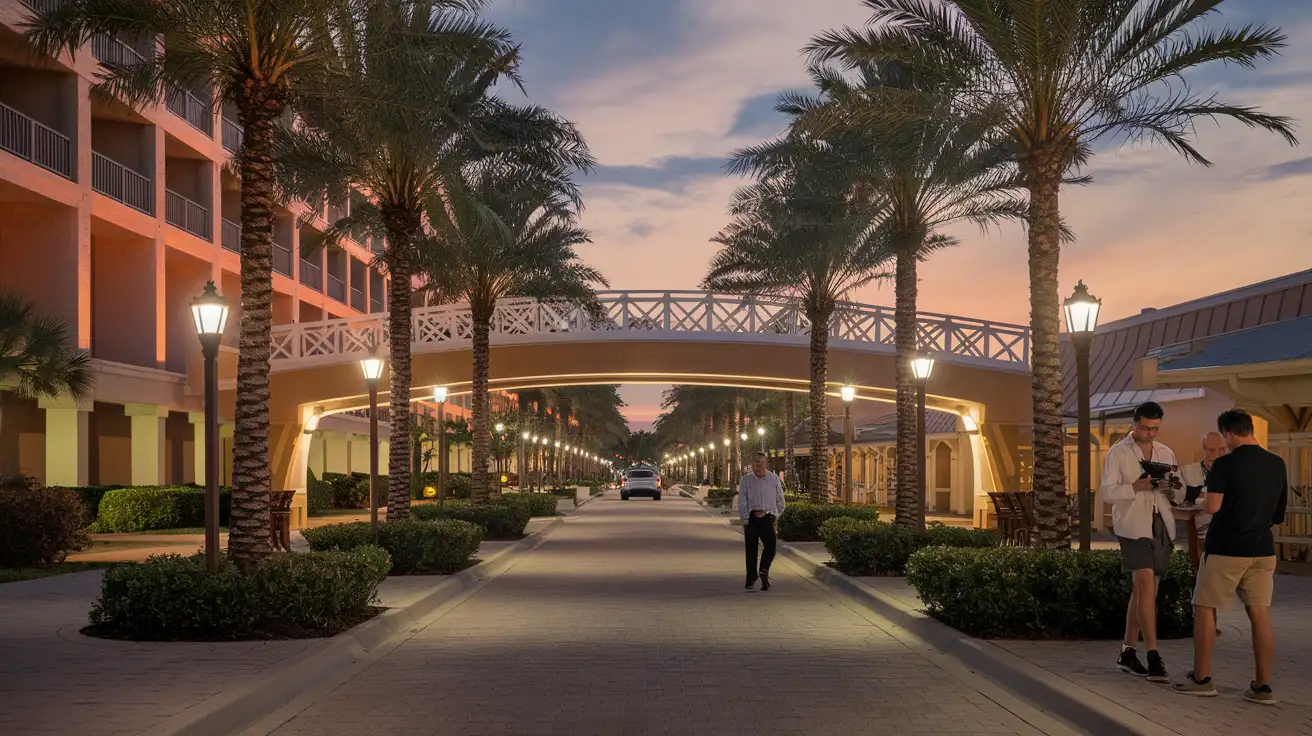
Connected Around the Resort Corridor
Compare Internet Plans in Orlando
 Recommended Recommended | Local SIM / Operator | Roaming | |
|---|---|---|---|
| FEATURES | |||
| Setup time | Few minutes | Store visit + paperwork | Auto |
| No local ID needed | Online checkout | Local ID required | Use home account |
| Speed | 4G/LTE; 5G in some areas | Carrier-grade | Partner-dependent |
| Travel support | English support 24/7 | Operator shops and call centre | Home carrier hours |
| Keep home number | Dual SIM | Replaces it | Same number |
| Cost predictability | Fixed price | Bills can spike | Bill-shock risk |
| PRICING | |||
Typical pricing | See plans below | — | — |
PRICING — PICK YOUR ESIMNO PLAN
Featured eSIM plans
American Mobile

American Mobile
American Mobile
American Mobile
American Mobile
American Mobile


