

Quick Facts
- Free WiFi at O'Hare
- Available in terminal areas; good for basic browsing and messages
- Best use for airport WiFi
- Downloading maps, checking email, light browsing while stationary
- Best use for mobile data
- Rideshare pickup, live transit updates, navigation, event-day movement
- Typical pain point
- Connection handoff during terminal movement or once you leave the building
- eSIMno Networks
- AT&T, T-Mobile, Verizon
What actually works at O'Hare
Here's the honest version: O'Hare WiFi is useful, but it's not the same thing as having dependable internet for the whole arrival. If you're sitting near your gate in Terminal 1 or waiting at baggage claim with a few minutes to spare, free WiFi is usually enough for the basics. You can message your hotel, check a reservation, or pull up directions before moving.
The trouble starts when your trip becomes mobile. That can mean walking to the CTA Blue Line station, finding the right pickup area outside arrivals, or heading straight toward downtown while your plans are still changing. In those moments, mobile data tends to feel less fragile. No portal page. No reconnecting. No guessing if the signal will hold once you're outside.
If your Chicago plan includes same-day movement to places like Navy Pier, the Art Institute of Chicago, or a hotel on the Magnificent Mile, it helps to treat airport WiFi as a short stopgap and mobile data as the thing that carries the day. If you want that ready before wheels-down, you can explore eSIMno plans for O'Hare Intl Airport, Chicago, Illinois, United States.
How to Connect
- At O'Hare arrivals: use WiFi for the quiet setup moment
After landing at O'Hare International Airport, connect to the airport's free WiFi while you're still inside the terminal. This is the right moment to download offline maps, check your hotel confirmation, and make sure your eSIM line is installed and selected for data before you start moving. - Heading to the CTA Blue Line or rideshare pickup: switch to mobile data
Once you're leaving the terminal for the Blue Line into downtown or walking toward the pickup zones, mobile data is usually the better choice. You may need live train timing, platform changes, or driver messages, and this is where airport WiFi becomes less convenient than a ready data connection. - Crossing busy downtown zones like the Magnificent Mile: avoid relying on public WiFi
If your first stop is around Water Tower Place, the John Hancock Center area, or hotel blocks near The Ritz-Carlton, Chicago, skip the hunt for café or lobby WiFi unless you're stopping anyway. For navigation, restaurant bookings, and meeting updates while walking, mobile data is faster and less distracting. - Hotel check-in or convention arrival: use WiFi as your backup, not your only plan
At hotel check-in or when arriving at McCormick Place for ASCO Annual Meeting 2026, connect to venue WiFi if it's offered, but keep mobile data active. Lobby and event networks can get crowded, and having data ready helps with QR codes, last-minute room messages, and map links without waiting for another login page.
Tips
- If your phone supports WiFi Assist or a similar setting, check how it behaves before the trip. At O'Hare, that feature can quietly switch you between weak WiFi and mobile data, which is helpful for some travelers and confusing for others.
- Before leaving the terminal, load one live transit app and one backup map app. Chicago trips often involve a quick decision between CTA, rideshare, or a direct transfer toward Union Station.
- If you're arriving on a game day near Wrigley Field or Soldier Field, expect heavier network demand once you get into the city. Do any essential downloads at the airport while you're still in a calmer environment.
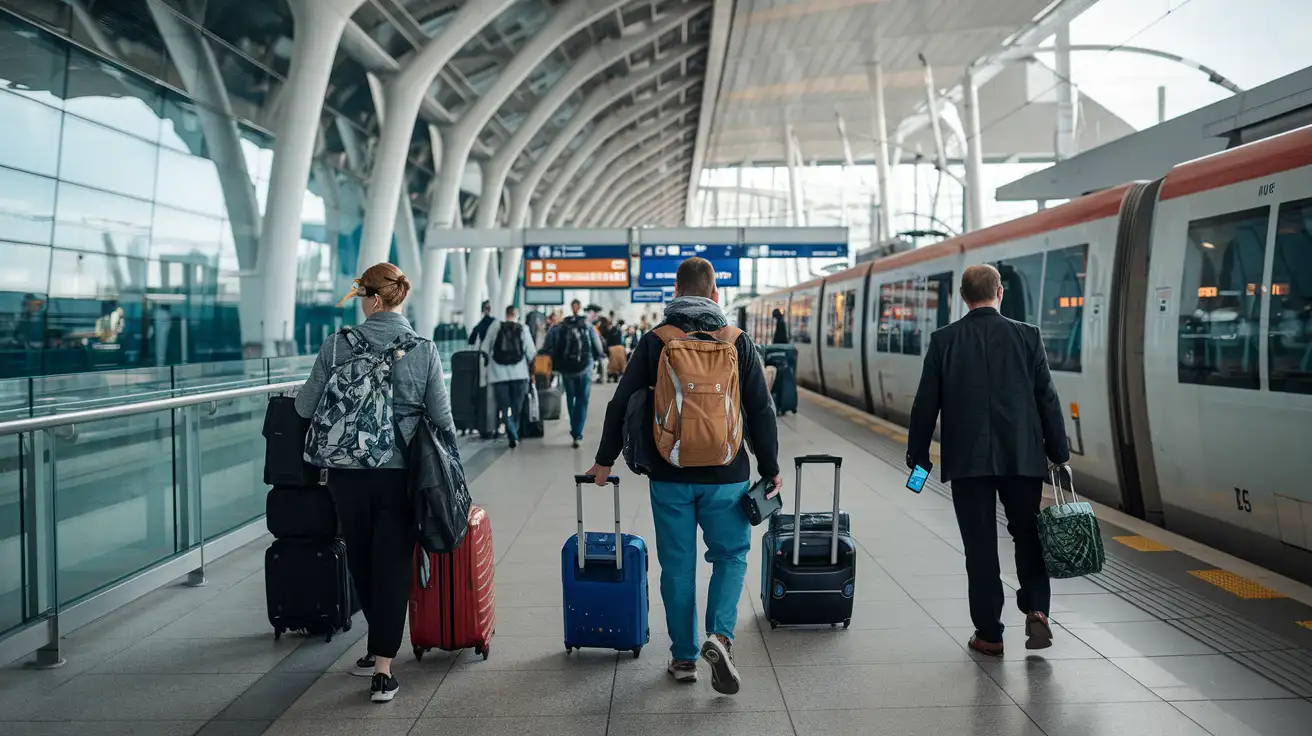
Airport-to-city connection moment
Simple cost breakdown: WiFi vs mobile data
Free airport WiFi costs nothing, of course, and that's part of the appeal. If your needs are light and you're happy to connect only while inside the terminal, it can do the job. The hidden cost is time: reconnecting, waiting on login pages, or losing momentum when you're already juggling bags and directions.
Mobile data through an eSIM usually costs more than free WiFi, but it covers the parts of the trip where timing matters most: airport exit, train transfers, hotel arrival, and city navigation. For a short Chicago stay, many travelers find that a small data plan is enough for maps, messaging, ride apps, and ticket access. For longer stays, convention days, or festival weekends, a larger plan makes more sense because your phone ends up doing more than expected.
We've seen this play out a lot in Chicago: people don't mind paying a little for data when it saves them from missing a pickup, circling the wrong entrance, or standing outside a hotel trying to reconnect. If that sounds familiar, eSIMno is an easy way to sort it before you travel.
Compare WiFi Options at O'Hare International Airport
 Recommended Recommended | Local SIM / Operator | Roaming | |
|---|---|---|---|
| FEATURES | |||
| Setup time | Few minutes | Store visit + paperwork | Auto |
| No local ID needed | Online checkout | Local ID required | Use home account |
| Speed | 4G/LTE; 5G in some areas | Carrier-grade | Partner-dependent |
| Travel support | English support 24/7 | Operator shops and call centre | Home carrier hours |
| Keep home number | Dual SIM | Replaces it | Same number |
| Cost predictability | Fixed price | Bills can spike | Bill-shock risk |
| PRICING | |||
Typical pricing | See plans below | — | — |
PRICING — PICK YOUR ESIMNO PLAN
Featured eSIM plans
American Mobile

American Mobile
American Mobile
American Mobile
American Mobile
American Mobile


