

Quick Facts
- Free WiFi at Malpensa
- Usually available in terminal areas for basic browsing and messaging
- Best use for airport WiFi
- Quick tasks while seated: checking train times, downloading one boarding pass, messaging your hotel
- Best use for mobile data
- Navigation, ride-hailing, live train updates, maps, and moving through Milan without reconnecting
- Typical arrival pain point
- Switching from terminal WiFi to transport or city connections during a fast transfer
- eSIMno Networks
- Vodafone, Wind Tre
WiFi or mobile data at Malpensa?
If you're sitting down in Terminal 1 with time to spare, airport WiFi can be perfectly fine for a few low-stakes jobs. Think checking the Malpensa Express platform, opening a hotel confirmation, or sending a quick arrival message. That's the cheap option, of course: free.
But Milan trips rarely stay still for long. The moment you start moving toward the station, queue for a taxi, or change plans on the fly, mobile data becomes much more useful. It keeps your maps live, your booking apps signed in, and your messages coming through without another login screen. That's especially handy if you're heading straight to Milano Centrale, checking into somewhere like The Westin Palace, or trying to coordinate a late arrival near the university districts.
Cost-wise, free WiFi wins only if your needs stay tiny. If you need reliable data through the whole day, an eSIM is usually the better value than roaming. Before you travel, you can explore eSIMno plans for Milan Malpensa Airport and choose a package that fits a weekend break, a work trip, or a longer Italy itinerary.
How to Connect
- At Malpensa arrivals: decide before you queue for transport
If you only need to message someone and confirm the next Malpensa Express departure, airport WiFi may do the job. If you're comparing train vs taxi, opening maps, and checking hotel instructions at the same time, switch to mobile data early so you don't lose connection while walking toward the station area. - On the Malpensa Express to Milano Centrale: use data, not station-by-station WiFi hunting
This is the point where a lot of travelers start needing live updates. Platform changes, onward metro directions, and hotel chats are easier on mobile data than waiting to reconnect once you reach Milano Centrale. - Around Duomo and Galleria Vittorio Emanuele II: expect heavier demand and keep data ready
Central Milan looks polished, but the busiest visitor zones can be awkward for stop-start connectivity. If you're checking museum times, meeting friends, or navigating on foot between Piazza Reale and nearby streets, mobile data is usually the smoother choice than relying on café WiFi. - At hotel check-in near Mandarin Oriental, Milan or The Westin Palace: use WiFi only after the essentials are done
Get your route, booking details, and payment apps sorted on mobile data first. Once you're in the room and settled, hotel WiFi is great for backups, streaming, and larger downloads.
Tips
- If your phone supports both an eSIM and a physical SIM, label them before departure. At Malpensa, that tiny bit of prep makes it much easier to know which line is handling data after landing.
- Download the Trenord or train-related info you need before boarding the airport train. Even with good data, having the route already saved makes station changes less stressful.
- Battery drains faster when your phone keeps jumping between weak indoor signals and public WiFi. In large terminals and stations, sticking to mobile data can actually be the cleaner option.
Simple cost breakdown
Here's the practical version. Airport WiFi: free, but best for short, low-pressure tasks. Hotel WiFi: usually included, but only useful once you've arrived and checked in. International roaming: convenient if your home plan is generous, but it can get expensive fast for maps, uploads, and tethering. eSIM data: usually the most balanced option for travelers who want predictable cost and immediate access from the airport onward.
For a short Milan stay, a small data package often covers maps, messaging, tickets, and light browsing. If you're in town for trade fairs, design events, or a match at San Siro, go a bit higher than you think you'll need. Event days mean more uploads, more app use, and more last-minute route checks.
I notice this especially on Milan arrivals that look easy on paper. A straight airport-to-hotel run somehow turns into train checks, restaurant messages, and a map refresh every ten minutes. That's exactly the kind of day where mobile data earns its keep.
Connected from terminal to city
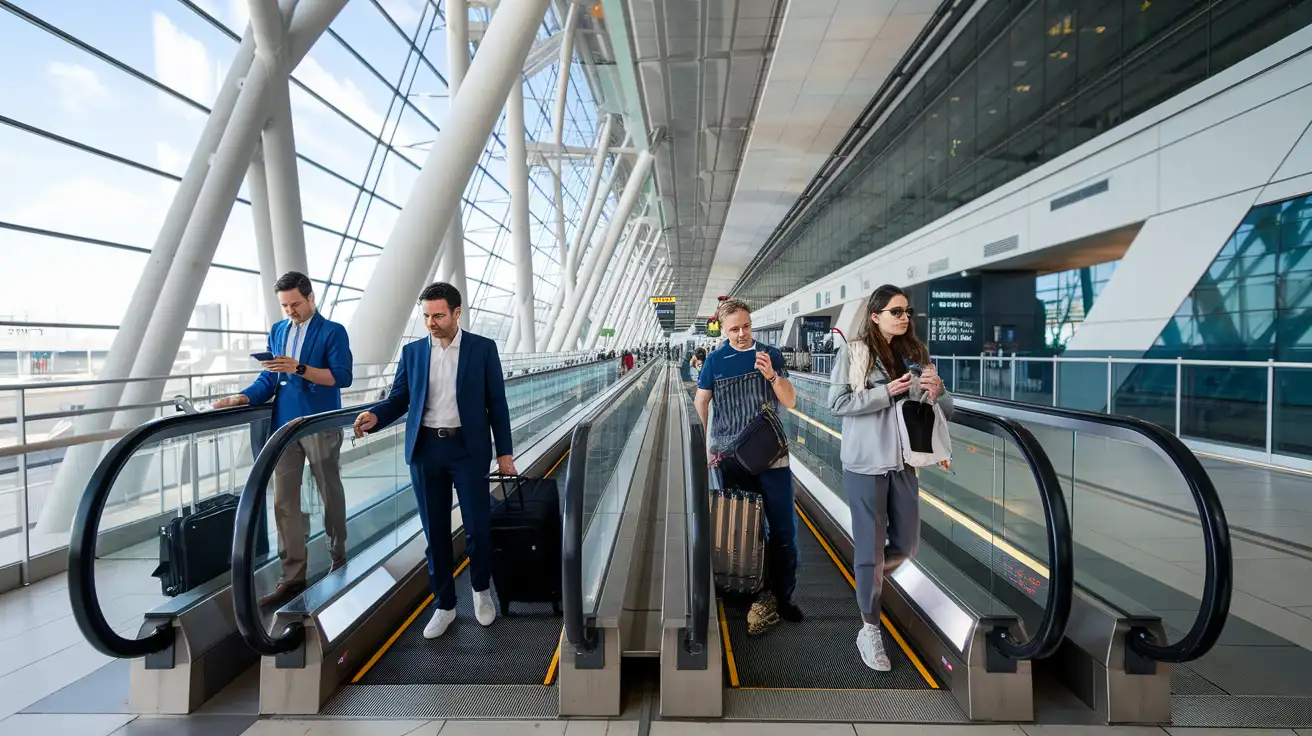
Compare WiFi Options at Milan Malpensa Airport
 Recommended Recommended | Local SIM / Operator | Roaming | |
|---|---|---|---|
| FEATURES | |||
| Setup time | Few minutes | Store visit + paperwork | Auto |
| No local ID needed | Online checkout | Local ID required | Use home account |
| Speed | 4G/LTE; 5G in some areas | Carrier-grade | Partner-dependent |
| Travel support | English support 24/7 | Operator shops and call centre | Home carrier hours |
| Keep home number | Dual SIM | Replaces it | Same number |
| Cost predictability | Fixed price | Bills can spike | Bill-shock risk |
| PRICING | |||
Typical pricing | See plans below | — | — |
PRICING — PICK YOUR ESIMNO PLAN
Featured eSIM plans
Italian Mobile

Italian Mobile
Italian Mobile
Italian Mobile
Italian Mobile
Italian Mobile
Italian Mobile
Italian Mobile


