

Quick Facts
- Best for
- Use WiFi indoors and mobile data while moving between beaches, cruise terminals, nightlife areas, and event venues
- Airport option
- Miami International Airport has WiFi, but setup before landing saves time at arrivals
- Typical free WiFi spots
- Hotels, cafes, malls, some museums, and airport areas
- Watch out for
- Crowded public networks in South Beach, event weekends, and slow logins in busy commercial zones
- eSIMno Networks
- AT&T, T-Mobile, Verizon
WiFi vs Mobile Data in Miami
Miami gives you plenty of chances to get online, but they’re not all equal. Hotel WiFi is usually fine for uploads, video calls, and trip planning once you’re checked in. Public WiFi works for quick tasks too, especially in places like Bayside Marketplace or larger indoor venues. Still, the city spreads your day across neighborhoods and water crossings, and that’s where mobile data starts earning its keep.
If you’re heading from Wynwood Walls to South Beach, or from downtown to the Port of Miami, you don’t want to keep reconnecting every time you change location. The same goes for event-heavy periods like the Miami Open, Formula 1 week, or Art Basel, when shared networks get crowded fast. For most travelers, the easiest split is simple: use trusted WiFi for heavier tasks, and keep data on for maps, rideshares, ticket scans, and messaging while you’re out. If you want that sorted before the trip, you can explore eSIMno plans for Miami.
How to Connect
- At Miami International Airport arrivals
If you’ve just landed at Miami International Airport and need a rideshare, hotel message, or directions to the Metrorail connection, don’t rely on airport WiFi as your only option. It’s useful, but arrivals can be hectic and login steps feel slower when you’re tired. This is the moment mobile data is worth having ready before touchdown. - Walking through Wynwood Walls or Little Havana
These are the kind of neighborhoods where plans change on the fly. You stop for photos, look up a cafe, then book a ride somewhere else. Cafe WiFi can help if you sit down, but while you’re moving between murals or along Calle Ocho, mobile data is the easier choice. - During a Port of Miami transfer
Cruise days are all about timing. Around the Port of Miami, you may be checking terminal details, luggage instructions, or last-minute boarding messages while switching between shuttle, taxi, or hotel pickup. Free WiFi isn’t something we’d count on here; data is the safer bet for a smooth handoff. - At hotel check-in on Miami Beach
Once you’re checked in at a place like Fontainebleau Miami Beach or another resort, switch larger tasks to hotel WiFi: cloud backups, app updates, and streaming. Save your mobile data for later when you head back out to Ocean Drive, Lincoln Road, or a late dinner in the Design District.
Tips
- South Beach and Ocean Drive can feel well covered, but signal quality changes once crowds build at night. Download maps before you head out.
- If you’re going to Everglades National Park or Shark Valley Visitor Center, don’t assume the same connectivity you had in central Miami. Sort directions and tickets in advance.
- Big event days near Hard Rock Stadium or the arena district can overload both WiFi and mobile networks for short periods, so screenshot tickets before you leave your hotel.
What It Usually Costs
Miami doesn’t usually force you into expensive connectivity choices, but the cheapest option isn’t always the most useful. Free WiFi costs nothing, obviously, though the trade-off is time, inconsistent speed, and the occasional awkward login page. Hotel WiFi is often included in your stay, but some properties fold it into resort fees, especially in beach areas.
Roaming with your home carrier can be the priciest route if your plan doesn’t already include US data. Travelers often end up paying daily roaming charges that add up quickly over a week. A travel eSIM is usually easier to predict: you pay once, activate it on your phone, and use local network access without hunting for a store. For a short Miami stay, that tends to be the sweet spot between convenience and cost, especially if your trip includes airport transfers, beach days, and a cruise departure.
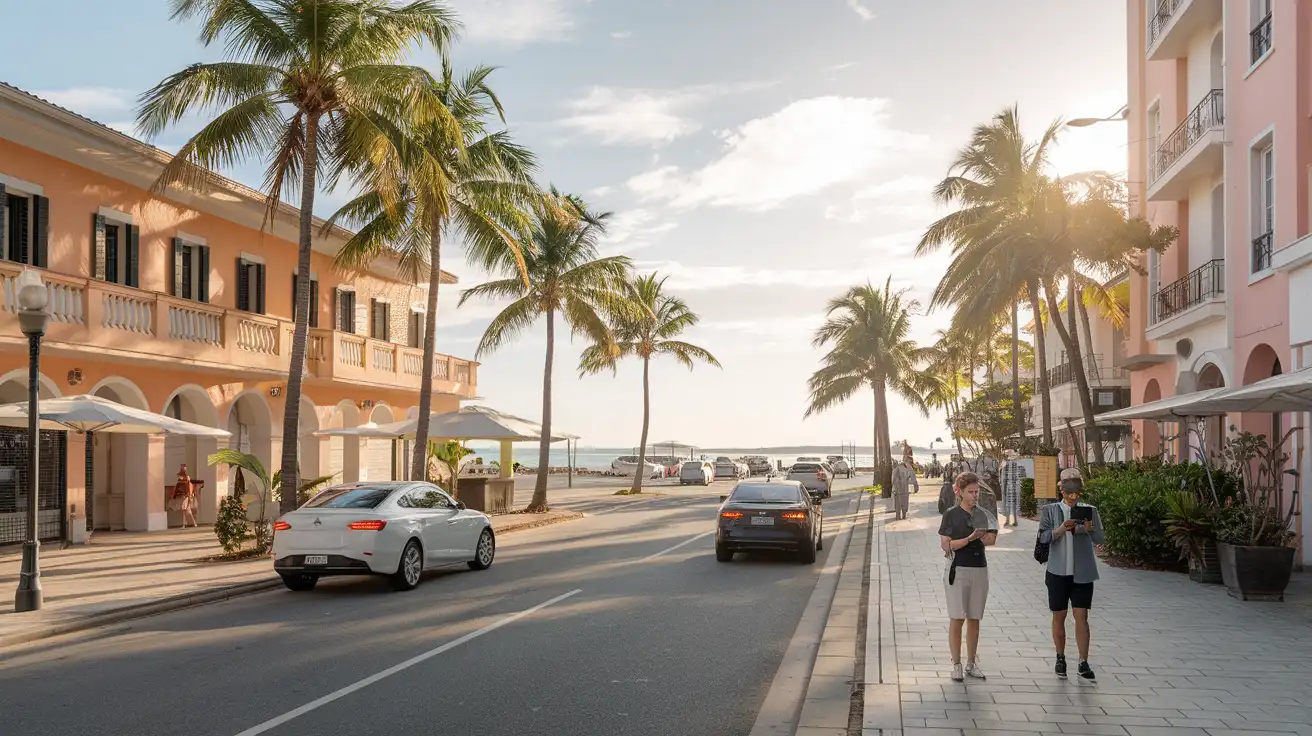
Connected Between Beach and City
Compare Internet Plans in Miami
 Recommended Recommended | Local SIM / Operator | Roaming | |
|---|---|---|---|
| FEATURES | |||
| Setup time | Few minutes | Store visit + paperwork | Auto |
| No local ID needed | Online checkout | Local ID required | Use home account |
| Speed | 4G/LTE; 5G in some areas | Carrier-grade | Partner-dependent |
| Travel support | English support 24/7 | Operator shops and call centre | Home carrier hours |
| Keep home number | Dual SIM | Replaces it | Same number |
| Cost predictability | Fixed price | Bills can spike | Bill-shock risk |
| PRICING | |||
Typical pricing | See plans below | — | — |
PRICING — PICK YOUR ESIMNO PLAN
Featured eSIM plans
American Mobile

American Mobile
American Mobile
American Mobile
American Mobile
American Mobile


