

Quick Facts
- Best connection strategy
- Use mobile data for navigation, rides, tickets, and transfers; use WiFi for hotel downtime and large downloads.
- Free WiFi availability
- Common in hotels, cafes, malls, and some public venues, but quality varies a lot by neighborhood and crowd levels.
- Typical traveler pain points
- Airport pickup zones, stadium exits, beach areas, and traffic-heavy route changes where you need maps instantly.
- eSIMno Networks
- AT&T, T-Mobile, Verizon
- Good for remote tasks?
- Yes, but hotel or coworking-style WiFi is better for video calls than relying on public networks.
WiFi vs Mobile Data in Los Angeles
LA is huge, and that changes the internet equation. In a compact city, you can duck into a cafe, reconnect, and keep going. In Los Angeles, you might be halfway to Griffith Observatory, waiting outside the Natural History Museum of Los Angeles County, or trying to find your driver near Union Station when you realize public WiFi isn’t really part of the moment.
That’s why we’d treat WiFi as support, not the main plan. Hotel WiFi is usually enough for streaming, trip planning, and backing up photos. Cafe and mall WiFi can help for a quick recharge. But for maps, rideshare apps, event tickets, restaurant bookings, and messaging while moving between neighborhoods, mobile data is usually the more reliable choice.
If you want to sort it before takeoff, explore eSIMno plans for Los Angeles and land with data already ready to go.
How to Connect
- At LAX, choose mobile data first
Los Angeles International Airport is busy, spread out, and full of pickup logistics. If you’re ordering a rideshare, checking FlyAway bus details, or messaging someone about the right terminal curb, use mobile data instead of waiting on airport WiFi to cooperate. - Near Hollywood Walk of Fame, don’t count on public WiFi
This area is crowded, stop-and-go, and full of quick plan changes. If you’re comparing tour times, pulling up tickets, or rerouting to Capitol Records Building or Runyon Canyon Park, mobile data will save more time than hunting for a cafe network. - At Union Station transfers, keep data active
If you’re switching between Metro, regional rail, or heading onward to Pasadena or Downtown, this is not the moment to lose maps. Train platforms, bus bays, and last-minute route checks are easier with your own connection than with patchy public WiFi. - At hotel check-in, switch heavy tasks to WiFi
Once you’re settled at places like Hilton Los Angeles/Universal City or The Beverly Hilton, use hotel WiFi for app updates, cloud backups, and streaming. Save mobile data for the next day when you’re back out at Santa Monica Pier, The Broad, or Dodger Stadium.
Tips
- Beach areas like Venice Beach and Dockweiler State Beach are fine for casual browsing, but bright sun and constant movement make it easier to rely on mobile data than to keep reconnecting to public networks.
- If you’re heading to a game at Crypto.com Arena, Dodger Stadium, or the Los Angeles Memorial Coliseum, screenshot your ticket before arrival. Crowds can slow things down even when coverage exists.
- Use hotel WiFi overnight for large uploads and software updates. In LA, your daytime data is better spent on maps, rides, parking, and reservations than on background downloads.
What Internet Usually Costs
Los Angeles gives you a few different ways to stay online, and the cheapest option isn’t always the most useful.
Free WiFi: Often available at hotels, cafes, shopping centers like The Grove, and some museums or public venues. Cost: free, but speed and login friction vary.
Hotel WiFi: Usually included at mid-range and upscale properties, though some hotels still tie faster tiers to loyalty status or room category. Cost: often free, sometimes bundled.
Local SIM or airport SIM purchase: Usually more expensive and slower to arrange than travelers expect, especially after a long flight. Cost: commonly higher upfront once taxes and plan minimums are added.
eSIM: Usually the easiest middle ground for short trips. You can set it up before arrival, skip the store visit, and keep your main number active if your phone supports dual SIM. For most visitors, that convenience matters more in LA than in smaller cities because you often need data immediately.
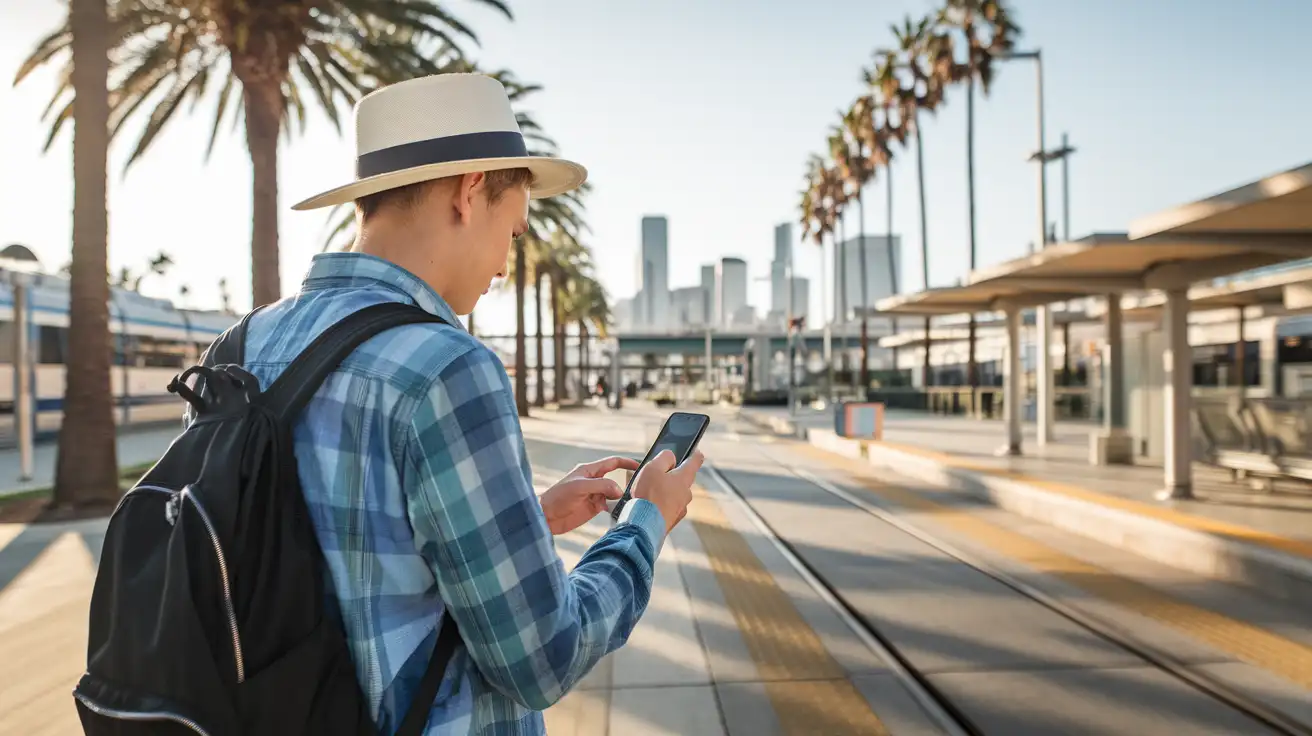
Connected Between Neighborhoods
Compare Internet Plans in Los Angeles
 Recommended Recommended | Local SIM / Operator | Roaming | |
|---|---|---|---|
| FEATURES | |||
| Setup time | Few minutes | Store visit + paperwork | Auto |
| No local ID needed | Online checkout | Local ID required | Use home account |
| Speed | 4G/LTE; 5G in some areas | Carrier-grade | Partner-dependent |
| Travel support | English support 24/7 | Operator shops and call centre | Home carrier hours |
| Keep home number | Dual SIM | Replaces it | Same number |
| Cost predictability | Fixed price | Bills can spike | Bill-shock risk |
| PRICING | |||
Typical pricing | See plans below | — | — |
PRICING — PICK YOUR ESIMNO PLAN
Featured eSIM plans
American Mobile

American Mobile
American Mobile
American Mobile
American Mobile
American Mobile


