

Quick Facts
- Best option for most travelers
- eSIM for instant setup and fewer logistics than pocket WiFi
- Free WiFi availability
- Common in airports, hotels, major stations, some cafés and chain restaurants, but inconsistent in transit transitions and crowded areas
- Typical daily data need
- 1-2 GB for maps, messaging, translation, ticketing, and light social use
- Pocket WiFi sweet spot
- Good for groups sharing one connection or travelers carrying multiple devices
- eSIMno Networks
- KDDI, Softbank
WiFi vs Mobile Data in Japan
Japan has a reputation for being ultra-connected, and in many ways that's true. You'll see WiFi in airports, business hotels, department stores, and plenty of urban hotspots. But the weak point is continuity. Public networks often ask for sign-ins, time out, or need reconnecting after you move between floors, platforms, or underground passages.
That matters more in Japan than people expect. A lot of travel here depends on your phone in short, practical bursts: platform changes, QR reservations, route checks, weather alerts, translation, and digital payment backups. If you're heading from Narita into central Tokyo, changing trains at Ueno, or trying to find the correct bus stop near Kawaguchiko Station, those are not ideal moments to be hunting for a login page.
Cost-wise, free WiFi is obviously cheapest, but it comes with friction. Pocket WiFi rental usually runs higher once you add insurance and return requirements. eSIM tends to be the simplest middle ground: no pickup counter, no extra device in your bag, and no need to swap out your main SIM on compatible phones. If that sounds closer to how you travel, you can explore eSIMno plans for Japan before you fly.
How to Connect
- 1. Arriving at Narita, Haneda, or Kansai Airport
Use airport WiFi for a quick check if you want, but this is the moment to decide how much friction you can tolerate. If you need to book an airport limousine bus, message your hotel, or load train directions before boarding the Narita Express, Keikyu Line, or JR Haruka, mobile data is usually the safer choice because you won't have to reconnect once you leave the terminal. - 2. Crossing a busy market zone like Nishiki Market or Dotonbori
Crowded food streets are where public WiFi sounds useful but often feels unreliable. You're moving, stopping, translating menus, checking opening hours, and maybe sending a meeting point to friends. In places like Kyoto's Nishiki Market or Osaka's Dotonbori canal area, mobile data is usually more dependable than hoping each shop or public hotspot behaves the same way. - 3. During a ferry transfer from Miyajimaguchi to Miyajima
This is a classic Japan travel moment where timing matters. You may be checking ferry schedules, weather, shrine tide times, or onward train connections back toward Hiroshima. Station and terminal WiFi can be fine while standing still, but once you're in motion, having your own data keeps the handoff simple and avoids dead time between networks. - 4. Hotel check-in in Shinjuku, Sapporo, or near Hakata Station
Hotel WiFi is often perfectly good once you're in the room. The question is what happens before that: finding the entrance, confirming a self check-in code, or navigating a tower with multiple elevators and basement levels. Keep mobile data active until you're settled, then switch to hotel WiFi for heavier tasks like backups, video calls, or large uploads.
Tips for Keeping a Stable Connection
- Download offline maps for Tokyo, Osaka, Kyoto, and any rural stop before travel days. Japan's stations can be huge, and underground routing is where reconnect delays feel longest.
- If you're taking the Shinkansen, expect your connection quality to vary by route segment and tunnel coverage. Save tickets, hotel addresses, and key screenshots locally.
- Pocket WiFi is handy for families, but remember it needs charging every day. If the battery dies during a long day trip to Nikko or Hakone, everyone loses access at once.
- Many hotel networks are fine for evening use, but speeds can dip after check-in hours. Use your mobile data for urgent tasks if the lobby or room WiFi feels overloaded.
- Keep a translation app and your accommodation details available offline. This helps in smaller towns, mountain areas, and ferry ports where you may not want to rely on public WiFi at all.
What It Costs
Here's the practical breakdown. Free public WiFi costs nothing, but the tradeoff is time: repeated logins, inconsistent speeds, and occasional dead spots exactly where you need directions. Pocket WiFi rentals often make sense for groups, but daily rental fees, deposits or insurance, and return-by-mail or airport-counter logistics can push the total up. Physical SIM cards can be reasonable, though availability and setup depend on your phone and whether you want to remove your home SIM.
eSIM is usually the cleanest option for solo travelers, couples, and short city-hopping trips. You buy the plan, install it on a compatible phone, and activate it without collecting hardware. That means no return envelope, no extra charger, and no stress if you land late. We generally suggest comparing your trip length and expected usage first: light users can keep costs low, while heavy map, video, and hotspot users should choose a larger data allowance from the start.
A simple rule: if your trip includes multiple cities, train changes, or side trips to places like Nara, Kamakura, or Naoshima, paying a bit for reliable mobile data usually saves more hassle than trying to piece together free WiFi all day.
Connected Between Stops
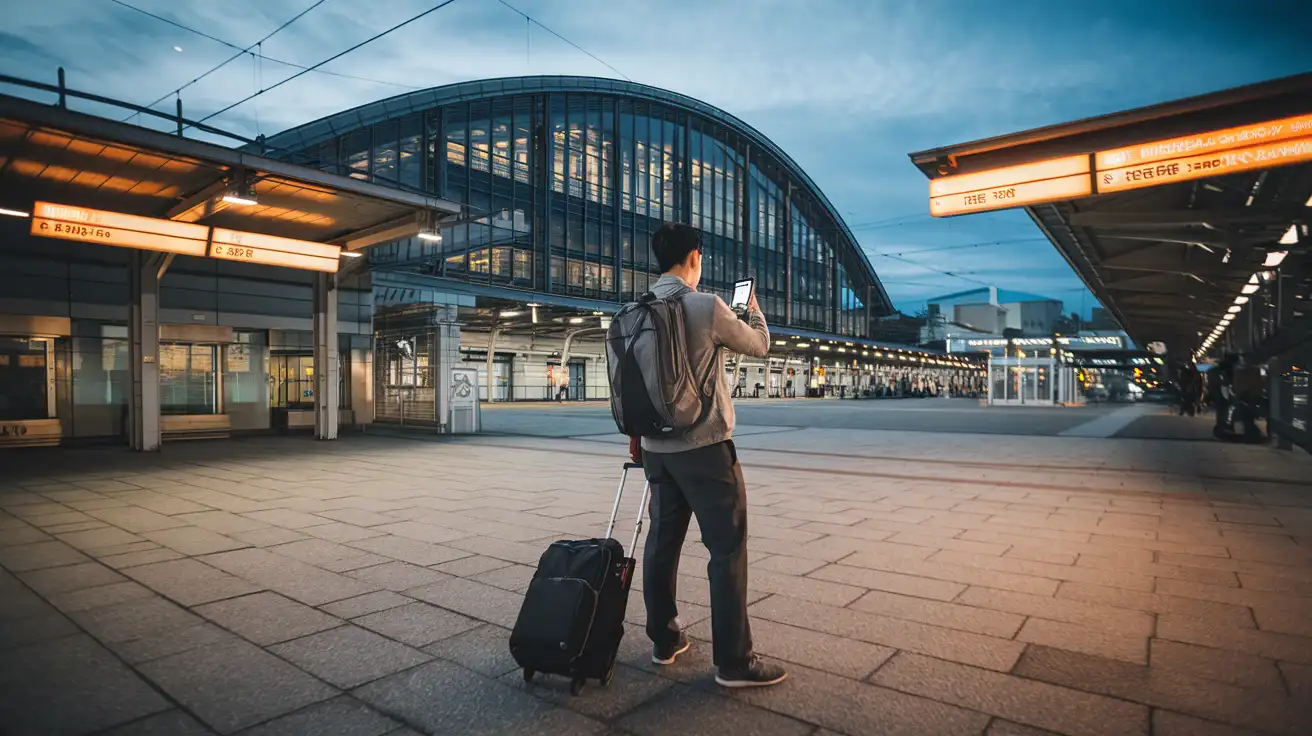
Compare Connectivity Options for Japan
 Recommended Recommended | Local SIM / Operator | Roaming | |
|---|---|---|---|
| FEATURES | |||
| Setup time | Few minutes | Store visit + paperwork | Auto |
| No local ID needed | Online checkout | Local ID required | Use home account |
| Speed | 4G/LTE; 5G in some areas | Carrier-grade | Partner-dependent |
| Travel support | English support 24/7 | Operator shops and call centre | Home carrier hours |
| Keep home number | Dual SIM | Replaces it | Same number |
| Cost predictability | Fixed price | Bills can spike | Bill-shock risk |
| PRICING | |||
Typical pricing | See plans below | — | — |
PRICING — PICK YOUR ESIMNO PLAN
Featured eSIM plans
Japan Mobile

Japan Mobile
Japan Mobile
Japan Mobile
Japan Mobile
Japan Mobile
Japan Mobile
Japan Mobile


