

Quick Facts
- Best for airport arrival
- Mobile data for rides, maps, and hotel contact right after landing
- Airport WiFi use case
- Good for quick messages, email checks, and downloading one or two documents
- Hotel WiFi in Honolulu
- Usually fine for casual use, but speeds can dip in busy lobbies, pool zones, and evening peak hours
- Public WiFi expectation
- Useful as backup, not ideal for payments, navigation, or anything time-sensitive
- Typical traveler choice
- Use WiFi when seated and settled; use mobile data while moving between airport, beach, and city stops
- eSIMno Networks
- AT&T, T-Mobile, Verizon
WiFi vs Mobile Data in Honolulu
Here’s the honest version: free WiFi in Honolulu is handy, but it’s rarely the connection you want to depend on for a full day out. At Daniel K. Inouye International Airport, WiFi can cover the basics while you’re still inside the terminal. Once you’re in a taxi line, waiting for a rideshare, or heading toward Waikiki with luggage in tow, mobile data becomes the easier option.
The same pattern shows up around the city. A museum stop like the Bernice Pauahi Bishop Museum or Honolulu Museum of Art is usually a low-stress moment to use venue WiFi if it’s available. A moving day is different. If you’re switching from downtown near Iolani Palace to sunset at Magic Island Lagoon, your phone is doing live navigation, messaging, and maybe a restaurant search all at once. That’s where mobile data wins.
We’d treat WiFi as the sit-down connection and mobile data as the moving connection. If that sounds like your trip, explore eSIMno plans for Daniel K. Inouye International Airport, Honolulu before you fly.
How to Connect
- 1. Right after landing at Daniel K. Inouye International Airport
Use airport WiFi for the first five minutes only if you need to message family, check your hotel address, or pull up a booking email. If you’re ordering a rideshare or coordinating pickup from the arrivals area, switch to mobile data so your app keeps updating as you move between terminal and curb. - 2. On the way into Waikiki or downtown Honolulu
During the drive toward Hilton Hawaiian Village Waikiki Beach Resort, Iolani Palace, or Aloha Tower Marketplace, stay on mobile data. This is the moment when maps recalculate, drivers message, and hotel details suddenly matter. Public WiFi won’t help much while you’re in motion. - 3. In a busy local zone like Chinatown Marketplace or Kakaʻako Farmers Market
Crowded areas are where we’d avoid relying on public WiFi for anything sensitive. Use mobile data for payments, messaging, and directions between stalls or side streets. Save WiFi for low-risk browsing once you’re seated somewhere calm. - 4. At hotel check-in before heading back out
Once you’re checked in, test the hotel WiFi from your room before assuming it’ll handle everything. If you’re planning an evening walk to Kuhio Beach Park or a quick ride to Rainbow Drive-In, keep mobile data active as your default outside the room. Hotel WiFi is often best treated as your indoor connection, not your all-day one.
Tips
- If your phone auto-joins saved networks, turn that setting off before arrival. Honolulu has enough stop-and-go moments that random WiFi handoffs can get annoying fast.
- Download your first-day map area over WiFi while still seated at the airport or hotel. It cuts down on battery drain later when you’re moving around Waikiki and downtown.
- If you’re sharing photos or backing up videos from the beach, wait for stable hotel WiFi at night. Mobile data is better saved for navigation, bookings, and messages during the day.
Simple Cost Breakdown
For most travelers, the real comparison isn’t just free versus paid. It’s convenience versus friction.
Airport WiFi: usually free, good for a short burst of use, but not something we’d build the whole arrival around.
Hotel WiFi: often included with your stay, though some properties tie better speeds to room category or loyalty perks. Fine for streaming or trip planning once you’re settled.
Cafe or public WiFi: often free with a purchase, but quality varies and it’s not ideal for anything sensitive.
Mobile data by eSIM: paid, but predictable. You’re paying for the ability to step out of the airport, cross town, or head toward places like Hanauma Bay Nature Preserve without wondering where the next usable network is.
That tradeoff feels especially worth it in Honolulu because the day rarely stays in one place for long. I’ve had perfectly decent hotel WiFi here, then lost patience the second I needed directions from a lobby to a dinner spot and the phone clung to a weak signal. That’s exactly the kind of tiny hassle an eSIM avoids.
Arrival Connection Moment
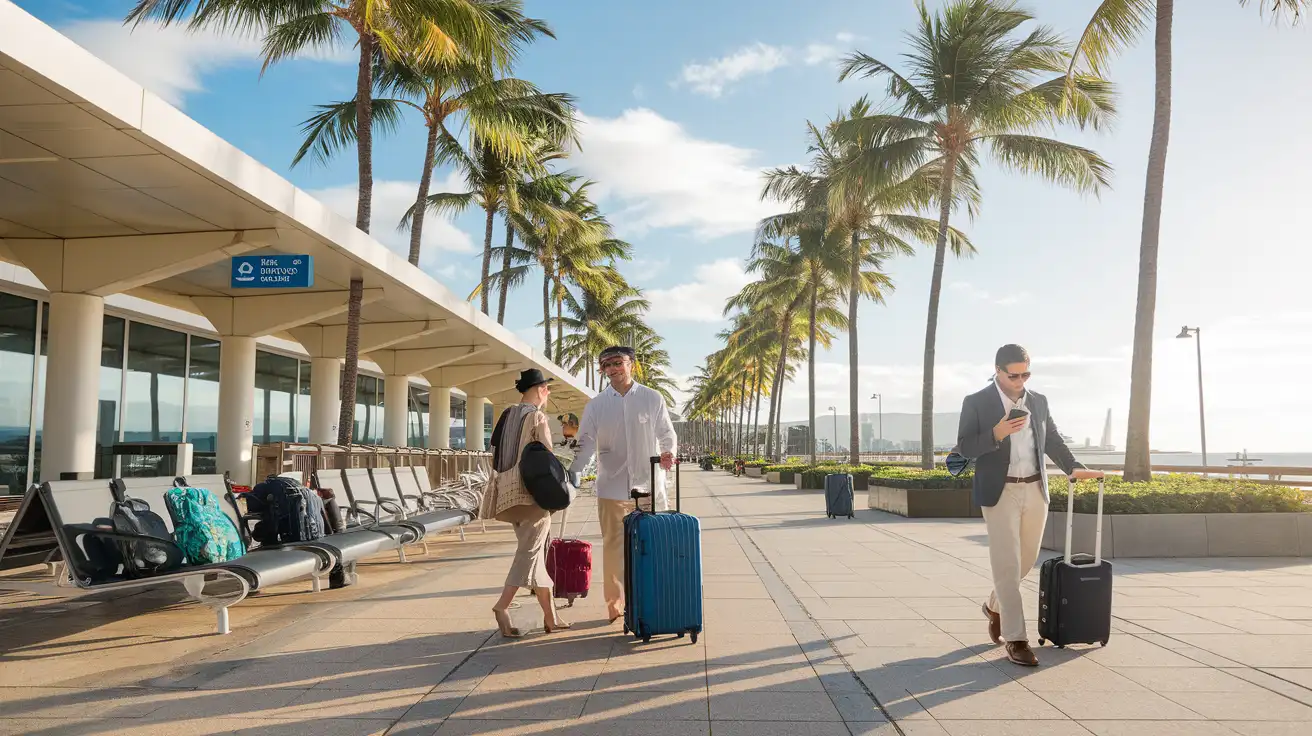
Compare WiFi Options at Daniel K. Inouye International Airport
 Recommended Recommended | Local SIM / Operator | Roaming | |
|---|---|---|---|
| FEATURES | |||
| Setup time | Few minutes | Store visit + paperwork | Auto |
| No local ID needed | Online checkout | Local ID required | Use home account |
| Speed | 4G/LTE; 5G in some areas | Carrier-grade | Partner-dependent |
| Travel support | English support 24/7 | Operator shops and call centre | Home carrier hours |
| Keep home number | Dual SIM | Replaces it | Same number |
| Cost predictability | Fixed price | Bills can spike | Bill-shock risk |
| PRICING | |||
Typical pricing | See plans below | — | — |
PRICING — PICK YOUR ESIMNO PLAN
Featured eSIM plans
American Mobile

American Mobile
American Mobile
American Mobile
American Mobile
American Mobile


