

Quick Facts
- Free Airport WiFi
- Available in terminal areas; fine for light browsing and messages, less ideal for time-sensitive travel tasks during busy periods
- Best For WiFi
- Quick booking checks, downloading one ticket, messaging after landing
- Best For Mobile Data
- RER B navigation, ride-hailing, live maps, hotel contact, multi-stop arrival days
- Typical Arrival Decision
- Use WiFi inside CDG, then switch to mobile data before leaving the terminal
- eSIMno Networks
- Bouygues, Orange, SFR
Where Airport WiFi Helps — and Where It Starts to Feel Thin
CDG is big enough that connection quality matters in stages. While you’re still seated near arrivals, airport WiFi can be perfectly adequate for the basics: checking your hotel address, opening a boarding pass for a connecting train, or sending a quick ‘landed safely’ message. If that’s all you need, free WiFi does the job.
The trouble starts once your day becomes mobile. Maybe you’re heading to Gare du Nord on the RER B, maybe you’re meeting someone outside Terminal 2, maybe you’ve got a same-day run toward a conference venue in Paris. That’s when mobile data usually wins. It’s more reliable for live navigation, app-based transport, and those annoying little updates that happen while you’re already walking.
If you’d rather sort it out before the rush, explore eSIMno plans for Charles de Gaulle Airport and have data ready before you leave the terminal.
How to Connect
- At arrivals in Terminal 2: use WiFi for the first five minutes, not the whole journey
Once you’re through arrivals at Paris Charles de Gaulle Airport, connect to the airport WiFi to handle one-time tasks: check your hotel confirmation, pull up your passport control message, or download a rail ticket. If you’re staying connected longer than that, switch to mobile data before you start moving toward the station or pickup area. - Heading for the RER B toward Gare du Nord: choose mobile data before you reach the platform
This is the moment where free WiFi stops being useful. You may need live train info, platform guidance, or a backup route if service changes. If you’re going into central Paris by RER B, mobile data is the safer choice before boarding, not after the train starts moving. - Passing through a busy market zone like the Latin Quarter later that day: don’t rely on café WiFi
If your first afternoon takes you into crowded streets near the Latin Quarter or around Hôtel de Ville, public WiFi becomes hit-or-miss and often slower than you want. Use mobile data for maps, translation, and restaurant bookings while you’re actively walking around. - Hotel check-in near Opéra or around the Ritz Paris area: keep data on until you’re in the room
A lot of travelers assume hotel WiFi solves everything, but check-in is exactly when you may still need your phone for reservation emails, digital payment checks, or messaging the front desk. Keep mobile data active until you’ve confirmed the room and connected to the hotel network properly.
Tips
- If your phone supports it, set your eSIM as the data line before landing so you’re not doing settings changes beside the baggage belt.
- At CDG, save a screenshot of your terminal number and onward train details separately from your email app. If WiFi login pages lag, you’ll still have the essentials.
- If you’re meeting a driver or friend, send them your exact terminal and door number once you’re outside. At Charles de Gaulle, a vague ‘I’m here’ message isn’t very helpful.
eSIM Setup and Cost Breakdown
Here’s the simple version. Airport WiFi is free, so the direct cost is zero. The tradeoff is convenience and consistency. If you only need ten minutes online inside CDG, free WiFi may be enough. If you need your phone to keep working on the train, in a taxi queue, or while finding your hotel, mobile data is usually worth paying for.
A practical setup looks like this:
1. Buy your eSIM before departure or while still on stable home WiFi.
2. Install it on your phone and label it clearly.
3. Turn on the eSIM line for data when you land at CDG.
4. Keep your primary SIM for calls only if needed.
5. Test maps or messaging before leaving the terminal.
Cost-wise, airport WiFi is free but limited by context. Mobile data through an eSIM costs more than free, obviously, but it can save money indirectly by helping you avoid missed pickups, wrong train choices, or expensive roaming. For most short Paris trips, travelers usually value reliability more than squeezing out every last euro of connection cost.
We’d think of it this way: WiFi is the free tool for a pause; eSIM data is the paid tool for a moving day. If your arrival includes rail transfers, event check-ins, or same-day sightseeing, the second option tends to feel better.
Arrival Connection Moment
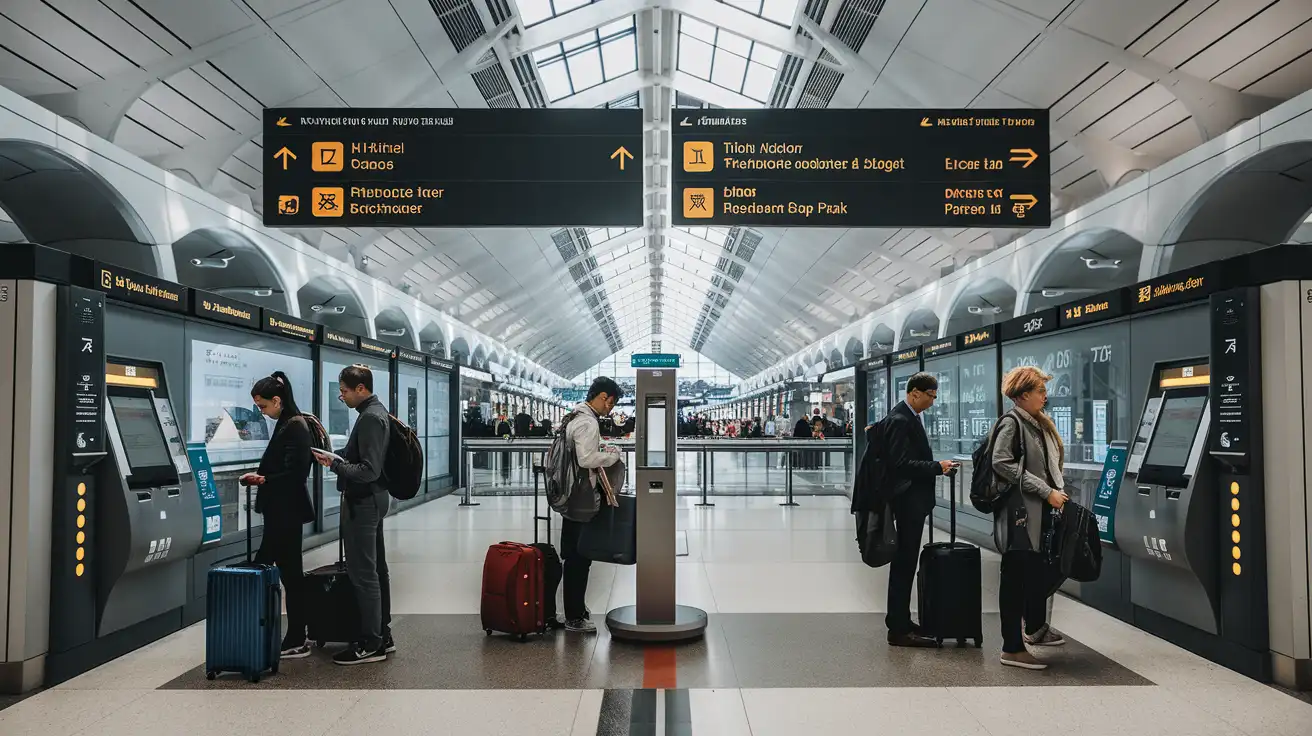
Compare WiFi Options at Paris Charles de Gaulle Airport
 Recommended Recommended | Local SIM / Operator | Roaming | |
|---|---|---|---|
| FEATURES | |||
| Setup time | Few minutes | Store visit + paperwork | Auto |
| No local ID needed | Online checkout | Local ID required | Use home account |
| Speed | 4G/LTE; 5G in some areas | Carrier-grade | Partner-dependent |
| Travel support | English support 24/7 | Operator shops and call centre | Home carrier hours |
| Keep home number | Dual SIM | Replaces it | Same number |
| Cost predictability | Fixed price | Bills can spike | Bill-shock risk |
| PRICING | |||
Typical pricing | See plans below | — | — |
PRICING — PICK YOUR ESIMNO PLAN
Featured eSIM plans
France Mobile

France Mobile
France Mobile
France Mobile
France Mobile
France Mobile
France Mobile
France Mobile


